
Seedream 5.0 Lite Return Deadline Notice Banner Background Prompts
Generate text-free return-deadline notice backgrounds while keeping eligibility, dates, timezone, exceptions, refund method, instructions, and customer actions editable.
Quick answer
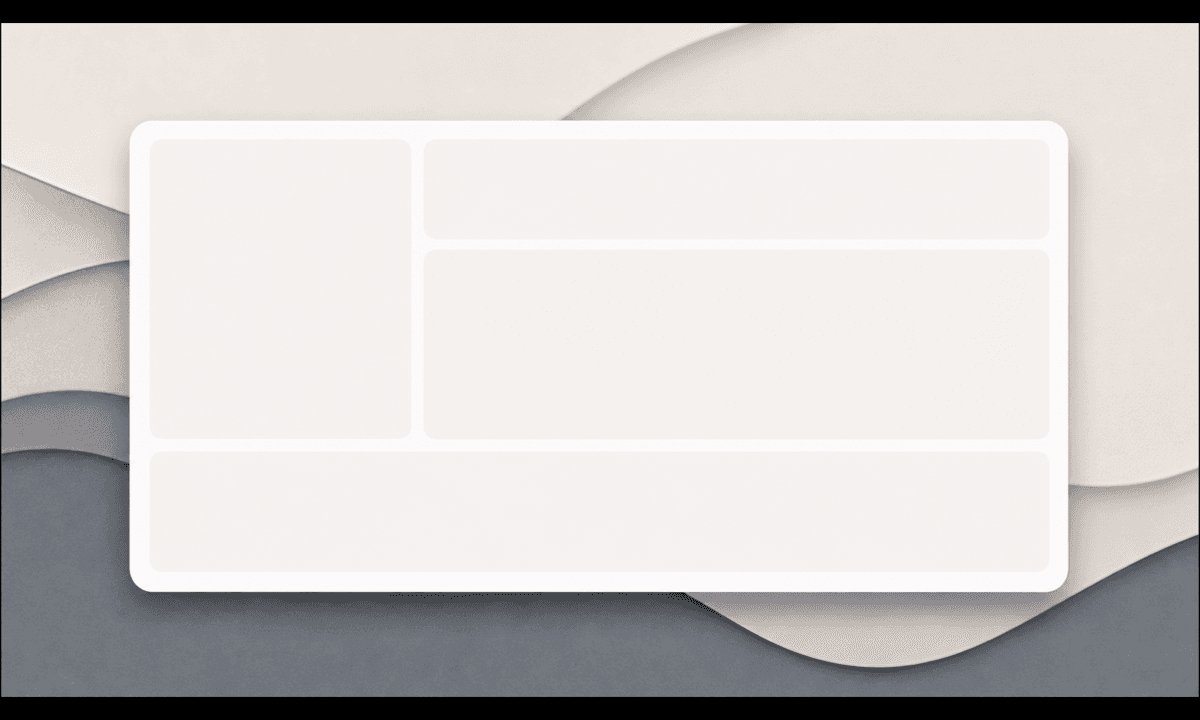
Use Seedream 5.0 Lite only for a neutral text-free background family. Calculate item eligibility, return-by date, timezone, holiday extension, final-sale status, category exceptions, condition rules, return method, fees, refund destination and support from the current order and policy service. Keep the actual deadline and actions in editable accessible UI, and avoid clocks, countdowns or parcel imagery that implies urgency or guaranteed acceptance.
Who this guide is for
Ecommerce brands, marketplaces, subscription retailers, lifecycle teams, returns operations and agencies building account, email, app and order-detail reminders.
Recommended model
| Use case | Recommended model | Why |
|---|---|---|
| This workflow | Seedream 5.0 Lite for coordinated text-free return-notice backgrounds | Fast ratio variation supports multiple channels while customer-specific deadlines, eligibility and policy terms stay governed by live systems. |
AIBase is an independent creative platform. Model names are shown only to identify supported underlying technologies and workflow choices.
Prompt template
Create a text-free [account banner / mobile card / email header] background for a return-deadline notice. Reserve generous zones for item identity, eligibility explanation, return-by date and timezone, condition and exception note, return method, refund explanation, support and action button. Use restrained [palette] with calm layered geometry and accessible contrast. No parcel, courier, calendar, clock, countdown, warning triangle, refund amount, deadline, date, number, urgency, guarantee, person, word, logo or watermark.
Step-by-step workflow
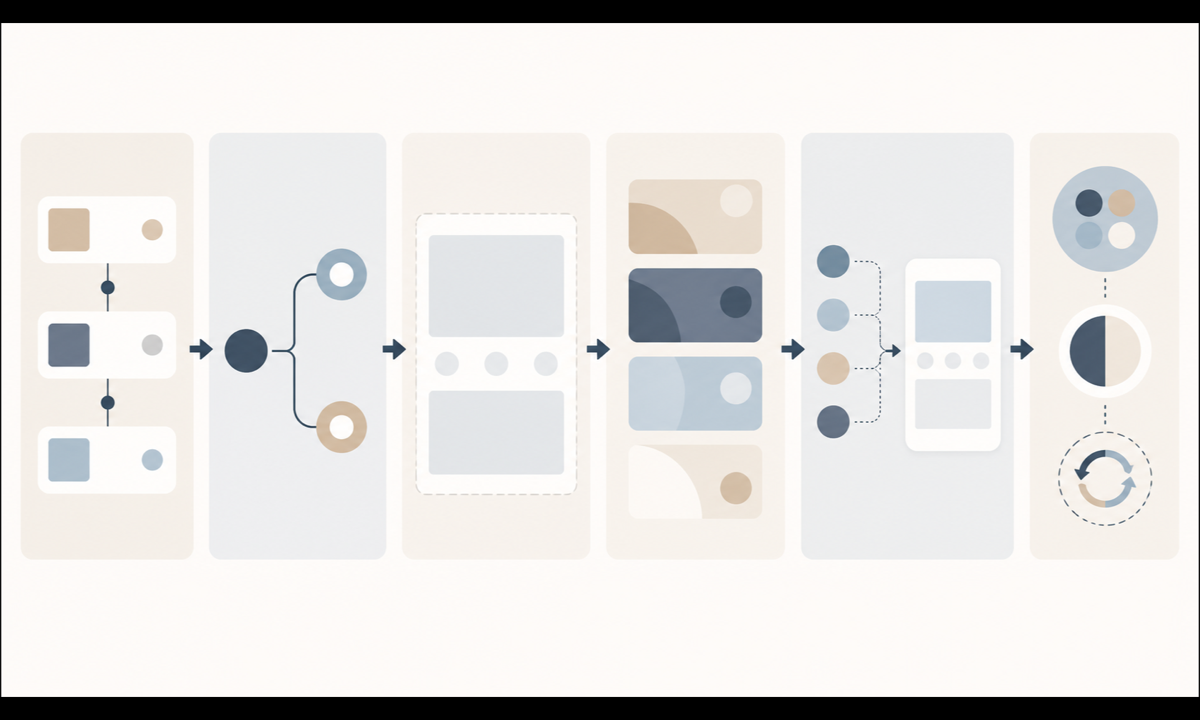
- Freeze the return-policy contract by market, channel, item category, purchase date, delivery event, window rule, timezone, holiday extension, final-sale state, condition, fees and refund method.
- Define how order events calculate eligibility and return-by time, including missing scans, split deliveries, replacements, gifts, damaged items, recalls and service outages.
- Map item, deadline, timezone, reason, condition, method, fee, refund, exception, support and CTA zones for each channel and locale.
- Generate restrained text-free background families with useful safe areas; reject countdown, shipping, approval and money-return metaphors.
- Populate current order facts and actions from authoritative services, then test eligibility edges, timezone, locale length, image blocking, stale data, no-JavaScript and support handoff.
- Review with returns operations, legal, support, accessibility and localization owners; retain policy version evidence and retire stale assets.
Example prompt variants
- Wide account-banner background with calm layered sand and slate panels around a large central deadline zone, no calendar, parcel, arrow, warning or text.
- Mobile return card background with a quiet curved border and open item, terms and action areas, no countdown ring, date, refund symbol or pseudo-text.
- Email header background with balanced paper-like blocks and a clear lower policy area, no box, courier route, clock, money, approval badge or word.
Quality checklist
- Order, item, delivery event, market, category, window rule, timezone, extension, final-sale status, condition, fees and refund method match policy.
- Generated pixels contain no deadline, date, time, countdown, parcel, approval, refund, urgency, guarantee, word or number.
- Eligibility explanation, exceptions, condition rules, methods, fees, refund destination, support and actions are editable and accessible.
- Layouts work across locales, mobile, desktop, dark mode, image blocking, stale-data and service-error states.
- Policy version, calculation contract, prompt, output, tests, approvals, publication, expiry and rollback remain traceable.
Mistakes to avoid
- Generating the actual return-by date or countdown inside a static image.
- Using parcel or approval imagery that suggests every initiated return will be accepted or refunded.
- Calculating from purchase date when the policy uses delivery, pickup or activation events.
- Omitting final-sale rules, category exceptions, condition requirements, fees, timezone or support paths.
Related AIBase pages
- Open Seedream 5.0 Lite
- Create shipping cutoff notice backgrounds
- Create price change notice backgrounds
Practical next step
Open the most relevant AIBase generator, run one narrow prompt first, and save the best result before adding more constraints. The fastest way to improve output quality is to compare one variable at a time: subject, camera, background, lighting, then final polish.