
Nano Banana Pro 4K 图像生成流程:做高保真视觉
Nano Banana Pro 高保真图像工作流,覆盖提示词结构、复查步骤和质量检查。
Quick answer
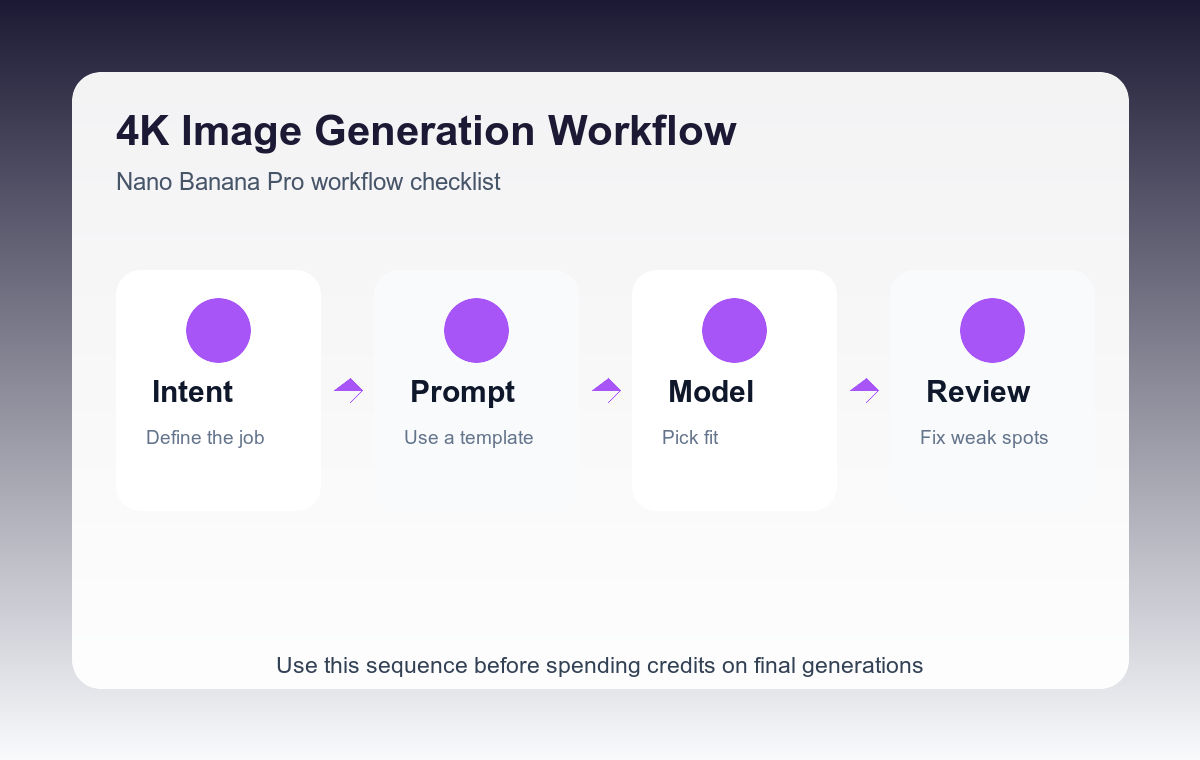
Use Nano Banana Pro when the final image needs stronger detail, material realism, and instruction following. The winning workflow is brief, draft, inspect, then tighten the prompt around the weak areas.
Who this guide is for
Designers and marketers preparing polished hero art, product concepts, editorial scenes, or detailed reference images that need higher visual fidelity than a quick draft.
Recommended model
| Use case | Recommended model | Why |
|---|---|---|
| This workflow | Nano Banana Pro | It is positioned on AIBase as a high-fidelity text-to-image and image-to-image model, making it the right pick when quality is more important than iteration speed. |
AIBase is an independent creative platform. Model names are shown only to identify supported underlying technologies and workflow choices.
Prompt template
Create a high-fidelity [subject] scene for [use case]. Composition: [camera/framing]. Materials: [specific textures]. Lighting: [specific light]. Style: [visual direction]. Preserve realism in [critical details]. Avoid [known failure areas].
Step-by-step workflow
- Write the prompt as a production brief, not a list of adjectives.
- Name materials directly: brushed metal, frosted glass, cotton weave, ceramic glaze, or matte plastic.
- Ask for one camera and one lighting setup so the model has a clear scene.
- Review the first output for small-detail failure: fingers, labels, text, edges, reflections, and repeated patterns.
- Regenerate with a narrower correction prompt instead of adding more style words.
Example prompt variants
- High-fidelity hero image of a modular desk lamp, brushed aluminum body, warm light cone, dark oak desk, editorial product photography.
- Detailed concept art of a compact electric scooter, matte graphite frame, realistic tire rubber, clean urban background, three-quarter view.
- Luxury candle packaging on travertine stone, frosted glass jar, embossed paper box, warm side light, premium catalog image.
Quality checklist
- Materials look different from each other and not like generic plastic.
- Edges are crisp where the subject needs precision.
- Lighting direction is coherent across subject and background.
- The output still matches the use case after cropping.
Mistakes to avoid
- Using only quality modifiers like 4K and ultra-detailed without scene instructions.
- Mixing multiple camera angles in one prompt.
- Ignoring the first draft’s specific failure areas before regenerating.
Related AIBase pages
Practical next step
Open the most relevant AIBase generator, run one narrow prompt first, and save the best result before adding more constraints. The fastest way to improve output quality is to compare one variable at a time: subject, camera, background, lighting, then final polish.