
Seedream 5.0 Lite 提示词示例:快速生成图片草稿
适用于概念图、产品草稿、社媒图片和快速探索的 Seedream 5.0 Lite 提示词示例。
Quick answer
Seedream 5.0 Lite is useful for fast prompt exploration. Keep prompts short, make the output format obvious, and run several focused drafts before choosing the direction worth polishing.
Who this guide is for
Teams that need quick options: ad concepts, thumbnails, moodboards, social graphics, early product directions, and visual brainstorming.
Recommended model
| Use case | Recommended model | Why |
|---|---|---|
| This workflow | Seedream 5.0 Lite | AIBase presents it as a fast image generation and editing option, so it is a strong first pass model when you need range before refinement. |
AIBase is an independent creative platform. Model names are shown only to identify supported underlying technologies and workflow choices.
Prompt template
Generate a [format] for [audience/use case]. Main subject: [subject]. Mood: [mood]. Composition: [simple layout]. Colors: [palette]. Keep it clean, readable, and ready for fast review.
Step-by-step workflow
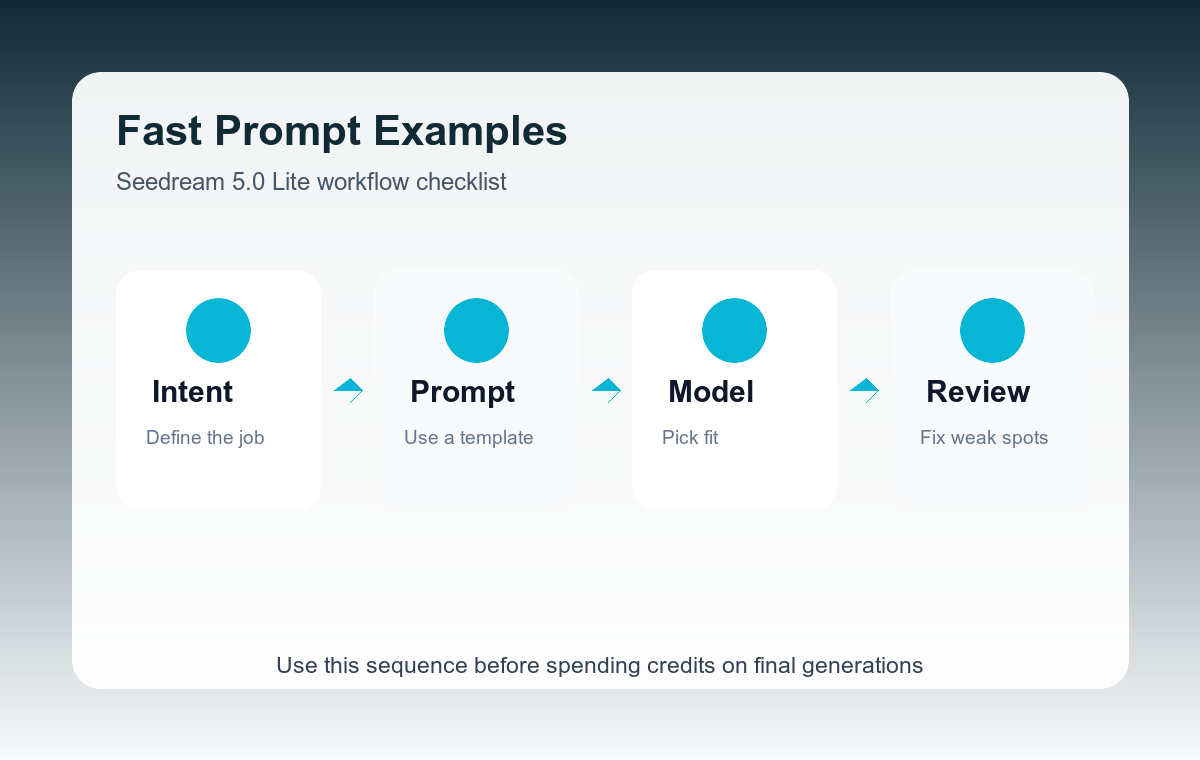
- Start with the format: square social post, 16:9 ad concept, product moodboard, or editorial banner.
- Use one subject and one audience to prevent generic output.
- Generate three to five prompt variants with different moods.
- Pick the strongest direction, then add material, lighting, or brand constraints.
- Move final candidates to a higher-fidelity model when the concept is approved.
Example prompt variants
- Square social post background for a new productivity app, calm green palette, clean desk object, soft daylight, minimal layout.
- 16:9 concept image for a coffee subscription ad, warm kitchen counter, morning routine, cozy but premium mood.
- Moodboard for a futuristic fitness wearable, graphite material, electric blue accents, close-up product fragments.
Quality checklist
- The first glance communicates the use case.
- The image has enough empty space for text overlays if needed.
- The style is distinct from the other drafts.
- The prompt remains short enough to iterate quickly.
Mistakes to avoid
- Trying to solve final production detail during the first exploration pass.
- Using broad words like beautiful or modern without naming a format.
- Keeping five near-identical outputs instead of testing different directions.
Related AIBase pages
Practical next step
Open the most relevant AIBase generator, run one narrow prompt first, and save the best result before adding more constraints. The fastest way to improve output quality is to compare one variable at a time: subject, camera, background, lighting, then final polish.