
GPT Image 2 Product Photo Generator Guide for Clean Ecommerce Images
Use GPT Image 2 for product photo concepts, listing images, and ad creatives with prompt templates that control background, props, and crop.
Quick answer
A good GPT Image 2 product prompt defines the product, buyer context, background, props, crop, and forbidden details. The model is strongest when you ask for one commercial image job at a time.
Who this guide is for
Founders, store operators, and marketers who need quick product hero images, lifestyle placements, seasonal ad concepts, and listing-image variations before commissioning final photography.
Recommended model
| Use case | Recommended model | Why |
|---|---|---|
| This workflow | GPT Image 2 | It is well suited for bounded text-to-image product concepts where the goal is a clean visual direction rather than a complex multi-image edit. |
AIBase is an independent creative platform. Model names are shown only to identify supported underlying technologies and workflow choices.
Prompt template
Create a clean ecommerce product photo of [product] for [buyer/use case]. Show [angle/crop]. Place it on [background]. Add only [props]. Lighting: [lighting]. Style: [brand mood]. Do not add text, fake logos, extra products, or distorted packaging.
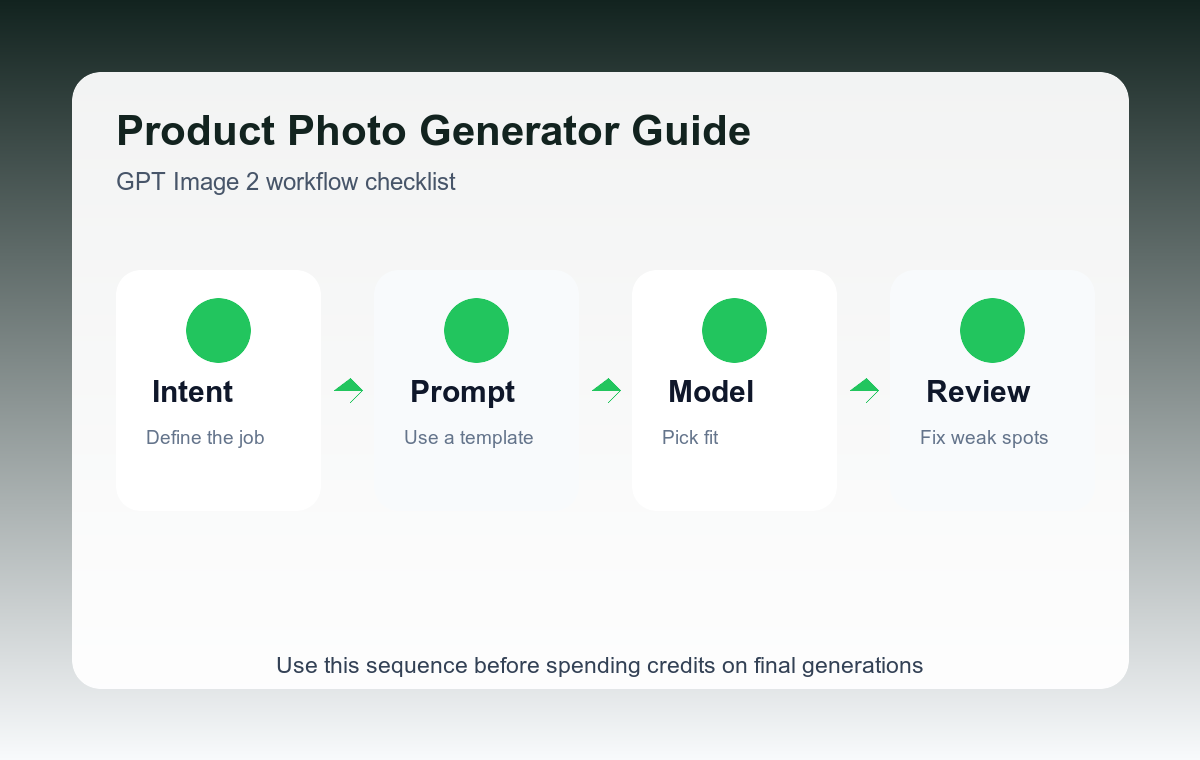
Step-by-step workflow
- Start with one SKU and one buyer scenario, such as skincare shelf, desk setup, travel kit, or kitchen counter.
- Specify the camera angle because product images fail quickly when the crop is vague.
- Limit props to two or three items so the product remains the subject.
- Generate background directions separately before asking for a final hero layout.
- Use the best concept as a brief for a final product shoot or as a draft ad visual.
Example prompt variants
- Premium skincare bottle on warm stone, three-quarter angle, soft morning light, minimal spa props, no label text changes.
- Wireless keyboard on a tidy walnut desk, overhead crop, subtle notebook and coffee cup, modern productivity brand mood.
- Reusable water bottle in a hiking backpack side pocket, natural trail light, practical outdoor ecommerce photograph.
Quality checklist
- The product is the largest visual subject.
- The background supports the buyer context without stealing attention.
- No invented claims, labels, certifications, or brand marks appear.
- The crop leaves enough whitespace for marketplace or ad layouts.
Mistakes to avoid
- Requesting too many lifestyle props and making the product secondary.
- Letting the model invent label text or compliance claims.
- Using one prompt for listing image, hero image, and ad creative at the same time.
Related AIBase pages
Practical next step
Open the most relevant AIBase generator, run one narrow prompt first, and save the best result before adding more constraints. The fastest way to improve output quality is to compare one variable at a time: subject, camera, background, lighting, then final polish.