
HappyHorse Museum Docent Group Photo Animation Prompts
Animate authorized museum docent portraits with restrained motion while protecting identity, consent, badges, artworks, provenance context, visitors, security details, and institutional claims.
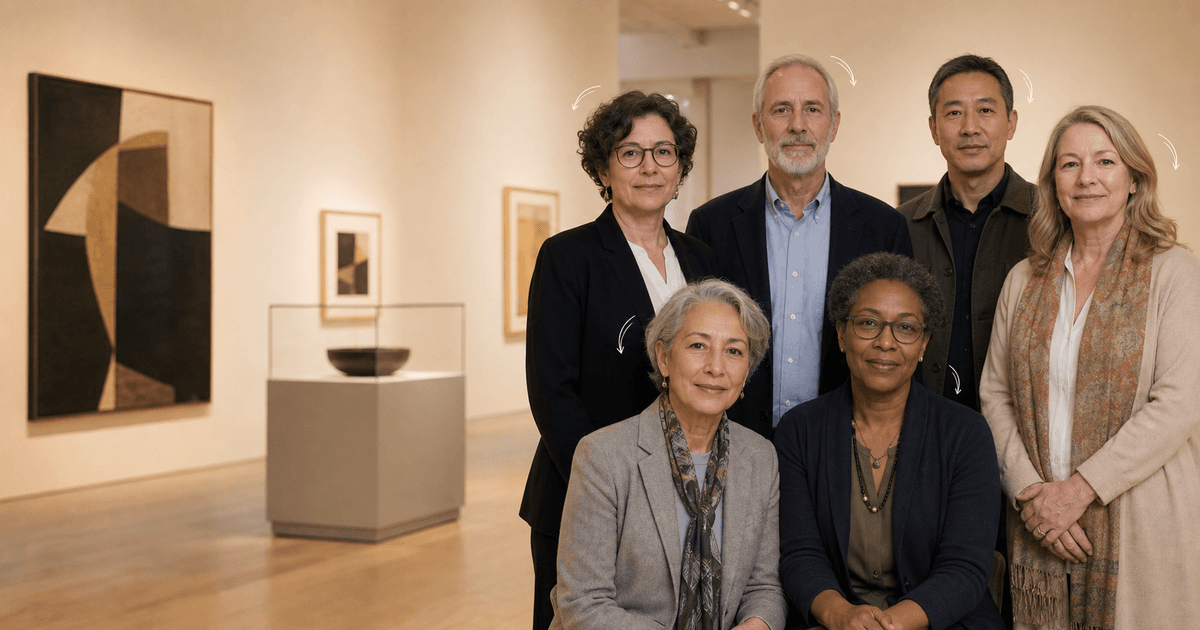
Quick answer
Get synthetic-animation permission from every identifiable docent and verify photography and reproduction rights for the room and every visible artwork. Remove or protect visitor faces, minors, badges, loan labels, access controls, camera coverage, condition details, and restricted displays. Request only subtle breathing and one or two named blinks; do not invent tours, gestures, speech, expertise, employment, provenance, endorsement, or interaction with collection objects.
Who this guide is for
Museums, galleries, archives, historic sites, science centers, docent associations, volunteer programs, photographers, and communications teams sharing an approved group portrait.
Recommended model
| Use case | Recommended model | Why |
|---|---|---|
| This workflow | HappyHorse for restrained museum docent portrait micro-motion | Identity-led micro-motion can add life to an approved portrait while leaving collection interpretation, artwork behavior, visitor interaction, and institutional claims outside the generation. |
AIBase is an independent creative platform. Model names are shown only to identify supported underlying technologies and workflow choices.
Prompt template
Animate the uploaded authorized museum docent group photo as the exact first frame. Preserve every person's identity, apparent age, face, expression, gaze, hair, body proportions, row, position, pose, hands, fingers, clothing, badge and lanyard zones, accessibility aids, artwork and frame geometry, labels, cases, barriers, furniture, background people, room, crop, camera, light, shadows, blur, and grain. Motion only: subtle breathing across the group and one natural blink from [named row and position], [3-5 seconds], locked camera, stable ending. No speech, wave, pointing, tour gesture, touch, artwork motion, person added or removed, badge or label change, cleanup, text, music, or watermark.
Step-by-step workflow
- Create a consent and rights roster covering every identifiable docent, staff member, volunteer, photographer, institution, room, artwork, lender, archive, estate, and intended channel.
- Audit visitors, minors, badges, schedules, screens, accession or loan details, restricted labels, condition evidence, alarms, cameras, keys, doors, cases, barriers, storage, and security procedures.
- Map each person by row and position and protect hands, clothing, badges, aids, artwork edges, frames, labels, cases, barriers, furniture, background figures, and room geometry.
- Request only breathing and no more than one or two precisely named blinks while keeping artworks, cases, lighting, reflections, labels, visitors, and camera completely still.
- Inspect every frame person by person and object by object for identity, gaze, hands, overlap, badges, artwork mutation, visitor drift, label changes, reflections, barriers, and unintended gestures.
- Publish factual role and event context, approved artwork credits, photographer credit, consent-based caption, accessibility, synthetic disclosure, correction route, and current museum links separately.
Example prompt variants
- Four-second eight-person docent portrait in an approved gallery: subtle breathing and one blink from the front-left adult only, preserve all identities, rows, navy jackets, badge zones, framed works, labels, barriers, and locked camera.
- Three-second historic-site volunteer group: breathing only, preserve six identities, period-neutral staff clothing, canes, doorway, rope barrier, protected sign zones, and no speaking, pointing, or visitor motion.
- Five-second science-center guide portrait: two named back-row blinks, preserve faces, branded-shirt zones, exhibit casing, reflections, interactive controls, accessibility aids, and no exhibit activation.
Quality checklist
- Every identifiable person, photographer, institution, room, artwork, lender, archive, estate, and location owner has approved the exact use where required.
- Identity, apparent age, expression, gaze, rows, poses, hands, clothing, badges, aids, artworks, frames, labels, cases, barriers, room, and crop remain stable.
- Visitors, minors, accession or loan data, condition evidence, screens, schedules, alarms, cameras, keys, doors, storage, and security information are absent, protected, or explicitly approved.
- Motion stays within approved breathing and named blinks and does not invent tours, speech, expertise, employment, provenance, endorsement, handling, or collection interpretation.
- Consent roster, rights review, source, privacy and security audit, prompt, person-and-object inspection, approvals, publication, expiry, and removal remain traceable.
Mistakes to avoid
- Assuming permission to photograph a museum room automatically includes synthetic animation and reproduction of every visible artwork.
- Animating docents to point, speak, handle objects, exchange looks, or lead a tour and implying expertise, employment, or institutional endorsement.
- Leaving visitor faces, minors, loan labels, accession data, alarms, keys, cameras, doors, storage access, or condition details visible without review.
- Allowing paintings, artifacts, display cases, labels, reflections, barriers, or interactive exhibits to move or change behind the group.
Related AIBase pages
Practical next step
Open the most relevant AIBase generator, run one narrow prompt first, and save the best result before adding more constraints. The fastest way to improve output quality is to compare one variable at a time: subject, camera, background, lighting, then final polish.