
HappyHorse School Choir Group Photo Animation Prompts
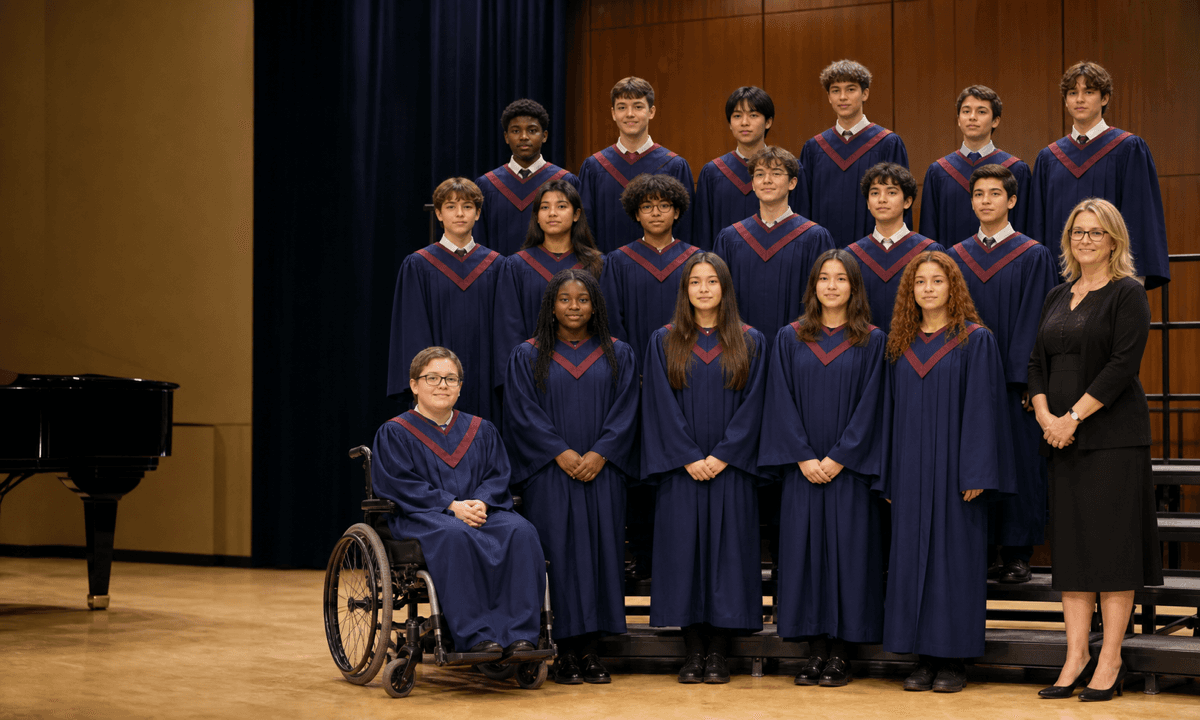
Animate a consented school-choir photo with restrained breathing and named blinks while preserving every student, director, uniform, formation, accessibility aid, and context.
Quick answer
Use only a school-approved image with documented guardian and student permission appropriate to age, channel, territory, duration, and audience. Inventory every visible person and exclude anyone without valid consent. Lock identity, age appearance, expression, gaze, spacing, rows, height relationships, uniforms, cultural or religious dress, mobility and communication aids, folders, risers, director, background, and camera. Apply only minimal breathing and a few explicitly assigned natural blinks; do not generate singing, mouth movement, audio, applause, gestures, camera moves, or new people.
Who this guide is for
Schools, youth choirs, music departments, parent associations, archives, and authorized event teams creating a restrained commemorative loop from a group portrait under documented child-safety and privacy controls.
Recommended model
| Use case | Recommended model | Why |
|---|---|---|
| This workflow | HappyHorse for minimal source-led portrait micro-motion | A narrow animation can add presence to an approved group portrait, but minors’ identity, consent, formation, clothing, disability representation, school privacy, and performance context require strict locks and frame review. |
AIBase is an independent creative platform. Model names are shown only to identify supported underlying technologies and workflow choices.
Prompt template
Animate the uploaded authorized school choir group photo as the exact identity and composition reference. Consent map [approved included people only]. Preserve every person's identity, age appearance, skin tone, facial features, expression, gaze, hair, uniform, cultural or religious dress, accessibility aid, folder, row, spacing, height relationship, occlusion, director, risers, backdrop, crop, camera and light. Motion only: subtle breathing for the group and one natural blink for [explicitly named or mapped people] at separate times over [3-4 seconds]. No lip movement, singing, speech, audio, smile change, head turn, hand motion, swaying, applause, instrument, camera move, new person, text or watermark.
Step-by-step workflow
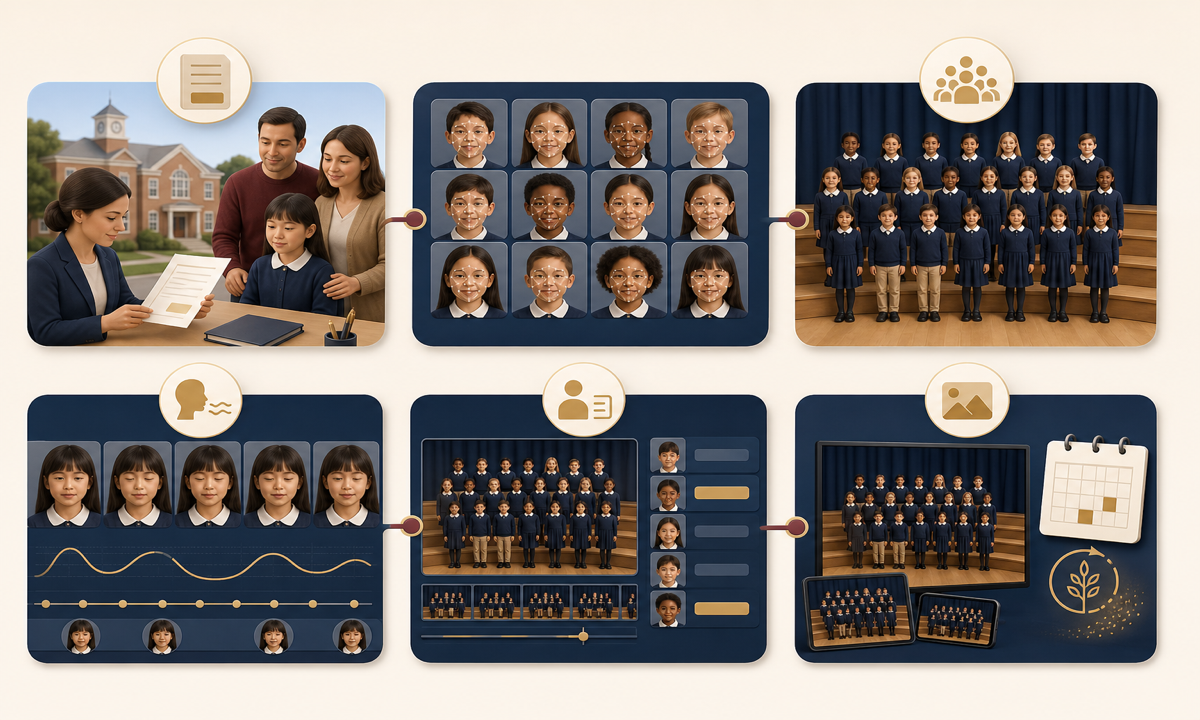
- Verify image ownership, school approval, guardian consent, age-appropriate student assent where applicable, staff consent, channel, audience, territory, duration, privacy policy, safeguarding owner, withdrawal path, and expiry.
- Create a numbered face and body map for every visible person, director, aide, and background individual; crop or mask anyone without valid permission before generation.
- Record protected identity, age, expression, gaze, uniform, cultural dress, accessibility aid, folder, row, spacing, occlusion, background, and camera details plus a minimal motion assignment.
- Generate a short locked-camera draft with group breathing and only two or three staggered named blinks; do not add singing, mouth motion, swaying, gestures, applause, audio, or scene depth.
- Inspect every frame person by person for face swaps, age drift, gaze change, mouth motion, uniform mutation, aid removal, hand artifacts, duplicated people, formation shifts, and background additions.
- Publish only after school, safeguarding, accessibility, and consent review with appropriate disclosure, captions or context, access controls, retention period, correction route, withdrawal process, and source linkage.
Example prompt variants
- Three-second formal choir portrait loop: preserve every student, director, uniform, folder, riser and row exactly; subtle breathing only, with one mapped student in the back row blinking once, no mouth or head motion.
- Four-second concert-program portrait: two consented mapped people blink at separate times while all identities, cultural dress, wheelchair, spacing, expressions, backdrop and locked camera remain unchanged; no singing or audio.
- Three-second archival school choir photo: extremely restrained group breathing and one director blink, preserve age appearance, grain, monochrome tone, clothing, formation, edges and crop; no colorization, smile change or new detail.
Quality checklist
- Ownership, school approval, guardian permission, student assent where required, staff consent, scope, audience, territory, duration, safeguarding, retention, withdrawal, and expiry are documented.
- Every visible identity, age appearance, skin tone, face, gaze, expression, hair, clothing, cultural dress, accessibility aid, folder, row, spacing, occlusion, and background remains source-faithful.
- Motion stays limited to subtle breathing and explicitly mapped staggered blinks with no lip movement, singing, audio, gesture, sway, applause, camera move, or new person.
- Frame-by-frame identity review, privacy, accessibility, disclosure, captions, access controls, retention, correction, withdrawal, and no-animation fallback pass approval.
- Source, face map, consent records, prompt, output, reviewers, publication locations, expiry, corrections, deletion, and rollback remain traceable.
Mistakes to avoid
- Assuming school ownership or a parent-submitted image automatically grants permission to animate and publish every student and staff member.
- Prompting the whole group to sing, smile, sway, clap, or look at the camera, causing mouth, face, age, formation, and identity drift.
- Removing or altering a wheelchair, hearing device, communication aid, cultural dress, religious garment, uniform variation, or support person for visual consistency.
- Publishing a minor’s animated likeness without limited audience, retention, withdrawal, correction, and downstream-sharing controls.
Related AIBase pages
Practical next step
Open the most relevant AIBase generator, run one narrow prompt first, and save the best result before adding more constraints. The fastest way to improve output quality is to compare one variable at a time: subject, camera, background, lighting, then final polish.