
Wan 2.7 Image to Video Workflow for Product Demos and Social Clips
Use Wan 2.7 for image-to-video workflows with prompt structure, motion planning, review checks, and practical examples.
Quick answer
Wan 2.7 works best when the prompt turns a still image into one controlled video action. Start with a stable reference, define motion, and protect the subject details that should not morph.
Who this guide is for
Product demos, social clips, animated posters, creator assets, and simple motion studies from a single image.
Recommended model
| Use case | Recommended model | Why |
|---|---|---|
| This workflow | Wan 2.7 | It is listed on AIBase as a text-to-video and image-to-video option, making it useful when users need a clear still-to-motion workflow. |
AIBase is an independent creative platform. Model names are shown only to identify supported underlying technologies and workflow choices.
Prompt template
Use the reference image as the first frame. Create a short [use case] video. Keep [subject/product/layout] stable. Motion: [one action]. Camera: [one movement]. Background: [subtle environmental motion]. Avoid morphing, extra objects, and unreadable text.
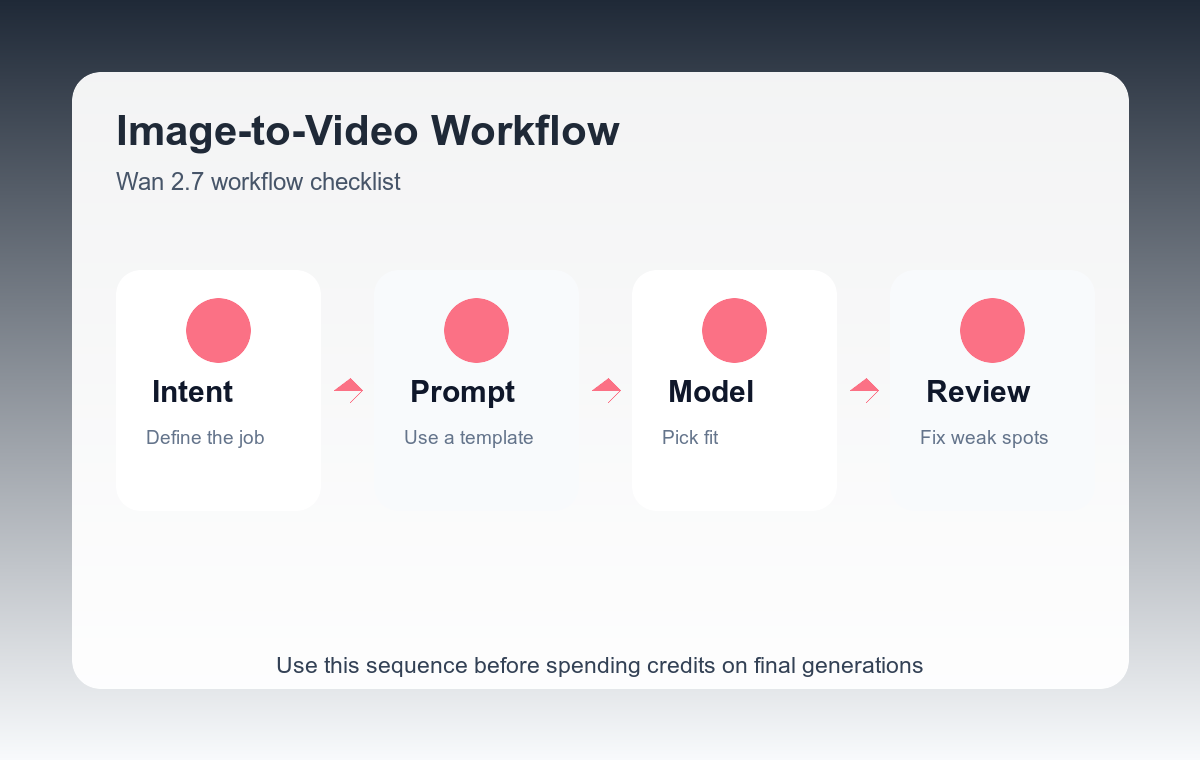
Step-by-step workflow
- Choose an image with a single focal subject.
- Write the video action as a verb phrase, such as rotates slowly, steam rises, fabric moves, or camera pushes in.
- Keep environmental motion subtle unless it is the main story.
- Protect product geometry and logo placement when making demos.
- Review the generated clip frame by frame before exporting it for ads.
Example prompt variants
- Use the product render as the first frame. The sneaker rotates slowly on a clean pedestal, soft studio light moves across the sole, camera stays centered.
- Use the food photo as the first frame. Steam rises gently from the bowl, camera pushes in slightly, ingredients remain stable.
- Use the poster image as the first frame. Background light streaks move subtly, main character stays in the same pose, cinematic depth.
Quality checklist
- Motion is visible but does not distort the subject.
- The last frame is still usable as a still image.
- The camera move supports the product or story.
- No new text or unexpected objects appear.
Mistakes to avoid
- Using a crowded reference image with no clear subject.
- Asking for a complex scene change instead of a controlled action.
- Letting the model invent product features during the motion.
Related AIBase pages
Practical next step
Open the most relevant AIBase generator, run one narrow prompt first, and save the best result before adding more constraints. The fastest way to improve output quality is to compare one variable at a time: subject, camera, background, lighting, then final polish.