
Best AI Model for Image Editing With a Reference Photo on AIBase
Compare Nano Banana 2, Nano Banana Pro, and Seedream 5.0 Lite for reference-photo image editing tasks.
Quick answer
Choose the model based on what must be protected. Use Nano Banana 2 for quick controlled edits, Nano Banana Pro for polished detail, and Seedream 5.0 Lite for fast exploration.
Who this guide is for
Users who upload a reference photo and are unsure whether they need speed, fidelity, or many quick variations.
Recommended model
| Use case | Recommended model | Why |
|---|---|---|
| This workflow | Nano Banana 2 for balanced edits; Nano Banana Pro for final quality; Seedream 5.0 Lite for fast drafts | Each model has a different role in the editing funnel, so the best choice depends on risk: identity drift, product detail, or iteration speed. |
AIBase is an independent creative platform. Model names are shown only to identify supported underlying technologies and workflow choices.
Prompt template
Using the reference photo, keep [protected detail] unchanged. Edit [specific area] into [target result]. Use [model goal: fast draft/high fidelity/variation]. Avoid changes to [identity, logo, layout, color].
Step-by-step workflow
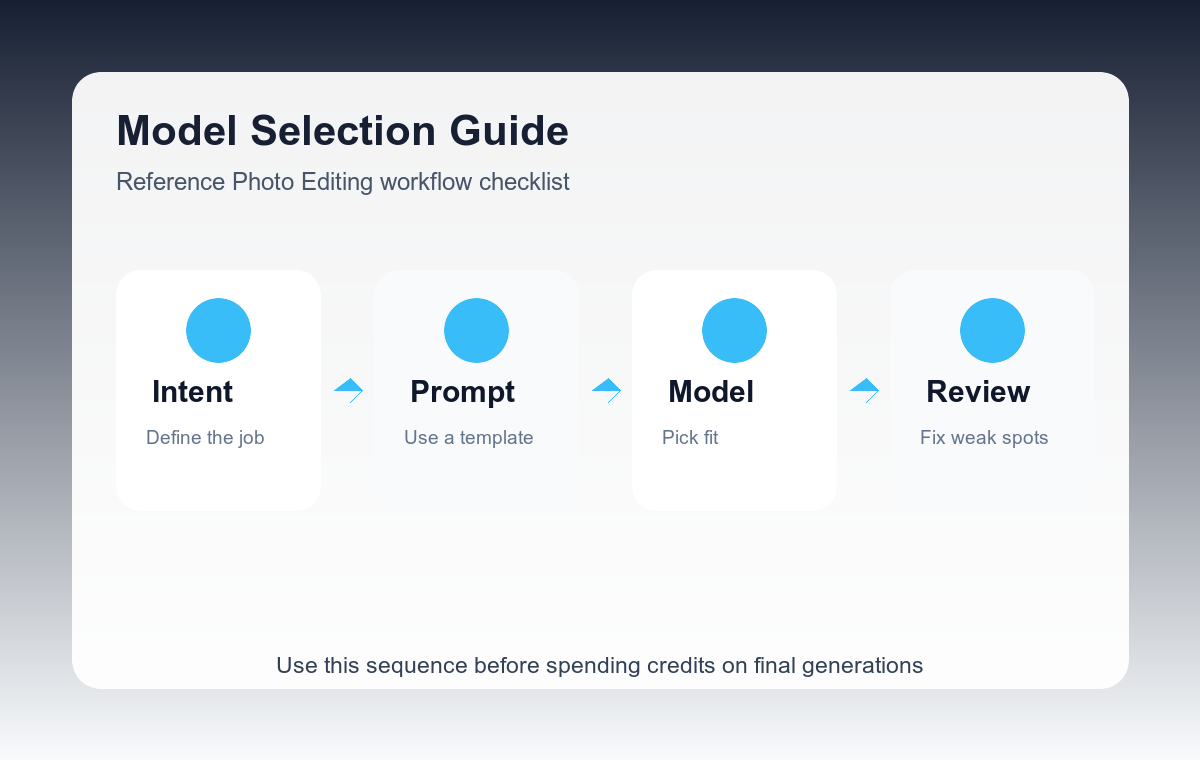
- Define the protected detail before choosing the model.
- Use Seedream 5.0 Lite when the edit direction is still uncertain.
- Use Nano Banana 2 when the reference must stay recognizable and you need a balanced pass.
- Use Nano Banana Pro when the winning direction needs cleaner detail and stronger realism.
- Compare outputs against the original before judging style quality.
Example prompt variants
- Keep the face, pose, and clothing silhouette unchanged; replace only the background with a soft gray studio.
- Keep the product label and bottle shape unchanged; change the surface to warm travertine stone.
- Keep the room layout and camera angle unchanged; test three wall colors in a realistic interior photo style.
Quality checklist
- The protected detail is still intact.
- The edit does not introduce unrelated objects.
- The lighting still makes sense after the change.
- The output is usable without explaining what went wrong.
Mistakes to avoid
- Picking a model by name before defining the editing risk.
- Judging only the style while ignoring identity or product drift.
- Trying to make one pass handle exploration and final polish.
Related AIBase pages
Practical next step
Open the most relevant AIBase generator, run one narrow prompt first, and save the best result before adding more constraints. The fastest way to improve output quality is to compare one variable at a time: subject, camera, background, lighting, then final polish.