
GPT Image 2 Delivery Delay Update Card Background Prompts
Create calm text-free delay update card backgrounds while keeping order status, cause, dates, affected regions, options, compensation, and support copy editable and operationally current.

Quick answer
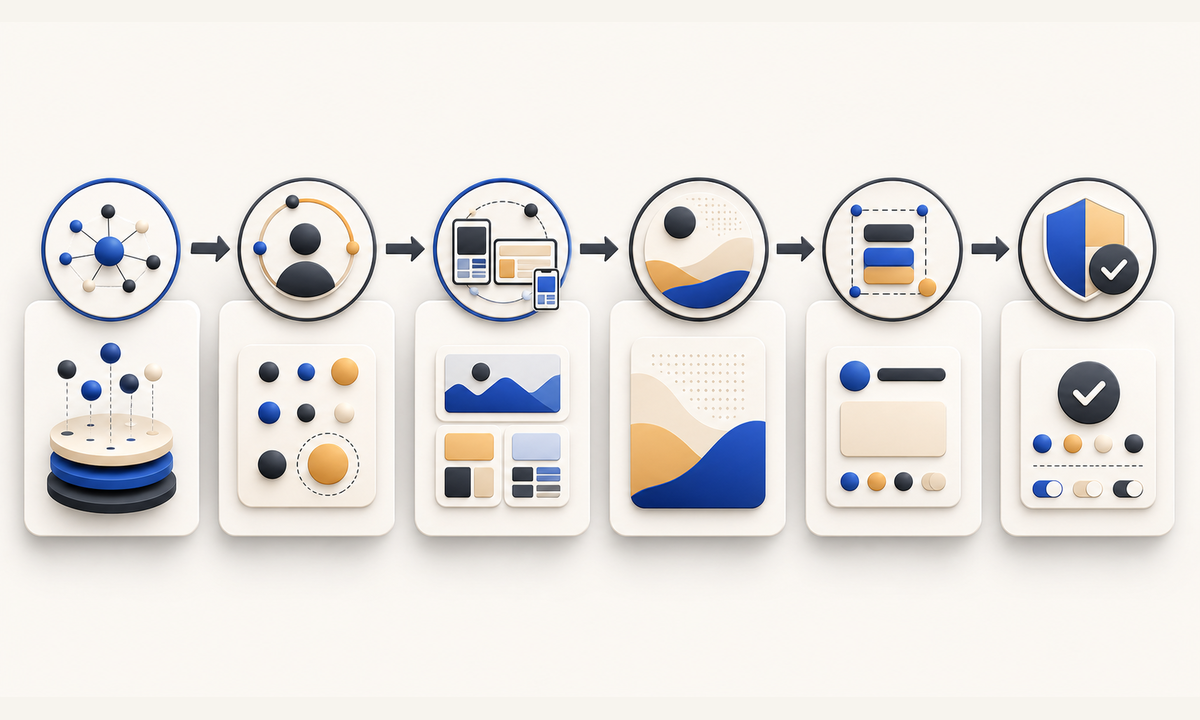
Use GPT Image 2 only for a quiet text-free background system. Before generating, freeze the affected order states, products, regions, carriers, cause wording, original and revised estimates, confidence level, update time, customer options, refund or cancellation rules, compensation, and support path. Reserve editable zones for the status headline, order-specific facts, next update, choices, and CTA. Never generate a truck, warehouse, route map, weather event, damaged parcel, countdown, date, or reassurance claim that could be mistaken for evidence.
Who this guide is for
Ecommerce operations, customer support, lifecycle marketing, marketplaces, subscription businesses, and logistics teams creating email, account, app, help-center, and social delay notices.
Recommended model
| Use case | Recommended model | Why |
|---|---|---|
| This workflow | GPT Image 2 for text-free customer update background families | It can explore a calm visual hierarchy and coordinated channel ratios while volatile order facts and remedies stay in editable operational components. |
AIBase is an independent creative platform. Model names are shown only to identify supported underlying technologies and workflow choices.
Prompt template
Create a coordinated text-free [email / account card / app banner / social] background for a delivery-delay update. Visual tone [calm, direct, non-celebratory], palette [specific], abstract motif [one paused line continuing / layered route-neutral planes / gentle interval markers]. Reserve clear zones for status headline, affected order facts, revised estimate, next-update time, customer options, support link, and disclosure. No parcel, truck, warehouse, worker, route, map, location pin, weather, damage, queue, clock, countdown, date, number, word, logo, badge, fake UI, reassurance claim, or watermark.
Step-by-step workflow
- Build a timestamped delay truth sheet by order state, SKU, region, carrier, cause, evidence source, original estimate, revised range, confidence, and next-update owner.
- Map customer actions for wait, address change, substitution, split shipment, pickup, cancellation, refund, compensation, support escalation, and accessibility needs.
- Design the longest-locale hierarchy and protected zones for email, account cards, app banners, help-center modules, and public social updates.
- Generate text-free background directions with abstract progress cues only; reject logistics scenes or symbols that imply a specific cause or resolution.
- Assemble live order fields, exact dates or ranges, options, terms, support, disclosure, alt text, CTA, and personalization in editable components connected to current data.
- Test every order state, locale, device, dark mode, link, screen reader, stale-data fallback, update cadence, correction, cancellation, refund, and card retirement path.
Example prompt variants
- Wide warm-gray email background with one cobalt line pausing at a soft gap and continuing, left status zone and right options panel, no vehicle, parcel, clock, map, date, or text.
- Compact account-card background with layered cream and slate planes separated by one amber interval, protected fields for estimate and next update, no warning icon, badge, number, or fake UI.
- Vertical social update background with quiet blue arcs moving around an empty center notice area, no storm, road, warehouse, package, urgency cue, apology word, or logo.
Quality checklist
- Affected orders, SKUs, regions, carriers, cause wording, estimates, confidence, options, compensation, and update time match current operations data.
- Generated pixels contain no invented logistics evidence, cause, damage, route, worker, inventory, time, date, promise, or readable text.
- Headline, order fields, revised range, next update, choices, terms, support, disclosure, CTA, and alt text remain editable and accessible.
- The family works across personalized and public states without exposing order identifiers, addresses, tracking numbers, or customer data.
- Truth sheet, data source, prompts, masters, approvals, sends, updates, corrections, refunds, expiry, and retirement remain traceable.
Mistakes to avoid
- Using a generated snowstorm, broken truck, warehouse backlog, damaged package, or route map to explain a cause that operations has not verified.
- Embedding revised dates, order numbers, carrier names, compensation, or support promises into pixels that cannot update with the order.
- Choosing cheerful confetti or dramatic warning visuals that conflict with a direct, useful customer-service message.
- Sending one generic notice without testing the customer’s actual wait, cancellation, refund, replacement, accessibility, and escalation options.
Related AIBase pages
Practical next step
Open the most relevant AIBase generator, run one narrow prompt first, and save the best result before adding more constraints. The fastest way to improve output quality is to compare one variable at a time: subject, camera, background, lighting, then final polish.