
Nano Banana Pro Musical Instrument Campaign Photo Prompts
Build high-fidelity campaign visuals for guitars, keyboards, drums, and orchestral instruments while protecting product geometry and verified specifications.
Quick answer
Start from a verified instrument reference set and a specification sheet, then use Nano Banana Pro for one campaign scene at a time. Name the exact body shape, scale, finish, wood or metal, hardware count, string or key layout, controls, joints, and included accessories that must remain fixed. Generate atmosphere around the product, but inspect geometry as carefully as an ecommerce listing: one extra string, pickup, valve, key, cymbal, logo, connector, or control can turn a polished image into a false product representation.
Who this guide is for
Instrument makers, music retailers, launch teams, educators, and agencies preparing product-detail heroes, editorial campaigns, dealer kits, or photoshoot concepts from approved product references.
Recommended model
| Use case | Recommended model | Why |
|---|---|---|
| This workflow | Nano Banana Pro for a selected high-fidelity instrument campaign frame | Detailed instruments combine reflective materials, repeated hardware, fine strings or keys, and recognizable geometry, so a fidelity-focused generation pass is appropriate after the product facts are locked. |
AIBase is an independent creative platform. Model names are shown only to identify supported underlying technologies and workflow choices.
Prompt template
Create a high-fidelity campaign image using the authorized [instrument model] reference. Preserve exact silhouette, scale, body contours, neck or tube geometry, [string / key / valve / pad / lug / cymbal] count and placement, bridge, pickups, controls, ports, hardware finish, wood grain, color, wear, logo area, included accessories, and left- or right-handed orientation. Scene: [verified campaign setting]. Camera: [angle and lens]. Light: [setup]. Reserve space for editable copy. No new hardware, altered dimensions, invented logo, performer endorsement, impossible hand position, unsupported sound claim, text, or watermark.
Step-by-step workflow
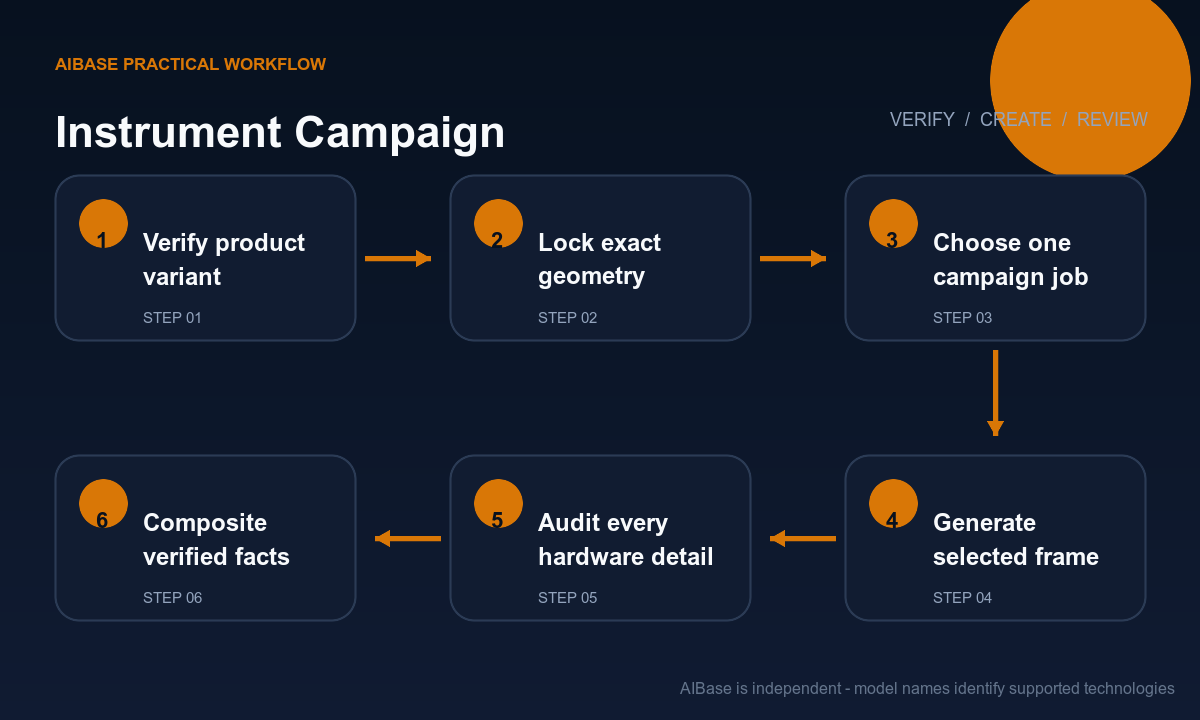
- Collect licensed front, back, side, detail, and scale references plus the current product sheet, finish code, included accessories, variant matrix, territory rights, and campaign claim approval.
- Write a visual lock list covering silhouette, orientation, body joins, strings or keys, hardware count, control placement, materials, surface wear, cases, stands, cables, and anything intentionally absent.
- Choose one asset job and one scene: clean PDP hero, studio detail, workshop story, teaching context, or performance atmosphere; reserve factual text and logos for compositing.
- Generate a small set from one camera and lighting brief, then compare only composition and atmosphere before selecting a frame for detailed product audit.
- Inspect straight and curved geometry, repeated elements, reflections, string paths, tuning systems, frets, keys, valves, pads, lugs, ports, stands, cases, and contact shadows at full resolution.
- Composite exact model name, specifications, price, availability, artist or maker credit, disclosures, and CTA from controlled sources, then archive the approved reference-to-output record.
Example prompt variants
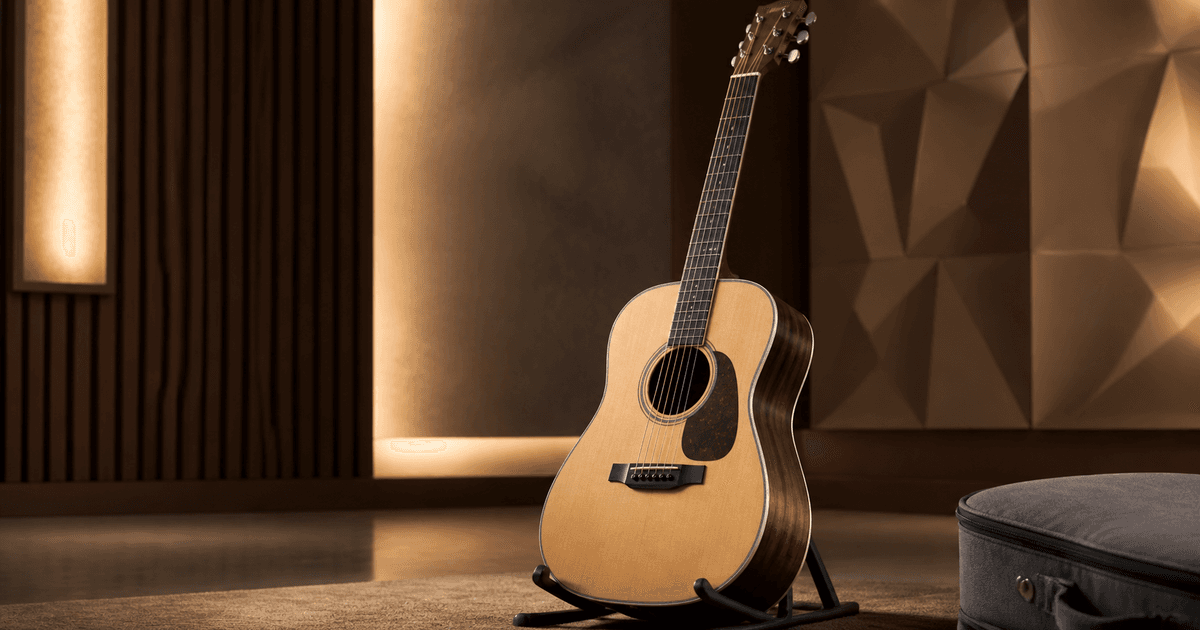
- Authorized acoustic guitar hero, exact dreadnought silhouette, six strings, bridge pins, fret count, tuner layout, spruce top and walnut sides preserved, three-quarter studio view, warm side light, no player, text, logo invention, or extra hardware.
- Authorized compact keyboard campaign frame, exact key count, control panel, pitch wheels, ports, stand contact, matte black finish and proportions preserved, cool rehearsal-studio light, no musician, fake display text, cable, speaker, or new control.
- Authorized brass instrument detail image, exact valve and tubing path, bell engraving area, lacquer tone, finger buttons and case lining preserved, dark editorial background, no performer, extra valve, warped reflection, claim, word, or watermark.
Quality checklist
- The output matches the approved product variant, orientation, dimensions, silhouette, material, finish, hardware, controls, accessories, wear, and logo area.
- Strings, frets, keys, valves, pads, lugs, cymbals, tubes, ports, cables, stands, cases, joins, and reflections are plausible and correctly counted.
- The setting supports the campaign without implying an unlicensed artist, venue, endorsement, performance, sound quality, heritage, or manufacturing claim.
- Exact model facts, prices, availability, credits, claims, disclosures, and CTA remain editable and outside generated pixels.
- References, rights, specification version, prompt, outputs, geometry review, approvals, final layers, markets, and retirement date remain traceable.
Mistakes to avoid
- Prompting for a beautiful guitar or premium instrument without locking the repeated hardware and exact product variant.
- Accepting an extra string, key, pickup, valve, control, lug, cymbal, port, cable, or case accessory because the overall scene looks convincing.
- Adding a performer-like figure, famous venue cues, award imagery, heritage workshop, or sound-wave graphic that could imply an endorsement or claim.
- Burning model names, specifications, prices, availability, warranty, materials, origin, or performance claims into an image that cannot be updated safely.
Related AIBase pages
- Open Nano Banana Pro
- Create high-fidelity images
- Plan ecommerce product photos
- Create polished product packaging
Practical next step
Open the most relevant AIBase generator, run one narrow prompt first, and save the best result before adding more constraints. The fastest way to improve output quality is to compare one variable at a time: subject, camera, background, lighting, then final polish.