
Nano Banana Pro Smart Ring Campaign Product Photo Prompts
Build reference-led smart ring campaign images that preserve band geometry, finish, sensor placement, scale, colorways, and evidence-backed claims.
Quick answer
Use a complete authorized reference set for the exact ring model, size, finish, exterior profile, inner surface, sensor windows, charging contacts, edge treatment, and packaging. Ask Nano Banana Pro for one campaign scene and one camera angle at a time while locking the ring geometry and scale. Keep health metrics, medical meaning, battery duration, water resistance, material composition, fit, compatibility, availability, and price out of generated pixels and add only reviewed claims in editable campaign copy.
Who this guide is for
Wearable brands, ecommerce teams, industrial designers, retailers, and agencies preparing smart ring hero images, launch concepts, landing-page art, retailer crops, and social campaign variations.
Recommended model
| Use case | Recommended model | Why |
|---|---|---|
| This workflow | Nano Banana Pro for high-fidelity reference-led smart ring scenes | Detailed reference conditioning suits a small reflective product whose band profile, inner components, materials, scale, and finish need more control than a generic text-to-image concept. |
AIBase is an independent creative platform. Model names are shown only to identify supported underlying technologies and workflow choices.
Prompt template
Create a high-fidelity campaign product photo using the complete approved references for the exact [smart ring model, size and finish]. Preserve exterior silhouette, band width and thickness, inner diameter, edge profile, sensor-window count and placement, charging contacts, material transitions, surface finish, color, marks, and scale. Scene [specific], camera [specific], lighting [specific], crop [specific], copy-safe zone [specific]. No hand or body unless separately approved, no invented sensor, LED, screen, metric, health result, medical cue, waterproof scene, charging behavior, word, number, logo or watermark.
Step-by-step workflow
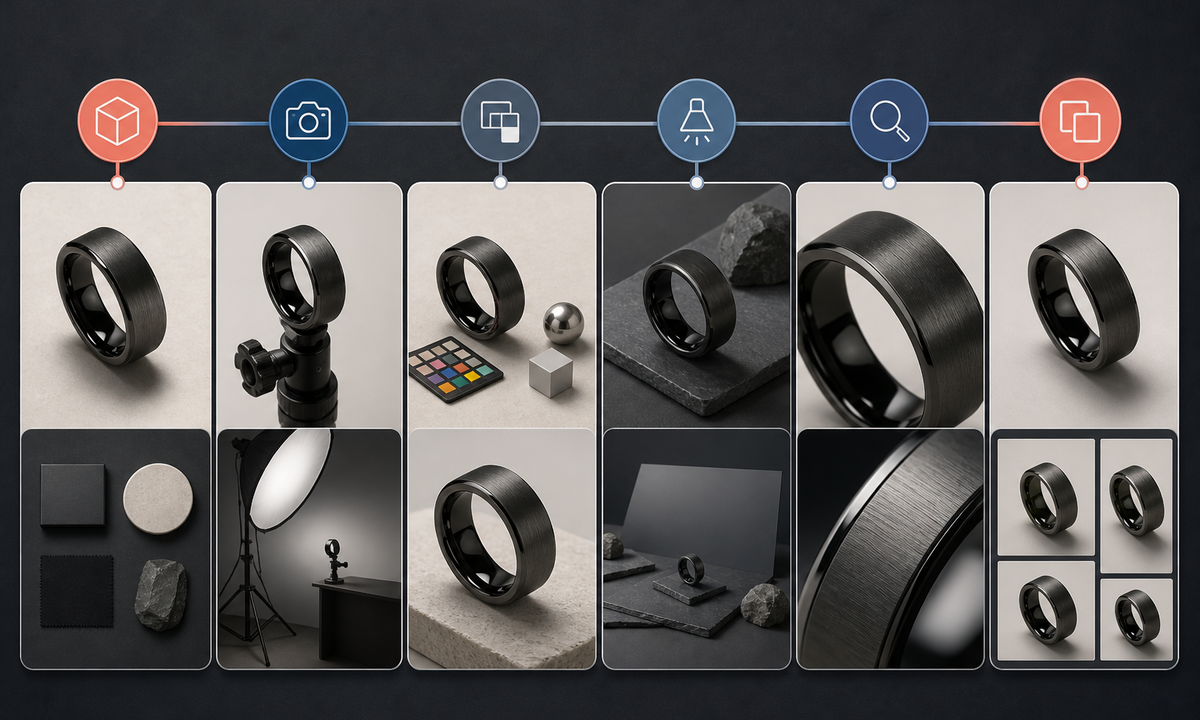
- Freeze the product truth sheet for model, size range, dimensions, weight, materials, finishes, sensor windows, contacts, charger, packaging, compatibility, approved claims, price, regions, and launch state.
- Capture licensed exterior, interior, side-profile, macro, scale, color, packaging, charger, and controlled-reflection references for the exact production or clearly labeled prototype unit.
- Map invariant band geometry, inner diameter, edge profile, sensor and contact locations, finish direction, marks, reflections, scale cues, and copy-safe requirements before generation.
- Generate one environment, camera, and lighting setup at a time; use a neutral product-only draft before adding approved props or a hand reference.
- Inspect at full resolution for ovalization, changing thickness, duplicated sensors, missing contacts, false LEDs, metallic smearing, color drift, impossible reflections, and misleading scale.
- Assemble verified product name, specifications, compatibility, claims, price, availability, disclosure, alt text, and CTA in editable layouts, then test every channel crop.
Example prompt variants
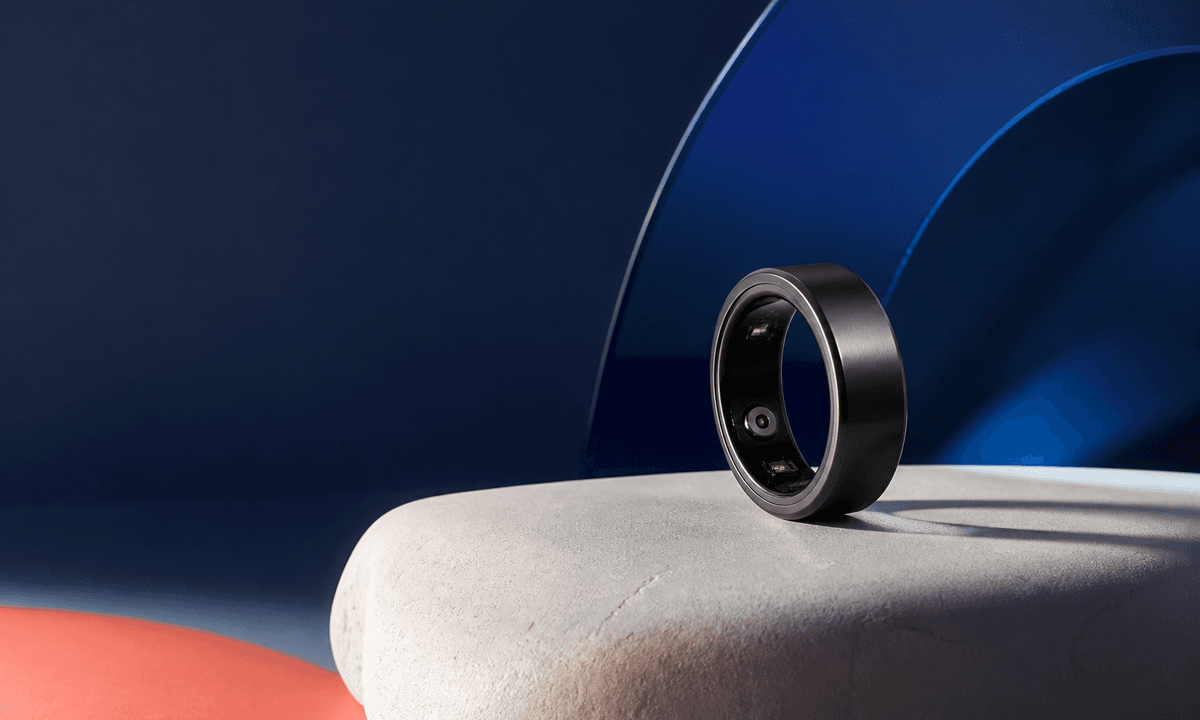
- Approved graphite smart ring on a pale stone arc, three-quarter macro, crisp rim light, preserve exact band thickness, interior sensor windows, contacts and satin finish, empty left copy zone.
- Approved ceramic smart ring standing on its edge beside the real charging case reference, soft cobalt glass reflection, preserve product scale, profiles, openings and color; no illuminated sensor.
- Reference-led hand model crop for fit context only: preserve approved hand identity, nail appearance, ring size, placement and exact product geometry, neutral indoor light, no wellness or medical implication.
Quality checklist
- Model, size, silhouette, band width, thickness, inner diameter, edges, sensor windows, contacts, finish, color, packaging, charger, and scale match approved references.
- Reflective surfaces, material transitions, shadows, contact points, depth of field, and camera perspective remain coherent.
- No sensor, LED, screen, metric, health outcome, medical use, battery duration, resistance claim, compatibility, price, or availability is invented.
- Any hand or body reference has suitable rights and does not change identity, anatomy, skin, fit appearance, or product scale.
- Truth sheet, reference set, prompt, output, product review, claim review, rights approval, crops, publication, and rollback remain traceable.
Mistakes to avoid
- Generating from a front view alone and allowing the model to invent the ring interior or sensor layout.
- Adding biometric charts, heart symbols, sleep scores, or healthy lifestyle scenes that imply unsupported outcomes.
- Using dramatic reflections that hide geometry changes, duplicated components, false LEDs, or inconsistent finish.
- Publishing a prototype-derived image as a production SKU without documenting differences and approval.
Related AIBase pages
Practical next step
Open the most relevant AIBase generator, run one narrow prompt first, and save the best result before adding more constraints. The fastest way to improve output quality is to compare one variable at a time: subject, camera, background, lighting, then final polish.