
Seedance 2.0 Camera Movement Prompts for Controlled AI Video Shots
Write Seedance 2.0 camera movement prompts that separate subject motion, camera path, pacing, scene behavior, and ending frame.
Quick answer
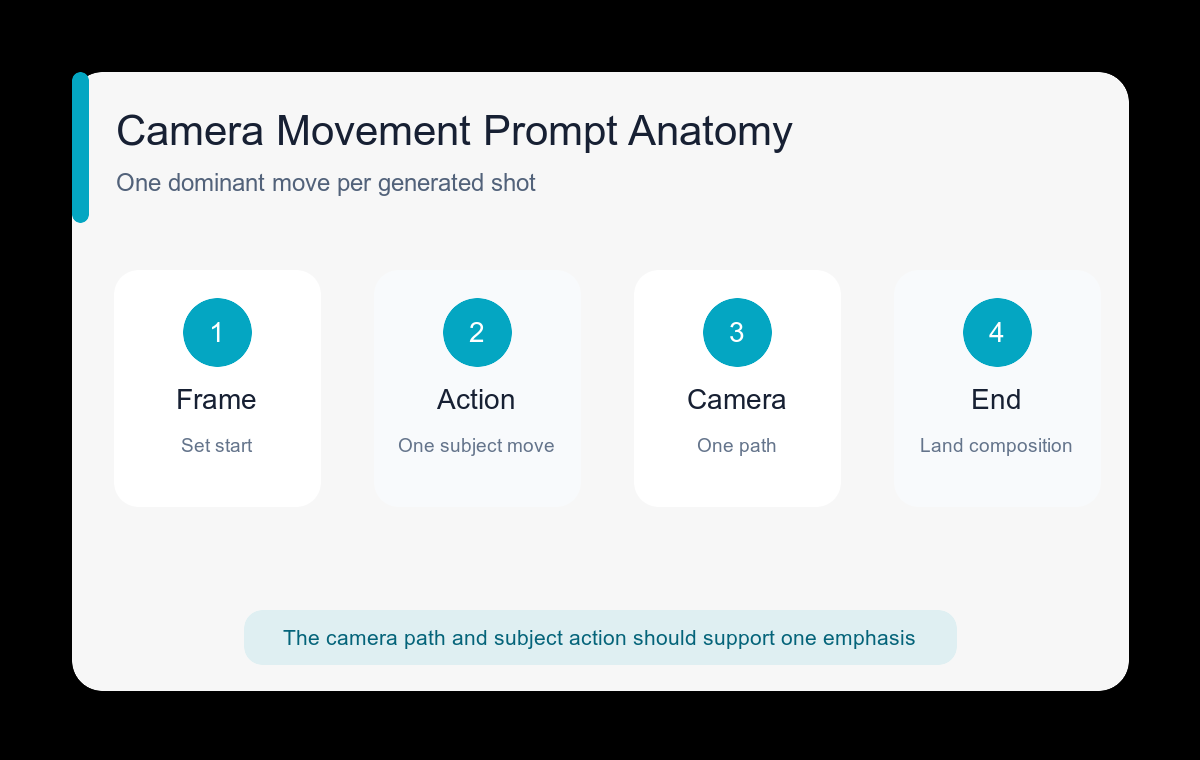
Use one dominant camera move per shot and describe it separately from subject action. A dependable order is starting frame, subject motion, camera path, speed, environment response, and ending composition.
Who this guide is for
Video creators, product marketers, and storyboard artists turning a clear shot idea into a short generated clip without mixing several conflicting camera directions.
Recommended model
| Use case | Recommended model | Why |
|---|---|---|
| This workflow | Seedance 2.0 | AIBase exposes Seedance 2.0 for text- and image-led video workflows, making it suitable for prompts where planned camera motion is part of the shot design. |
AIBase is an independent creative platform. Model names are shown only to identify supported underlying technologies and workflow choices.
Prompt template
Starting frame: [subject and composition]. Subject motion: [one clear action]. Camera: [single move] from [start position] to [end position] at [slow/steady/fast] speed. Environment: [secondary motion]. End frame: [final composition]. Keep [protected identity/product details] stable. Avoid camera shake, sudden cuts, warping, speed ramps, and new objects.
Step-by-step workflow
- Choose a movement that serves the shot: push-in for emphasis, pull-back for reveal, orbit for form, tracking for action, or tilt for vertical scale.
- Describe the subject action in its own sentence so it does not compete with the camera path.
- Set explicit start and end compositions; movement without an endpoint often produces aimless framing.
- Keep environmental motion secondary, such as fabric, steam, leaves, reflections, or background people.
- Generate a simple motion test before adding audio cues, dramatic effects, or multiple beats.
- Review frame continuity at normal speed and frame-by-frame around the largest motion change.
Example prompt variants
- Slow push-in from medium shot to close-up as a chef plates one final garnish; gentle steam rises; end with the dish centered and hands out of frame.
- Steady clockwise orbit around a running shoe on a pedestal, product remains still, soft light moves across the material, end at the opposite three-quarter angle.
- Low tracking shot beside a cyclist moving through a quiet street, constant speed, subtle background parallax, end with the rider entering warm sunrise light.
- Controlled tilt up from hiking boots to a wide mountain view while the person stands still, light wind in clothing, end on a balanced horizon.
Quality checklist
- The clip uses one readable camera path without an accidental cut.
- Subject action and camera movement remain physically compatible.
- The first and last frames both work as intentional compositions.
- Identity, product geometry, and key background lines do not warp during motion.
- Secondary motion adds life without becoming a second main action.
Mistakes to avoid
- Combining push-in, orbit, handheld shake, zoom, and crane movement in one short shot.
- Using cinematic as a substitute for a concrete camera path.
- Leaving the ending frame undefined.
- Adding complex subject choreography before the basic camera test is stable.
Related AIBase pages
Practical next step
Open the most relevant AIBase generator, run one narrow prompt first, and save the best result before adding more constraints. The fastest way to improve output quality is to compare one variable at a time: subject, camera, background, lighting, then final polish.