
Veo 3.1 Fast Record Store New Release Reel Prompts
Build short record-store arrival reels from verified album, format, stock, price, event, and rights data while using generated video only for generic text-free transitions.
Quick answer
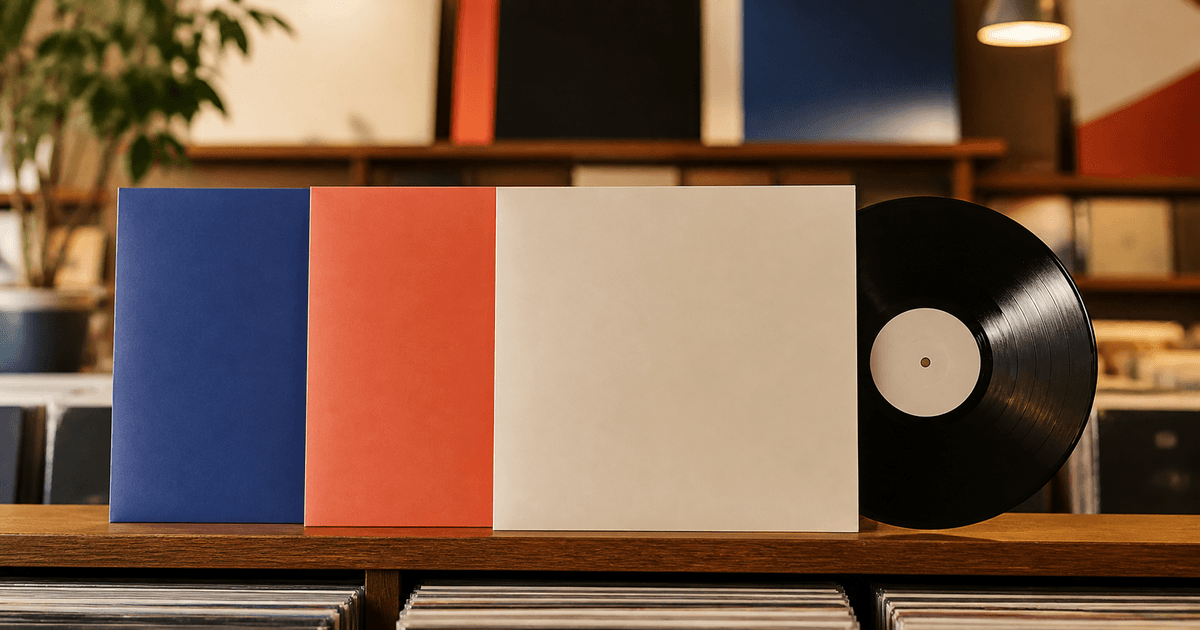
Film the actual records, cassettes, CDs, shelves, staff picks, signed stock, listening station, and store when those details matter. Verify artist, title, release, edition, format, color variant, region, quantity, price, preorder or on-sale time, event, link, and media rights. Use Veo 3.1 Fast only for a generic three-to-five-second text-free opening or transition—such as blank sleeves sliding into a neat rhythm—not for synthetic album art, artists, customers, store interiors, playback audio, demand, or stock evidence.
Who this guide is for
Independent record stores, music retailers, label shops, pop-up sellers, ecommerce teams, and social editors publishing weekly vinyl, cassette, CD, reissue, preorder, or in-store event arrivals.
Recommended model
| Use case | Recommended model | Why |
|---|---|---|
| This workflow | Veo 3.1 Fast for generic new-release reel hooks and transitions | Fast short-form iteration can create pacing plates while actual cover art, editions, inventory, staff, stores, music, and claims stay grounded in licensed footage and current catalog data. |
AIBase is an independent creative platform. Model names are shown only to identify supported underlying technologies and workflow choices.
Prompt template
Create one [3-5 second] text-free generic motion plate for a record-store new-release reel. Editorial job [opening hook / format transition / end-card atmosphere]. Subject: [three blank unbranded record sleeves / abstract circular grooves / neutral jewel-case planes] performing one action [slide into a row / rotate slightly / align]. Camera [one move or locked], vertical 9:16, palette [specific], protected title, price, date, and CTA zones, stable edit handles. No real artist, person, customer, store, album art, label, record title, readable spine, signature, sticker, price, stock count, chart, award, event, playback interface, audio, word, number, logo, or watermark.
Step-by-step workflow
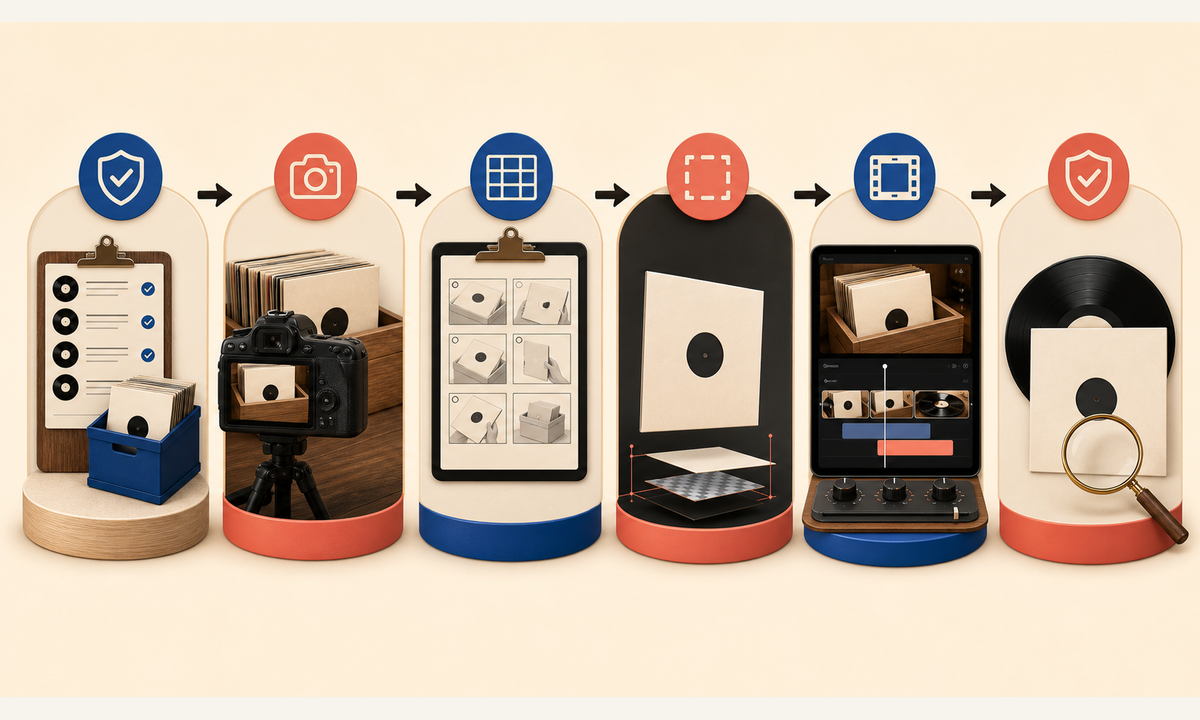
- Create a dated arrival sheet for artist, title, catalog number, release date, edition, format, color, region, condition, quantity, price, limit, preorder or sale state, event, destination link, and update owner.
- Clear rights for cover art, packaging, store footage, staff, customers, event material, music, performance, voice, and every intended platform and paid placement.
- Capture real product and shop footage with catalog numbers logged; separate verified new arrivals, reissues, restocks, preorders, used stock, and staff recommendations.
- Storyboard a real product hook, two or three factual highlights, one generic transition, and a current next step; generate only the abstract text-free plate.
- Assemble licensed footage, exact titles, format and edition notes, price, quantity language, dates, captions, music rights, disclosure, CTA, and live links in an editable timeline.
- Review catalog accuracy, stock, price, event status, content ratings, customer privacy, accessibility, platform audio rules, localization, link tracking, expiry, and withdrawal.
Example prompt variants
- Four-second vertical opener: three blank matte record sleeves slide one by one into an empty display rail and hold, warm shop-like light, no cover art, sticker, price, store, person, text, or audio.
- Three-second format transition: one abstract black disc makes a quarter turn under a soft highlight beside a blank sleeve plane, locked camera, no label, groove claim, turntable, artist, or sound.
- Five-second end-card atmosphere: cream, cobalt and charcoal blank sleeve edges align around a clear central CTA zone, subtle push, no album, chart, award, release date, logo, or word.
Quality checklist
- Artist, title, catalog number, release, edition, format, color, region, condition, quantity, price, limit, event, and links match current store data.
- All album art, packaging, store, staff, customer, event, music, voice, and platform rights are documented for the exact use.
- Generated plates contain no artist, customer, store, album art, title, label, edition, signature, stock, price, chart, award, event, text, or audio.
- Titles, formats, prices, dates, stock language, captions, disclosures, CTA, and links remain editable and can be retired when inventory changes.
- Arrival sheet, footage log, rights ledger, prompts, edit versions, approvals, publication, stock updates, expiry, and withdrawal remain traceable.
Mistakes to avoid
- Generating plausible album covers, colored-vinyl variants, signatures, hype stickers, or shelf displays and presenting them as real arrivals.
- Calling an item new, limited, exclusive, signed, rare, remastered, in stock, discounted, or staff-picked without current evidence.
- Using copyrighted music, cover art, performance clips, customer faces, or store audio without confirming platform and commercial rights.
- Leaving the reel live after format, price, stock, preorder, release date, event, or destination link changes.
Related AIBase pages
Practical next step
Open the most relevant AIBase generator, run one narrow prompt first, and save the best result before adding more constraints. The fastest way to improve output quality is to compare one variable at a time: subject, camera, background, lighting, then final polish.