
Veo 3.1 Pro Record Label Album Launch Film Prompts for Cinematic Atmosphere
Plan cinematic album-launch atmosphere while keeping artists, performances, artwork, release facts, credits, rankings, and audio rights in verified material.
Quick answer
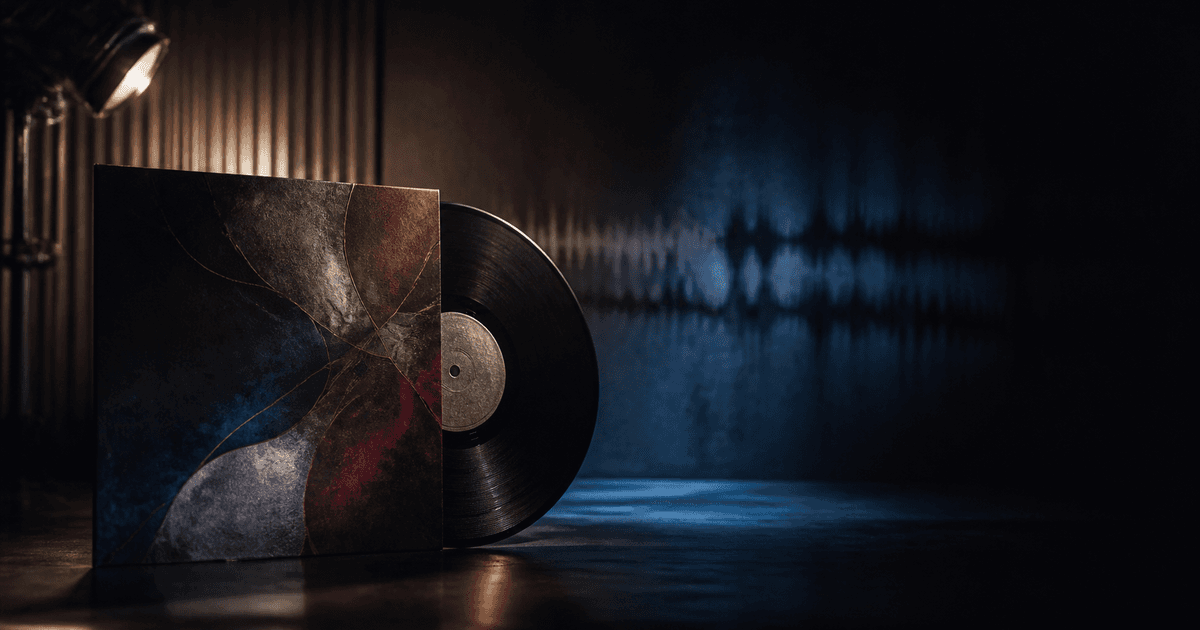
Use Veo 3.1 Pro for one abstract, non-evidentiary atmosphere shot at a time: anonymous vinyl grooves, a blank sleeve in sculpted light, empty studio shadows, or color and texture inspired by an approved visual brief. Use licensed footage and approved files for the actual artist, performance, likeness, album art, title, label, credits, collaborators, release date, quotes, awards, rankings, availability, and music.
Who this guide is for
Independent labels, artists, music marketers, creative directors, distributors, and editors building album announcement films, teaser loops, visualizers, social cutdowns, and release-day assets.
Recommended model
| Use case | Recommended model | Why |
|---|---|---|
| This workflow | Veo 3.1 Pro for selected cinematic atmosphere plates | Deliberate camera and lighting direction can enrich an approved release campaign, provided generated imagery does not impersonate the artist, artwork, performance, reception, or music evidence. |
AIBase is an independent creative platform. Model names are shown only to identify supported underlying technologies and workflow choices.
Prompt template
Create one [duration]-second text-free cinematic atmosphere shot for an album launch visual system. Subject: [anonymous vinyl groove / blank sleeve / empty studio light / abstract material]. Action: [one restrained motion]. Camera: [one path], light: [specific], palette: [approved colors], stable end frame. No artist, face, body, performance, instrument brand, album art, title, label, collaborator, lyric, quote, review, audience, venue, chart, stream count, award, release date, platform UI, word, letter, number, logo, generated music, sound, or watermark.
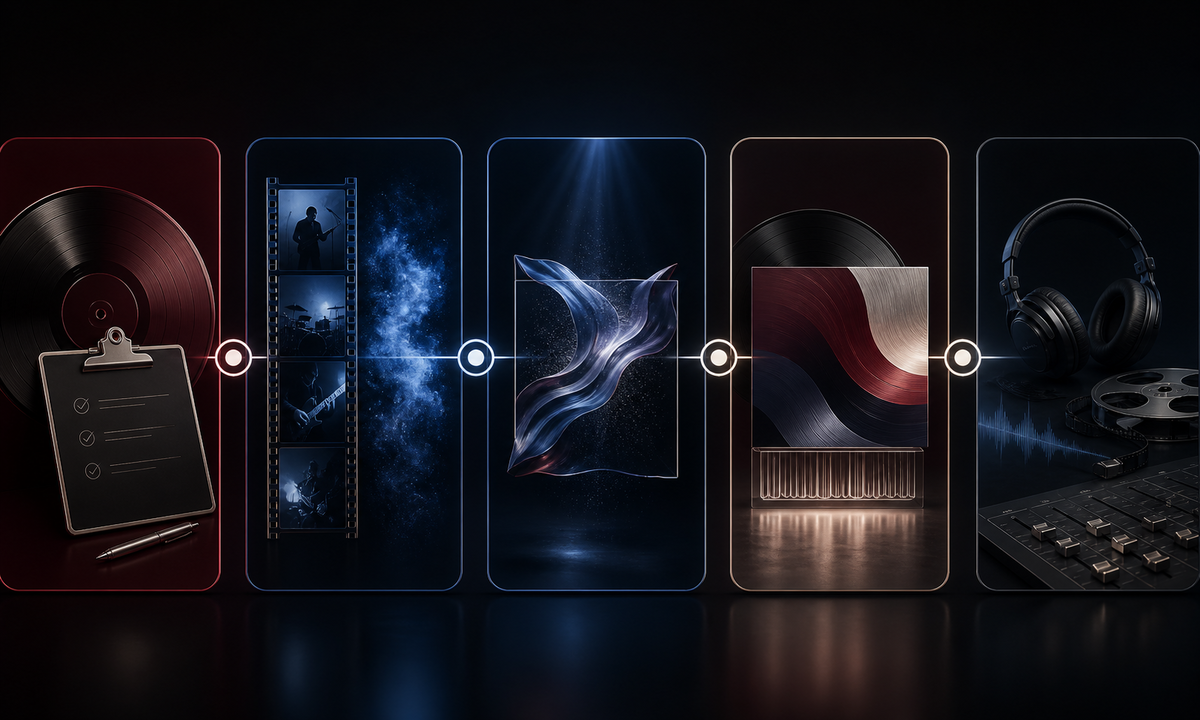
Step-by-step workflow
- Freeze release title, artist and collaborator approvals, artwork files, credits, dates, territories, distributor and platform status, quotes, awards, rankings, links, likeness and music rights.
- Classify every planned shot as licensed artist proof, approved artwork or product composite, or generated non-evidentiary atmosphere.
- Build a shot list with one material event, one camera path, one palette role, and clear edit handles per generated clip.
- Generate abstract plates without artist likeness, performance, album identifiers, audience reaction, venue, chart, or platform evidence.
- Composite approved artist footage, cover art, title, credits, release details, captions, disclosure, links, and properly licensed audio in a versioned edit.
- Run artist, label, legal, music-rights, platform, accessibility, localization, destination, and takedown review before publishing.
Example prompt variants
- Six-second macro of anonymous black vinyl grooves catching a narrow burgundy and cobalt light sweep, one slow push, no label, sleeve, hand, artist, text or sound.
- Five-second blank abstract sleeve standing in an empty dark studio while a warm silver light moves across its paper texture, no artwork, title, logo, equipment or person.
- Seven-second abstract translucent fabric wave in deep burgundy and blue, one controlled lateral camera move, no face, performance, lyric, crowd, stage, word or audio.
Quality checklist
- Artist, collaborators, likeness, artwork, credits, release details, territories, links, quotes, achievements, and audio rights are approved.
- Generated shots contain no fictional artist, performance, venue, crowd, reception, ranking, platform, artwork, title, lyric, or credit.
- Vinyl, sleeve, fabric, light, camera, reflections, and edit handles remain coherent and stable.
- Approved artwork, copy, captions, disclosure, links, platform marks, and audio remain editable and correctly licensed.
- Brief, sources, prompts, outputs, edit versions, rights, approvals, publication, corrections, and takedown path are retained.
Mistakes to avoid
- Generating a performer who resembles or substitutes for the real artist.
- Inventing concert crowds, studio sessions, chart success, awards, reviews, streaming screens, or fan reactions.
- Using recognizable cover art, lyrics, brand equipment, or unlicensed music as decorative material.
- Embedding titles, dates, credits, territories, platform availability, or release claims in generated pixels.
Related AIBase pages
Practical next step
Open the most relevant AIBase generator, run one narrow prompt first, and save the best result before adding more constraints. The fastest way to improve output quality is to compare one variable at a time: subject, camera, background, lighting, then final polish.