
GPT Image 2 广告创意提示词模板:制作转化导向概念图
用 GPT Image 2 广告创意提示词明确受众、视觉钩子、产品角色、裁切、留白和检查标准。
Quick answer
A useful ad prompt starts with the buyer problem and the image’s single job, then defines one visual hook, one product role, one crop, and intentional negative space. Generate the visual without critical campaign copy and add verified text in your design tool afterward.
Who this guide is for
Performance marketers, ecommerce teams, and founders who need several distinct campaign concepts before selecting layouts for final copy, brand review, and launch.
Recommended model
| Use case | Recommended model | Why |
|---|---|---|
| This workflow | GPT Image 2 | Use it for bounded text-to-image concept work where a specific product scene, audience context, and ad composition need to be explored quickly. |
AIBase is an independent creative platform. Model names are shown only to identify supported underlying technologies and workflow choices.
Prompt template
Create a [aspect ratio] advertising image for [product/category] aimed at [specific audience]. Buyer tension: [problem or desire]. Visual hook: [one concrete scene]. Place the product [position and scale]. Leave clean negative space at [location] for a headline and CTA added later. Lighting: [lighting]. Brand mood: [three traits]. No readable text, invented logos, unsupported claims, badges, or extra products.
Step-by-step workflow
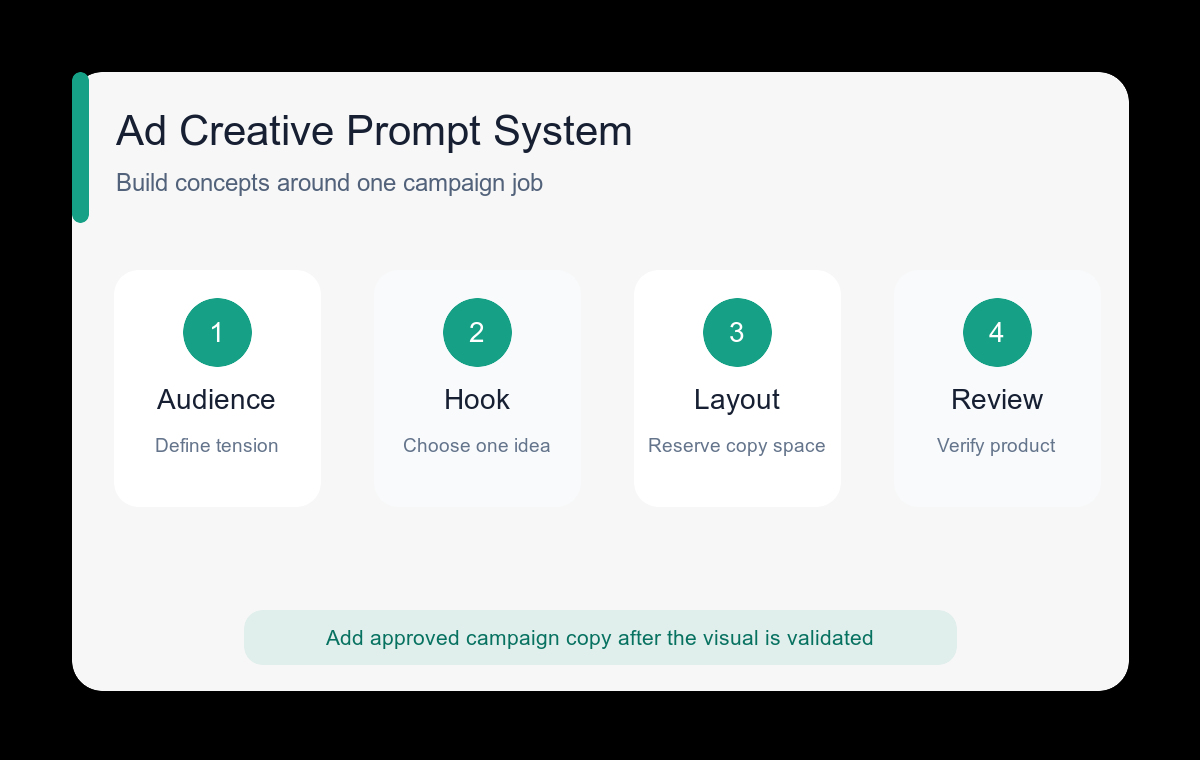
- Write the audience and campaign objective in one sentence before describing visual style.
- Choose one concept family: product proof, transformation, routine, aspiration, comparison, or seasonal context.
- Specify the placement and size of the product so it remains recognizable at feed speed.
- Reserve a precise copy zone and keep it visually quiet rather than asking the model to typeset the final ad.
- Generate three concept families, not three tiny variations of the same composition.
- Add approved copy, logo, pricing, and legal text only after the image passes a product-accuracy review.
Example prompt variants
- Vertical skincare ad concept for commuters, serum bottle beside a fogged train window clearing into sharp morning light, bottle in lower right, empty upper-left headline zone, calm premium mood.
- Square meal-kit ad concept for busy parents, colorful ingredients arranged around one prepared bowl, overhead crop, product centered, clean top band for copy, energetic natural light.
- Wide software campaign background for small retail teams, tidy order-packing desk with subtle workflow cards and one laptop, right-side subject cluster, generous left-side copy space, confident editorial style.
Quality checklist
- The concept communicates one benefit without needing explanatory copy.
- The product remains visible and plausible at the target placement size.
- The negative-space area is clean enough for a real headline and CTA.
- No generated labels, statistics, guarantees, or certification marks require removal.
- The composition survives the intended mobile or desktop crop.
Mistakes to avoid
- Starting with a long style list before defining the audience problem.
- Combining awareness, product education, discount, and testimonial ideas in one image.
- Asking for final legal or pricing copy inside the generation.
- Approving a strong mood even though the product shape or usage is inaccurate.
Related AIBase pages
Practical next step
Open the most relevant AIBase generator, run one narrow prompt first, and save the best result before adding more constraints. The fastest way to improve output quality is to compare one variable at a time: subject, camera, background, lighting, then final polish.