
Seedance 图生视频提示词指南:让静态图动起来
用 Seedance 将参考图变成短视频,控制动作、镜头和场景逻辑。
Quick answer
A strong Seedance image-to-video prompt describes motion, camera, duration, and what should stay visually stable. Do not just say make it cinematic; tell the model what moves and what remains anchored.
Who this guide is for
Creators turning product stills, portraits, illustrations, food photos, or concept images into short clips for social posts, ads, and demos.
Recommended model
| Use case | Recommended model | Why |
|---|---|---|
| This workflow | Seedance 2.5 or Seedance 2.0 | Both are AIBase video generation options connected to text-to-video and image-to-video workflows, so they fit motion prompts from a still reference. |
AIBase is an independent creative platform. Model names are shown only to identify supported underlying technologies and workflow choices.
Prompt template
Animate the reference image into a [duration/use case] video. Keep [subject identity/product/layout] stable. Motion: [specific subject motion]. Camera: [camera movement]. Atmosphere: [light/weather/energy]. Avoid [warping, extra limbs, text changes].
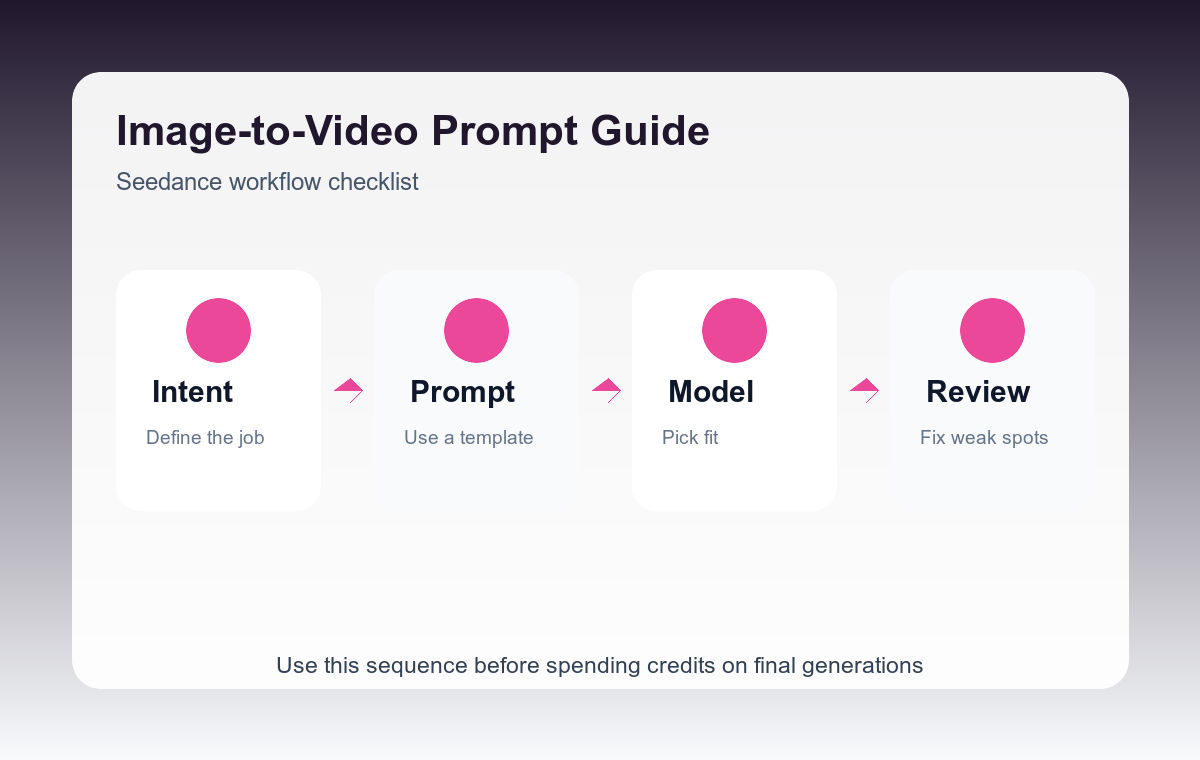
Step-by-step workflow
- Start from a still image with a clear subject and uncluttered background.
- Name one primary motion: turn, steam, fabric movement, hand gesture, camera push, or object reveal.
- Add one camera move at most so the clip stays coherent.
- Protect important details like faces, logos, packaging, or product shape.
- Review the first second and the final frame for drift before using the clip.
Example prompt variants
- Animate the product photo into a 5-second ad clip. Keep the bottle shape and label stable. Camera slowly pushes in, water droplets glisten, soft studio light.
- Animate the portrait with a subtle head turn and hair movement, stable facial identity, shallow depth of field, no extra people.
- Animate the food image with gentle steam rising and a slow overhead camera drift, keep plate shape and ingredients stable.
Quality checklist
- The first and last frames still match the reference.
- Motion supports the story instead of distracting from the subject.
- Faces, hands, labels, and product edges remain stable.
- The clip works silently if used on social feeds.
Mistakes to avoid
- Asking for multiple unrelated motions in a short clip.
- Leaving camera movement undefined.
- Forgetting to protect details that matter commercially.
Related AIBase pages
Practical next step
Open the most relevant AIBase generator, run one narrow prompt first, and save the best result before adding more constraints. The fastest way to improve output quality is to compare one variable at a time: subject, camera, background, lighting, then final polish.