
Wan 2.7 竖屏社媒视频提示词:9:16 图生视频工作流
编写 Wan 2.7 竖屏社媒视频提示词,控制移动端裁切、前景动作、构图和循环结尾。
Quick answer
Design the source image for 9:16 before animating it. Keep the subject inside the central safe area, use forward or vertical motion that reads on a phone, reserve interface-safe space, and finish on a frame that can hold or loop.
Who this guide is for
Creators and social teams turning portraits, product images, food shots, fashion frames, or campaign key art into vertical feed and story concepts.
Recommended model
| Use case | Recommended model | Why |
|---|---|---|
| This workflow | Wan 2.7 in image-to-video mode | The AIBase model configuration includes 9:16 output and image-to-video support, matching the input and format needs of a vertical social workflow. |
AIBase is an independent creative platform. Model names are shown only to identify supported underlying technologies and workflow choices.
Prompt template
Animate the uploaded 9:16 image for a vertical social clip. Keep [subject/product] inside the central safe zone and preserve [identity/shape/label placement]. Primary motion: [one phone-readable action]. Camera: [slow push/tilt/track]. Background motion: [subtle detail]. Keep top and bottom overlay zones uncluttered. End on [stable or loop-matching frame]. No side crop drift, sudden zoom, extra objects, text, or warped hands.
Step-by-step workflow
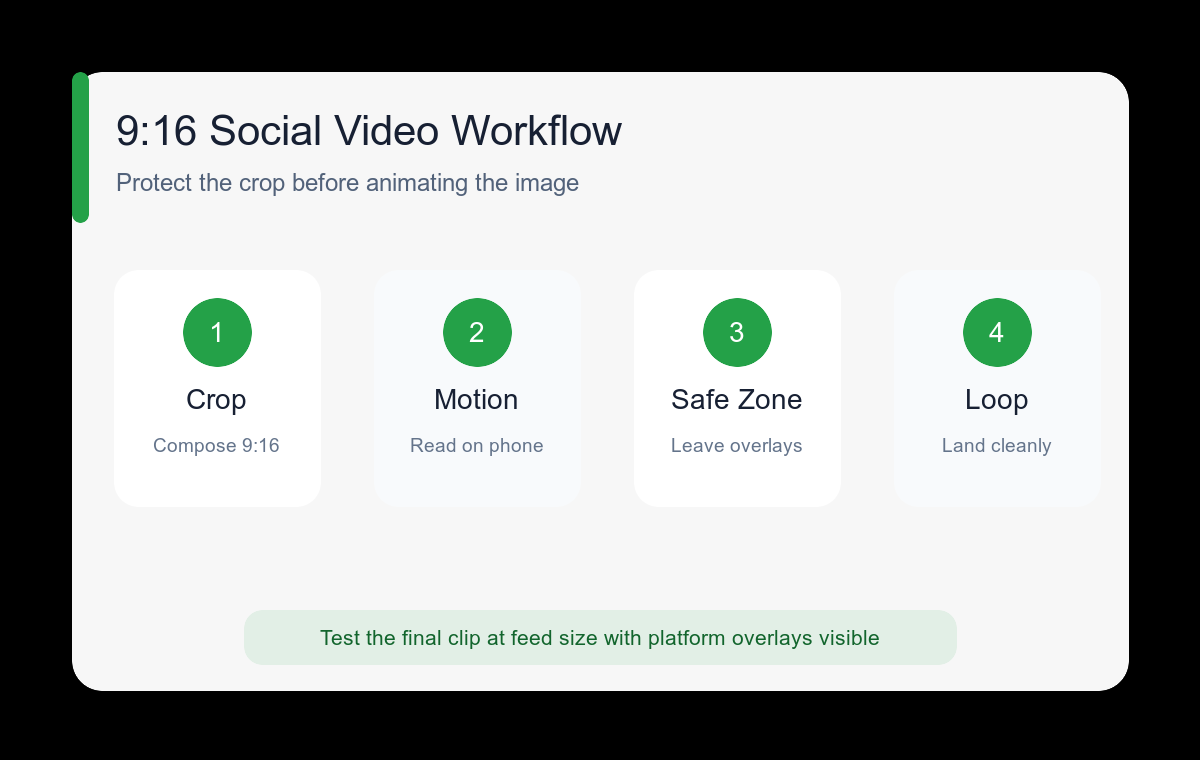
- Build or crop the source image at 9:16 with the main subject away from extreme edges.
- Mark top and bottom interface zones before deciding where product details and faces should sit.
- Choose one motion that remains readable on a small screen, such as turn, reveal, lift, pour, push-in, or vertical tilt.
- Keep background movement lower contrast than the foreground action.
- Generate a clean motion pass, then add captions and interface-safe graphics in an editor.
- Test the exported clip muted, at feed size, and with platform overlays before publishing.
Example prompt variants
- Vertical fashion portrait, subject turns slightly toward camera as coat fabric moves in a light breeze, slow push-in, face remains in upper-middle safe zone, end on steady eye contact.
- Vertical coffee product shot, hand lifts the cup once while steam curls upward, gentle tilt from saucer to logo area, uncluttered top caption zone, end close to opening position.
- Vertical skincare scene, water droplets travel down the bottle while morning light shifts softly, very slow orbit, bottle remains centered, stable hero ending.
Quality checklist
- The face or product stays inside the 9:16 safe area throughout the clip.
- Primary action remains understandable without sound or a large screen.
- Top and bottom overlay zones do not hide critical details.
- Background motion does not compete with the subject.
- The final frame can hold for copy or transition naturally into a loop.
Mistakes to avoid
- Animating a landscape source and hoping an automatic vertical crop will preserve the subject.
- Using rapid lateral motion that pushes the subject into interface edges.
- Filling every area with detail and leaving no caption-safe region.
- Adding generated captions instead of typesetting accessible text afterward.
Related AIBase pages
Practical next step
Open the most relevant AIBase generator, run one narrow prompt first, and save the best result before adding more constraints. The fastest way to improve output quality is to compare one variable at a time: subject, camera, background, lighting, then final polish.