
Veo 3.1 Pro Electric Ferry Brand Film Prompts
Plan cinematic electric-ferry films while keeping the real vessel, route, operator, schedule, capacity, charging, accessibility, safety, emissions, and launch status factual.
Quick answer
Use licensed real footage for the vessel, terminal, route, waterway, crew, passengers, charging, accessibility, safety equipment, operations, wake, weather, and any claim about service or emissions. Use Veo 3.1 Pro only for clearly illustrative text-free atmospheric plates—abstract water light, energy flow, or chapter transitions—that cannot be mistaken for a real ferry or route. Never generate a plausible vessel, terminal, charger, passenger experience, marine condition, wildlife interaction, or completed service and present it as documentary evidence.
Who this guide is for
Ferry operators, shipyards, ports, transit agencies, tourism organizations, clean-transport programs, municipalities, investors, and agencies preparing launch films, public explainers, stakeholder updates, or route campaigns.
Recommended model
| Use case | Recommended model | Why |
|---|---|---|
| This workflow | Veo 3.1 Pro for cinematic abstract plates inside a verified transport film | Cinematic generation can support mood and connective storytelling while vessel-specific engineering, operations, route, public-service, environmental, and safety evidence stays sourced from the real project. |
AIBase is an independent creative platform. Model names are shown only to identify supported underlying technologies and workflow choices.
Prompt template
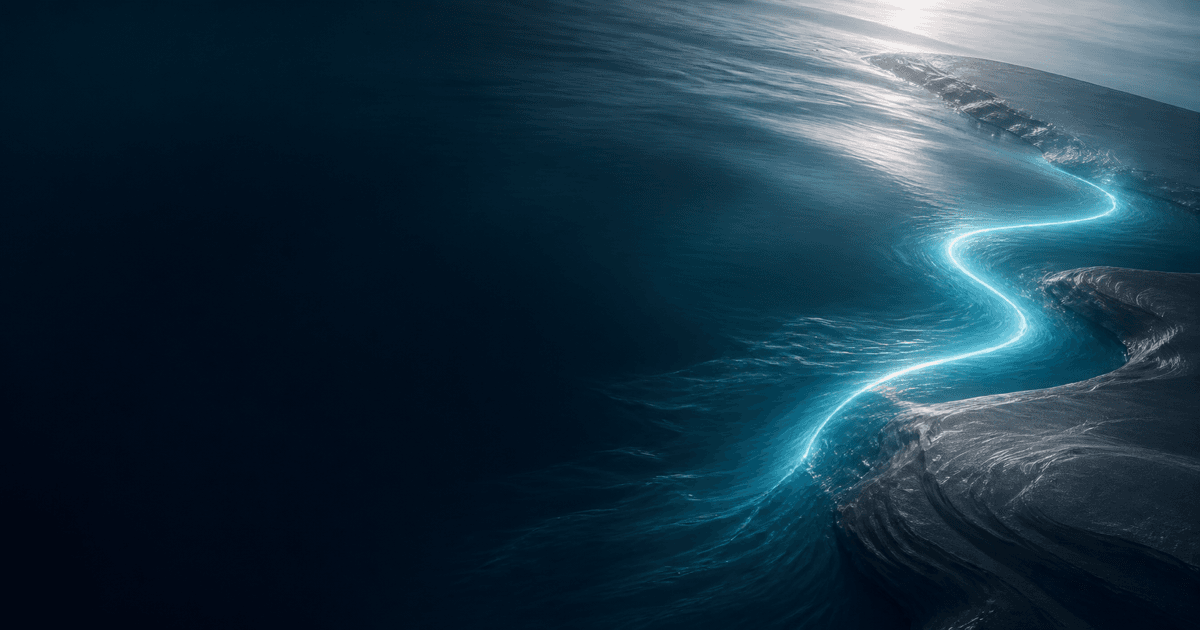
Create one [4-7 second] clearly illustrative text-free cinematic plate for an electric-ferry brand film. Story job [quiet opener / energy transition / route chapter breath / end-card atmosphere]. Abstract subject [cool light traveling beneath an unmarked water surface / two neutral fields connected by one luminous line / gentle wake-like texture without a vessel]. Motion [one], camera [one or locked], lens and crop [specific], palette [specific], stable edit handles and protected caption zone. No boat, ship, ferry silhouette, terminal, bridge, route, coastline, city, passenger, crew, charger, battery, cable, wake from a vessel, wildlife, weather event, map, emissions cue, schedule, ticket, word, number, logo, sound, or watermark.
Step-by-step workflow
- Build a dated ledger for vessel name and class, ownership, shipyard, certification, propulsion, battery, charging, capacity, range, route, terminals, schedule, fares, accessibility, safety, crew, launch status, energy source, emissions method, wildlife, and approvals.
- Capture licensed footage of the exact vessel, interiors, machinery spaces where permitted, terminals, berths, charging, crew, safety and access features, passengers with releases, route, weather, and operational state.
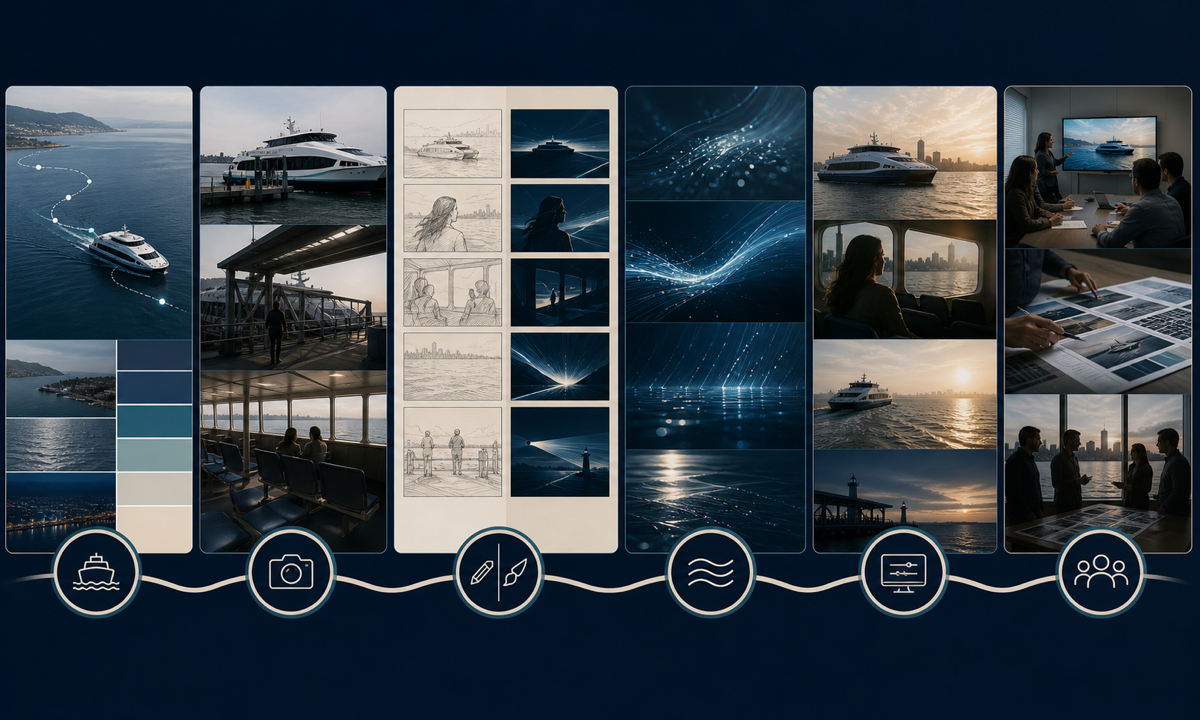
- Separate documentary evidence, engineering visualization, future concept, archive, and generated atmosphere in the storyboard; label each class before editing.
- Generate only abstract water, light, connection, and energy plates with no vessel, infrastructure, geography, operational state, performance, passenger, environmental result, or readable text.
- Assemble real footage with verified narration, diagrams, captions, audio description, route and service information, safety context, accessibility, credits, citations, disclosure, and CTA.
- Review with operator, maritime authority, engineering, port, accessibility, safety, labor, environmental, indigenous or community, legal, privacy, sponsor, localization, and incident-response owners.
Example prompt variants
- Six-second opener: cool dawn light moves once beneath a dark unmarked water texture, one slow push, no vessel, wake, shore, route, battery, wildlife, city, or sound.
- Four-second energy transition: a thin teal light passes between two blank graphite fields and fades, locked camera, no cable, charger, map, terminal, statistic, or logo.
- Five-second end-card plate: soft silver reflections settle around a clear central title zone on calm abstract blue, no ferry silhouette, port, passenger, schedule, ticket, claim, or text.
Quality checklist
- Vessel, ownership, shipyard, certification, propulsion, battery, charging, capacity, range, route, terminal, schedule, fare, access, safety, launch, energy, and emissions facts match current approved sources.
- Real vessel, crew, passenger, terminal, charging, route, wildlife, and operational footage is licensed, current, correctly identified, and not confused with concepts.
- Generated plates remain abstract and contain no fake vessel, infrastructure, geography, service, passenger experience, safety evidence, environmental result, or performance cue.
- Maritime safety, accessibility, labor, privacy, wildlife, community, captions, audio description, disclosure, sources, and incident-sensitive context receive specialist review.
- Fact ledger, footage log, releases, prompts, generated labels, edit decisions, approvals, effective dates, corrections, and withdrawal remain traceable.
Mistakes to avoid
- Generating a sleek ferry or terminal and presenting it as the real vessel, completed infrastructure, or route now in service.
- Using smooth water, silent operation, empty decks, or clean wakes to imply comfort, noise, capacity, safety, zero emissions, or no wildlife impact.
- Showing synthetic crew, passengers, accessibility equipment, charging, evacuation, or maintenance as proof of operations or compliance.
- Publishing stale schedule, fare, route, launch, range, capacity, charger, energy-source, certification, or emissions information in a cinematic edit.
Related AIBase pages
Practical next step
Open the most relevant AIBase generator, run one narrow prompt first, and save the best result before adding more constraints. The fastest way to improve output quality is to compare one variable at a time: subject, camera, background, lighting, then final polish.