
Veo 3.1 Pro Community Solar Brand Film Prompts
Storyboard community solar brand films that separate cinematic illustration from verified sites, enrollment rules, savings, grid impact, land use, local benefits, and participant stories.
Quick answer
Build a claim ledger before the storyboard. Use real footage for named arrays, towns, subscribers, bills, interconnection, habitat, construction, and local-benefit evidence. Use Veo 3.1 Pro only for clearly labeled illustrative transitions or generic energy metaphors that do not look like a documented operating project. Keep savings, eligibility, cancellation, availability, renewable attributes, emissions, jobs, land use, and timelines in verified narration and editable graphics.
Who this guide is for
Community solar developers, cooperatives, utilities, municipalities, climate nonprofits, project financiers, energy educators, and agencies producing public explainers, enrollment films, stakeholder updates, and launch campaigns.
Recommended model
| Use case | Recommended model | Why |
|---|---|---|
| This workflow | Veo 3.1 Pro for bounded cinematic illustration within an evidence-led solar film | Longer-form visual coherence can help connect verified chapters, but generated imagery should never substitute for project evidence or create a fictitious community, array, bill, grid result, habitat outcome, or participant endorsement. |
AIBase is an independent creative platform. Model names are shown only to identify supported underlying technologies and workflow choices.
Prompt template
Create a [4-7 second] cinematic illustrative transition for a community solar brand film chapter about [generic concept: shared access / grid connection / seasonal generation / local participation]. Scene [specific non-identifiable setting], camera [specific], light [specific], protected narration and caption zones. Make the frame visibly illustrative and geographically non-specific. No named site, identifiable resident, utility logo, bill, meter reading, map boundary, property, construction status, wildlife outcome, job count, savings figure, emission figure, enrollment claim, certification mark, text, sound, or watermark. Do not imply panels directly power a pictured home or guarantee lower bills.
Step-by-step workflow
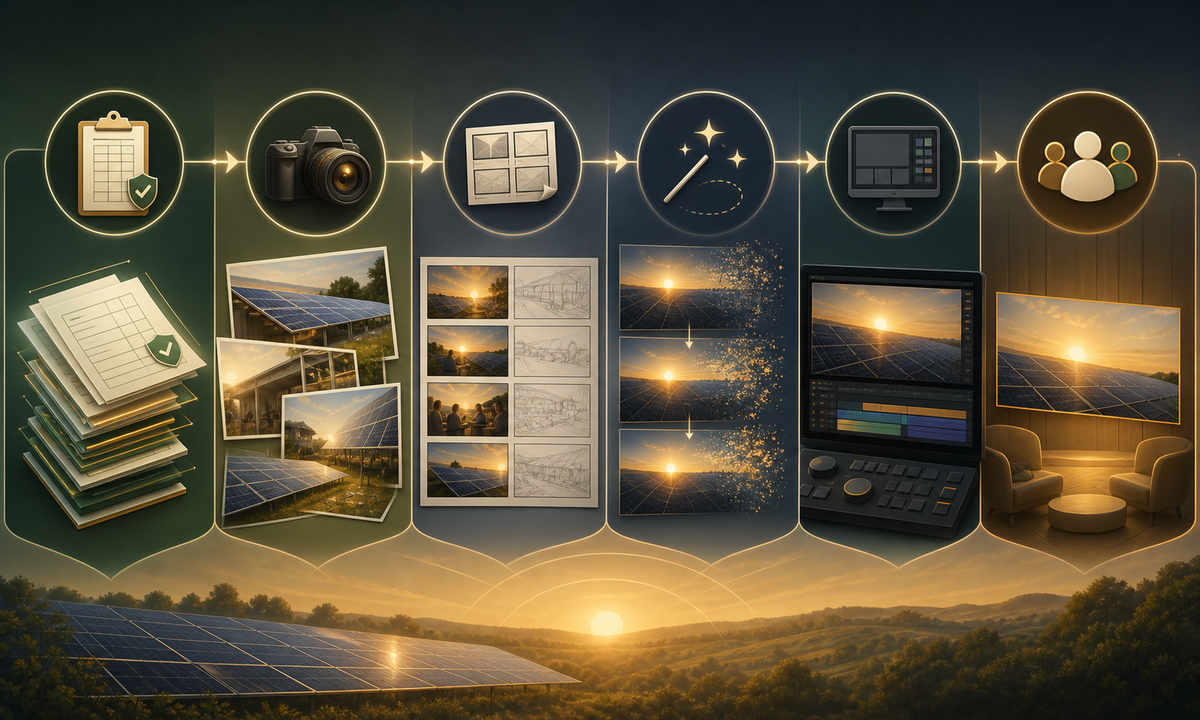
- Create a source-backed claim ledger for project ownership, site status, capacity, interconnection, service area, eligibility, subscription terms, cancellation, bill mechanics, savings examples, renewable attributes, emissions method, land, habitat, jobs, taxes, and timeline.
- Separate proof shots from illustration: list every named site, resident, worker, bill, map, array, grid asset, habitat feature, and community benefit that requires real authorized evidence.
- Obtain participant consent and location, drone, utility, contractor, landowner, tribal, environmental, music, and archival permissions with precise use boundaries.
- Storyboard each chapter with claim source, real plate, optional generated bridge, narration, on-screen disclosure, caption, reviewer, and expiry date.
- Generate only bounded, non-identifiable transitions and reject fictitious panels, wires, wildlife, workers, bills, neighborhoods, or before-and-after outcomes.
- Assemble real evidence, verified narration, editable maps and numbers, illustrative labels, captions, audio description, methodology links, enrollment terms, and correction route.
- Run technical, legal, regulatory, community, environmental, accessibility, localization, brand, and participant review before release and after material project changes.
Example prompt variants
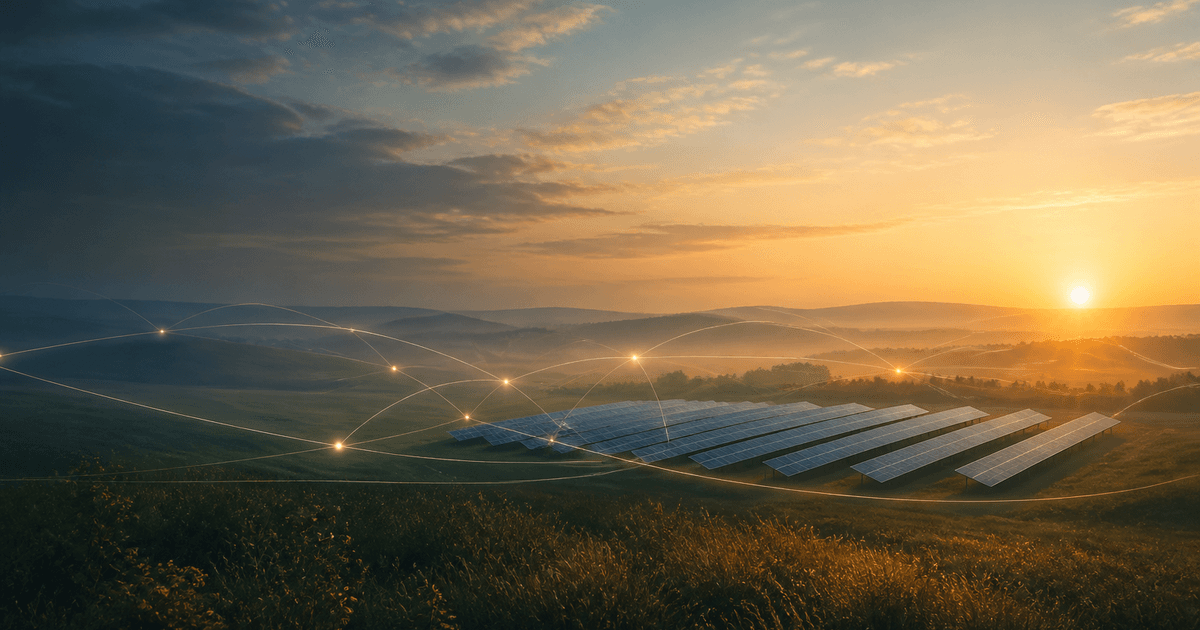
- Five-second illustrative dawn transition over non-identifiable rural geometry with a small generic solar pattern in the distance, slow lateral move, no home-to-panel wire, map, people, wildlife, text, or operating-status cue.
- Four-second abstract shared-access transition: warm points of light connect through a neutral grid of lines without houses, meters, currency, percentages, utility marks, or implication of direct electricity delivery.
- Six-second seasonal-energy metaphor using shifting sunlight across a generic panel texture and calendar-like color rhythm, no dates, generation numbers, weather guarantee, snow clearing, maintenance, or site identity.
Quality checklist
- Ownership, status, capacity, interconnection, eligibility, terms, bill mechanics, savings, attributes, emissions, land, habitat, jobs, taxes, and timeline match current cited sources.
- Named projects, sites, residents, workers, bills, maps, equipment, habitat, and outcomes use real authorized evidence rather than generated substitutes.
- Every generated shot is geographically non-specific, clearly illustrative, and free of implicit project, savings, grid, environmental, job, or endorsement claims.
- Narration, figures, maps, disclosures, captions, audio description, sources, enrollment links, dates, and correction route remain editable and accessible.
- Claim ledger, permissions, prompts, outputs, technical reviews, participant approvals, release, updates, correction, and withdrawal remain traceable.
Mistakes to avoid
- Showing a generated solar farm as though it were the named project viewers can visit or subscribe to.
- Drawing a line from panels to one home and implying dedicated electrons, uninterrupted supply, or direct physical delivery.
- Using generic smiling residents, bills, wildlife, crops, or workers to imply verified savings, consent, habitat benefit, land compatibility, or local jobs.
- Publishing modeled savings, emissions, completion dates, or enrollment availability without assumptions, dates, sources, conditions, and update ownership.
Related AIBase pages
Practical next step
Open the most relevant AIBase generator, run one narrow prompt first, and save the best result before adding more constraints. The fastest way to improve output quality is to compare one variable at a time: subject, camera, background, lighting, then final polish.