AI Image Prompt Template for Social Media Posts and Ads
A reusable AI image prompt template for social posts, ads, thumbnails, and campaign visuals across AIBase image models.
Quick answer
A social image prompt should define platform format, audience, hook, subject, layout, and safe whitespace. The best template is reusable because it separates creative direction from channel requirements.
Who this guide is for
Creators, solo founders, marketers, and agencies producing social post backgrounds, thumbnail concepts, paid ad visuals, and campaign variations.
Recommended model
| Use case | Recommended model | Why |
|---|---|---|
| This workflow | Seedream 5.0 Lite for rapid drafts, GPT Image 2 for concepts, Nano Banana 2 for controlled variations | Social content usually needs many options, then a few controlled refinements. These models support that staged workflow on AIBase. |
AIBase is an independent creative platform. Model names are shown only to identify supported underlying technologies and workflow choices.
Prompt template
Create a [platform format] image for [audience]. Hook: [message]. Subject: [main visual]. Layout: [center/right/left/negative space]. Mood: [emotion]. Colors: [palette]. Leave clean space for headline. Do not include readable text inside the image.
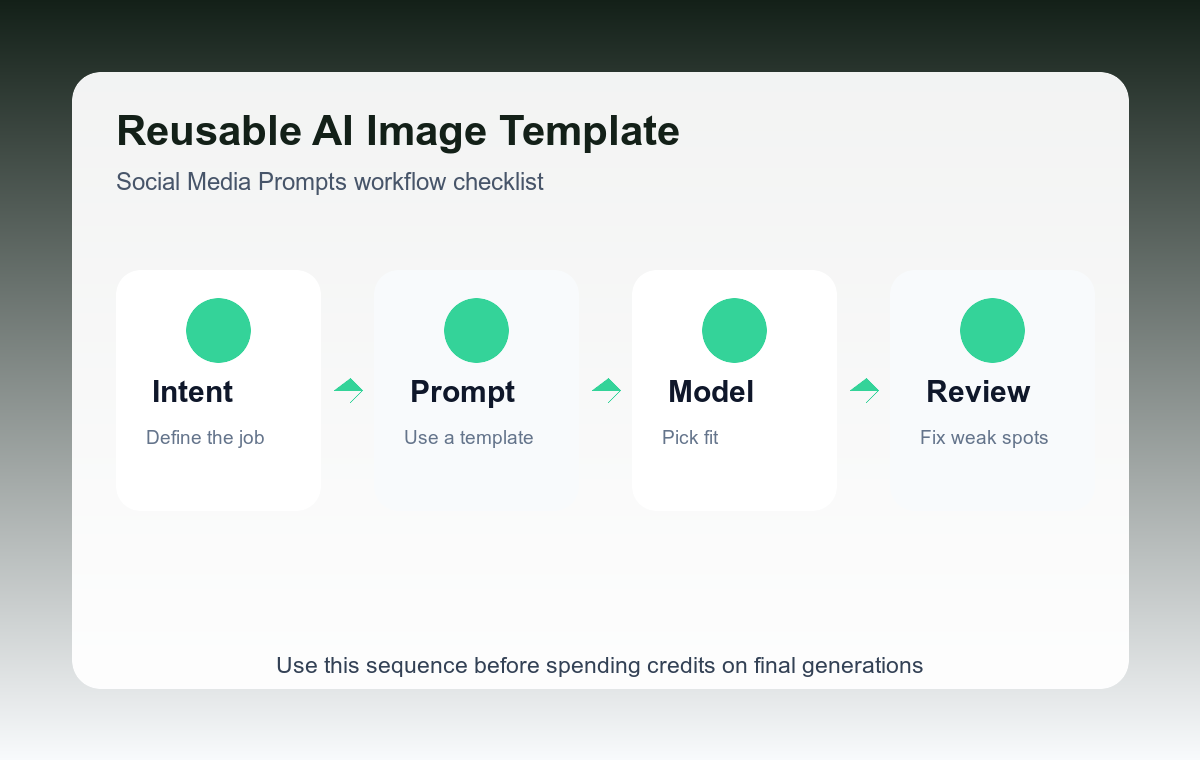
Step-by-step workflow
- Start with the channel size: square, vertical, horizontal, or thumbnail.
- Write the audience and hook before describing the visual style.
- Reserve whitespace for text overlays instead of asking the model to write the headline.
- Generate three mood variants: calm, bold, and premium.
- Use the best variant as a reference for future campaign consistency.
Example prompt variants
- Vertical Instagram story background for indie app founders, hook about saving time, clean desk with glowing dashboard, deep green palette, space at top for headline.
- Square LinkedIn post image for B2B marketers, abstract product workflow cards, confident but calm mood, blue and graphite palette, no text.
- YouTube thumbnail background for AI tutorial, creator desk setup with prompt cards and image previews, high contrast, space on left for title.
Quality checklist
- The image reads clearly at feed size.
- There is intentional space for copy.
- The visual hook matches the audience problem.
- No generated text competes with your designed overlay.
Mistakes to avoid
- Asking the model to include exact headline text in the image.
- Ignoring platform crop and then losing the subject.
- Using one generic style for every audience and campaign.
Related AIBase pages
- Use Nano Banana 2 for image variations
- Use GPT Image 2 for ad concepts
- Use Seedream 5.0 Lite for fast drafts
Practical next step
Open the most relevant AIBase generator, run one narrow prompt first, and save the best result before adding more constraints. The fastest way to improve output quality is to compare one variable at a time: subject, camera, background, lighting, then final polish.