
Best AI Workflow for Product Installation Guide Images and Videos
Route cleanup, reference-led states, text-free layouts, and bounded motion while keeping prerequisites, tools, hazards, sequence, verification, warranties, and revisions accurate.
Quick answer
Start from the approved installation manual, exact SKU-region-revision bill of materials, site requirements, codes, permits, tools, personal protective equipment, qualified-installer boundaries, hazards, sequence, torque or measurement values, verification, commissioning, rollback, warranty, and support. Use Nano Banana 2 for tiny non-material cleanup, Nano Banana Pro for fully documented reference-led states, GPT Image 2 or Seedream 5.0 Lite for text-free layouts, Seedance 2 or Wan 2.7 for one verified safe motion, Veo 3.1 Fast for generic transitions, and HappyHorse only for a consented presenter with micro-motion. Never generate a hidden connection, structural attachment, electrical or plumbing state, clearance, tool contact, measurement, completed installation, or compliance result absent from approved sources.
Who this guide is for
Consumer hardware, appliances, fixtures, furniture, networking equipment, smart-home devices, fitness products, retailers, installers, technical writers, support teams, and agencies creating web, app, QR, print, and social installation guidance.
Recommended model
| Use case | Recommended model | Why |
|---|---|---|
| This workflow | A routed AIBase-supported stack selected by installation-step truth and safety risk | Localized cleanup, exact visible state, decorative layout, physical motion, generic transition, and identity-led presentation have different evidence requirements; routing keeps the approved manual authoritative. |
AIBase is an independent creative platform. Model names are shown only to identify supported underlying technologies and workflow choices.
Prompt template
Installation asset job [narrow cleanup / exact reference-led visible state / text-free step layout / one documented safe movement / generic transition / consented presenter micro-motion]. Product [exact SKU, region and revision], approved step [number and name], before and after states [specific], site and prerequisites [specific], tool and PPE [specific], channel and ratio [specific], protected product, fastener, connector, cable, pipe, bracket, anchor, surface, hand, tool, clearance, measurement, warning, verification, support, and CTA zones [specific]. Preserve source-supported geometry, orientation, state, contact, sequence, camera, light, and safety boundary. No invented part, hole, fastener, wiring, pipe, cut, drilling, force, torque, measurement, hidden connection, energization, compliance mark, success state, word, number, logo, sound, or watermark.
Step-by-step workflow
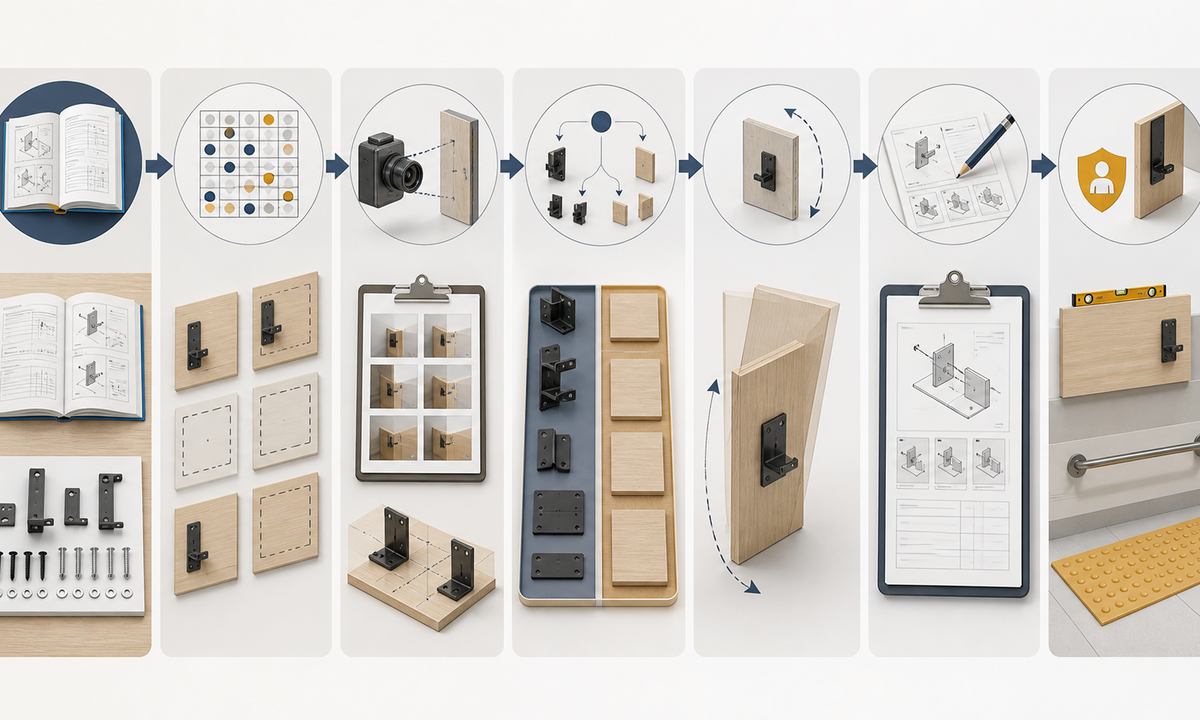
- Freeze the approved source set by SKU, region and revision: parts, site conditions, codes, permits, qualified-installer steps, prerequisites, tools, PPE, hazards, measurements, sequence, verification, commissioning, rollback, warranty, and support.
- Build a step-state matrix with exact before and after views, visible anchors, hidden dependencies, stop conditions, alternate branches, error recovery, inspection owner, and evidence source.
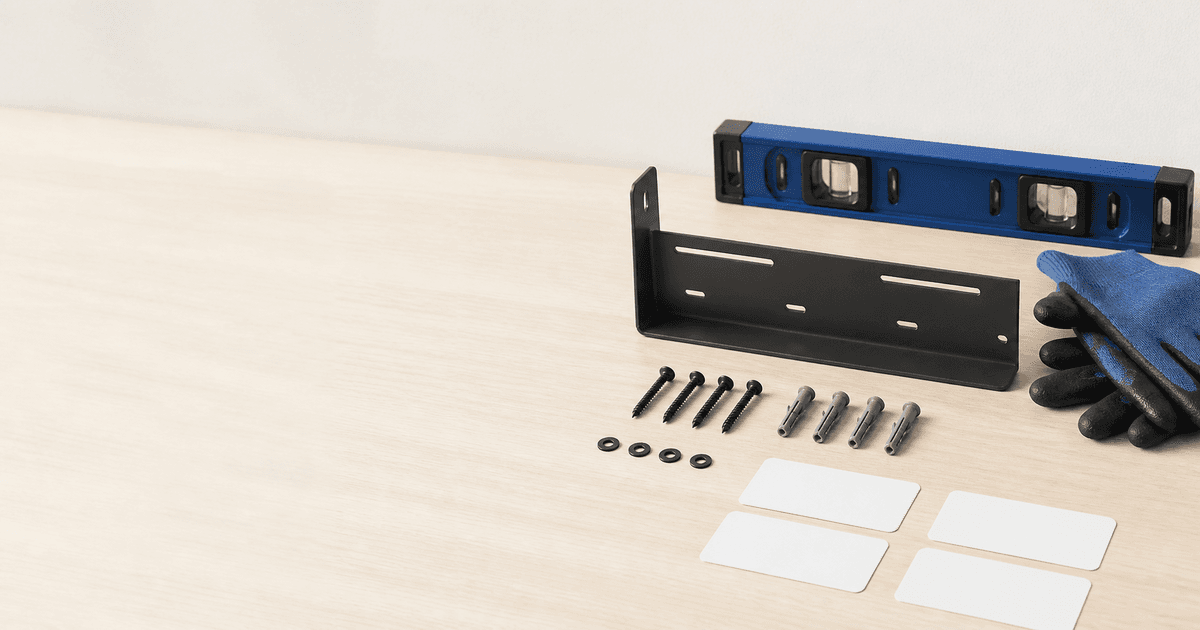
- Capture authorized product, parts, fasteners, brackets, connectors, cables, pipes, tools, PPE, mounting surfaces, clearances, hands, before states, after states, and verification references from repeatable views.
- Route dust or background cleanup to Nano Banana 2 and fully documented visible states to Nano Banana Pro; stop when a hidden attachment, service condition, or safety result would require invention.
- Use GPT Image 2 or Seedream 5.0 Lite for text-free layouts, Seedance 2 or Wan 2.7 for one safe documented movement, Veo 3.1 Fast for abstract transitions, and HappyHorse only for consented presenter micro-motion.
- Assemble real product plates, editable step numbers, instructions, measurements, warnings, stop conditions, qualified-installer boundaries, captions, audio description, disclosure, revision, warranty, support, and CTA in governed masters.
- Test every branch with engineering, safety, legal, compliance, field installers, support, accessibility, localization, novice users, mobile and offline conditions, correction, withdrawal, and rollback owners.
Example prompt variants
- Nano Banana 2 cleanup: remove only approved studio dust beside the mounting slot, preserve slot geometry, fastener state, surface marks, label zone, scale, shadow and every installation cue.
- Nano Banana Pro state image: use approved references for one bracket seating state, preserve bracket orientation, exact holes, anchors, fasteners, wall type, clearances, support and no hidden attachment or strength implication.
- Seedream 5.0 Lite layout family: coordinated text-free web step banner, mobile instruction card and printable checkpoint background with protected step, tool, warning, measurement, verification and support zones; no product, icon, word or number.
- Wan 2.7 motion: animate the approved clamp lever moving once through its documented safe travel on the supported unpowered product, preserve hand position, bracket, fasteners, clearances, surface, camera and stop before load or completion is implied.
Quality checklist
- SKU, region, revision, parts, site, codes, permits, prerequisites, tools, PPE, hazards, measurements, sequence, checks, commissioning, warranty, and support match approved sources.
- Product, parts, fasteners, brackets, anchors, connectors, cables, pipes, tools, hands, surfaces, clearances, before and after states, contact, and motion remain source-faithful.
- Generated content contains no invented hole, fastener, wiring, plumbing, structural support, force, torque, measurement, hidden connection, energization, compliance, safety, performance, or completion result.
- Steps, measurements, warnings, stop conditions, qualified-installer boundaries, verification, captions, audio description, disclosure, revision, support, and locale remain editable and accessible.
- Manual, bill of materials, state matrix, references, prompts, outputs, specialist reviews, field tests, publication, correction, withdrawal, and rollback remain traceable.
Mistakes to avoid
- Generating hidden anchors, wiring, plumbing, structural attachments, clearances, torque, measurements, or completed states that are not visible in approved references.
- Using one attractive linear animation for region, wall type, power, skill, product revision, tool, or permit branches that require different instructions.
- Showing a hand, tool, ladder, energized product, load, drilling, cutting, lifting, or overhead work without verified contact, support, PPE, and stop conditions.
- Publishing installation content without qualified-installer boundaries, field review, accessible text, revision control, warranty impact, support, correction, withdrawal, and rollback.
Related AIBase pages
- Open all AI image models
- Open all AI video models
- Build product assembly guide creative
- Build product troubleshooting guide creative
Practical next step
Open the most relevant AIBase generator, run one narrow prompt first, and save the best result before adding more constraints. The fastest way to improve output quality is to compare one variable at a time: subject, camera, background, lighting, then final polish.