
GPT Image 2 Account Recovery Code Card Background Prompts
Create text-free recovery-code card backgrounds while keeping codes, account state, download, print, copy, regeneration, warnings, and support in trusted UI.

Quick answer
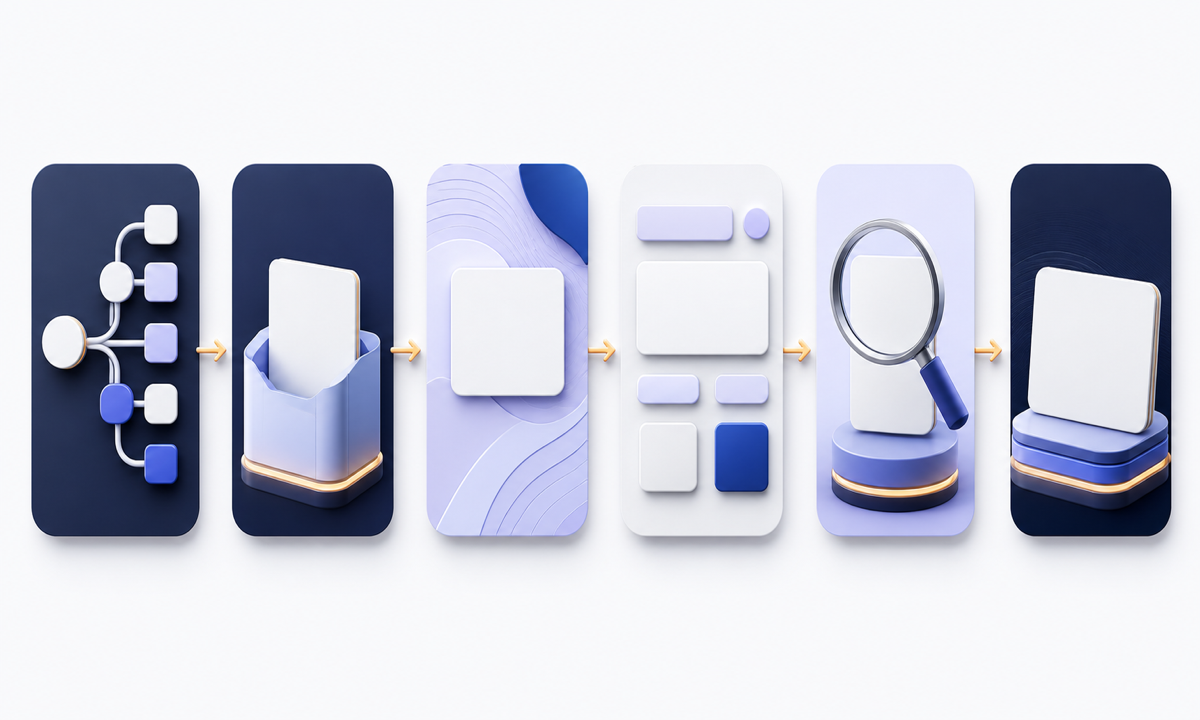
Generate only a restrained decorative plate with clearly protected zones. Keep every recovery code, account identifier, unused or used state, generation time, warning, download, print, copy, acknowledgment, regeneration, invalidation, sign-out, and support action in trusted application components. Avoid code-like marks, fake lists, document icons with implied content, locks, shields, checks, success badges, and screenshots that could be mistaken for real credentials or security state.
Who this guide is for
Product designers, security teams, SaaS operators, identity-platform teams, and agencies building responsive backup-code generation, storage guidance, acknowledgment, regeneration, and support surfaces.
Recommended model
| Use case | Recommended model | Why |
|---|---|---|
| This workflow | GPT Image 2 for text-free recovery-code background exploration | It can explore calm visual hierarchy and depth while the product retains control of secrets, security state, instructions, actions, focus order, and auditable recovery behavior. |
AIBase is an independent creative platform. Model names are shown only to identify supported underlying technologies and workflow choices.
Prompt template
Create a text-free [desktop card / mobile card / printable support panel] background for an account recovery-code flow. State context [new codes / storage reminder / acknowledged / regenerate warning / support], mood [calm, factual, security-aware], palette [specific], motif [layered blank slips / divided planes / quiet grid], protected editable zones for heading, explanation, code container, warning, copy, download, print, acknowledgment, regenerate, cancel and support. No code, digit, QR pattern, token, account, device, person, key, lock, shield, checkmark, success badge, document text, input, button, word, letter, number, logo, pseudo-text or watermark.
Step-by-step workflow
- Map first generation, reveal, copy, download, print, acknowledgment, partial use, regeneration warning, invalidation, cancellation, error, timeout, support escalation, and account lock states to authoritative events.
- Classify recovery codes, account identifiers, session data, timestamps, audit events, downloads, print output, screenshots, telemetry, and support evidence before visual design.
- Define responsive semantic zones for instructions, secure code container, storage warning, actions, acknowledgment, regeneration consequence, cancel path, and support without generating those elements.
- Generate text-free plates and reject anything containing code-like rows, fake controls, state badges, credentials, device imagery, or visual claims that codes were saved or secured.
- Assemble real codes, one-time visibility behavior, copy and download controls, printable artifact, acknowledgment, invalidation warning, reauthentication, errors, and support links in trusted components.
- Test reveal and masking policy, clipboard behavior, file naming, print privacy, regeneration, stale sessions, retries, screen readers, keyboard order, zoom, localization, dark mode, no-image fallback, and security review.
Example prompt variants
- Wide recovery-code card background with ten quiet blank paper bands on a deep navy plane and protected central credential zone, no marks, digits, lock, check, text or control.
- Mobile backup-code storage reminder plate with layered mist-blue rectangles and reserved warning and action zones, no code rows, device, download icon, success cue or pseudo-text.
- Regeneration warning background with restrained amber edge light and two separated blank panels for consequence and confirmation, no triangle, key, account, code, button or word.
Quality checklist
- Recovery states, code lifecycle, one-time visibility, reauthentication, regeneration, invalidation, audit, support, and session behavior match the approved security design.
- Generated pixels contain no credential, code pattern, QR, account data, device, control, security mark, saved-state cue, success claim, word, letter, number, logo, or pseudo-text.
- Heading, explanation, code container, warning, actions, acknowledgment, consequence, cancel path, support, error, and focus zones work across responsive states.
- Copy, download, print, clipboard, masking, zoom, keyboard, screen reader, localization, dark mode, timeout, error, and no-image paths are tested.
- Threat model, state map, prompts, outputs, security review, accessibility evidence, approvals, release, correction, and rollback remain traceable.
Mistakes to avoid
- Generating fake backup codes or code-like marks that users could copy, confuse with credentials, or expose in support screenshots.
- Using a reassuring shield or checkmark that implies codes were downloaded, printed, stored safely, or verified when the product has no such evidence.
- Burning warnings and actions into pixels where they cannot be localized, focused, audited, or updated after security review.
- Designing only the happy path and omitting reauthentication, regeneration consequences, stale sessions, invalidated codes, print privacy, and accessible fallback.
Related AIBase pages
Practical next step
Open the most relevant AIBase generator, run one narrow prompt first, and save the best result before adding more constraints. The fastest way to improve output quality is to compare one variable at a time: subject, camera, background, lighting, then final polish.