
GPT Image 2 Password Reset Confirmation Card Background Prompts
Create calm, text-free password-reset confirmation backgrounds while keeping account state, security guidance, recovery links, and support actions real and accessible.

Quick answer
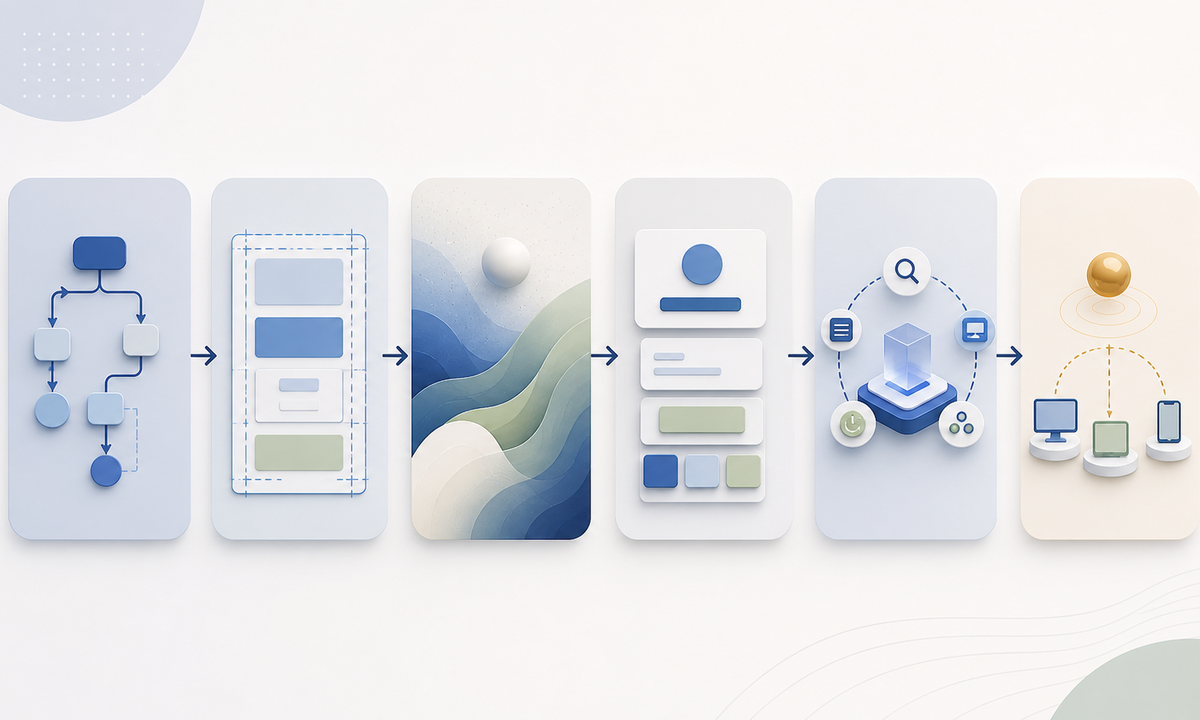
Generate only a low-detail decorative background with protected regions for the real reset result, security advice, sign-in action, recovery route, support link, and session notice. Render every word, status, button, link, focus state, error, and account-specific detail in semantic HTML. The art must not imply that a password changed, every session ended, an account is secure, or an email belongs to the viewer; those claims must come from the authenticated backend state.
Who this guide is for
Identity teams, SaaS designers, security product marketers, support teams, and lifecycle engineers building password-changed, reset-link-expired, or recovery-next-step cards.
Recommended model
| Use case | Recommended model | Why |
|---|---|---|
| This workflow | GPT Image 2 for coordinated text-free account-security card backgrounds | It can explore visual hierarchy and calm decorative motifs while the security-sensitive state and controls remain real application content. |
AIBase is an independent creative platform. Model names are shown only to identify supported underlying technologies and workflow choices.
Prompt template
Create a text-free decorative background for a password reset confirmation card in [web / mobile / email] at [ratio]. Mood: calm and trustworthy without celebration or alarm. Motif: [soft aligned layers / one protected pathway / restrained concentric forms]. Reserve plain high-contrast zones for verified status, explanation, sign-in action, recovery help, session note, support link, and security guidance. No word, letter, number, email, username, password field, lock, key, shield, checkmark, error icon, button, link, browser chrome, device, account data, success claim, guarantee, logo, or watermark.
Step-by-step workflow
- Enumerate backend-authenticated states: successful reset, invalid or expired token, already-used link, locked account, SSO-managed credential, active-session policy, and support escalation.
- Map separate responsive zones for status, explanation, next action, session impact, recovery route, support, security guidance, legal text, and live-region feedback.
- Generate text-free backgrounds with low detail behind copy and no iconography that resembles a verified state or security guarantee.
- Implement semantic headings, state messages, real buttons and links, keyboard focus, live announcements, safe redirects, rate limits, and no secret or identity leakage.
- Test every token and account branch, localization length, screen readers, keyboard flow, zoom, dark mode, reduced motion, email clients, expired links, and malicious return URLs.
- Retain prompt, asset, state matrix, threat review, accessibility result, approval, deployment version, correction, and retirement record.
Example prompt variants
- Wide web card background with muted blue layers aligning around a blank central message column, no lock, shield, check, field, text or button shape.
- Mobile confirmation background with one gentle sage pathway leading to a plain lower action zone, no security icon, credential, account data, celebration or word.
- Expired-link card background using quiet amber and slate arcs around separate message and help zones, no warning triangle, timer, code, email, browser or text.
Quality checklist
- Displayed reset result, token state, account type, session impact, recovery path, support route, redirect, and security guidance match live backend behavior.
- Generated art contains no fake status, lock, key, shield, checkmark, field, account data, guarantee, urgency, browser, or actionable control.
- All copy, links, buttons, focus, errors, announcements, and account details are semantic, localizable, selectable, and accessible.
- Contrast and hierarchy survive desktop, mobile, zoom, long translations, high contrast, dark mode, and reduced-motion settings.
- Prompt, asset, threat model, state tests, accessibility review, approval, deploy, rollback, and retirement remain traceable.
Mistakes to avoid
- Generating a green check or unlocked padlock that claims success before the backend response is known.
- Embedding recovery instructions or support links in pixels where they cannot be updated, selected, localized, or audited.
- Saying all sessions were revoked when device or token policy does not guarantee that outcome.
- Testing only the happy path and missing expired, reused, malformed, SSO-managed, locked, or malicious-redirect cases.
Related AIBase pages
- Open GPT Image 2
- Create subscription cancellation confirmation cards
- Create email newsletter hero backgrounds
Practical next step
Open the most relevant AIBase generator, run one narrow prompt first, and save the best result before adding more constraints. The fastest way to improve output quality is to compare one variable at a time: subject, camera, background, lighting, then final polish.