
GPT Image 2 Order Tracking Status Card Background Prompts
Create text-free order-tracking card backgrounds while keeping carrier events, locations, dates, delivery estimates, exceptions, support, and actions in trusted UI.

Quick answer
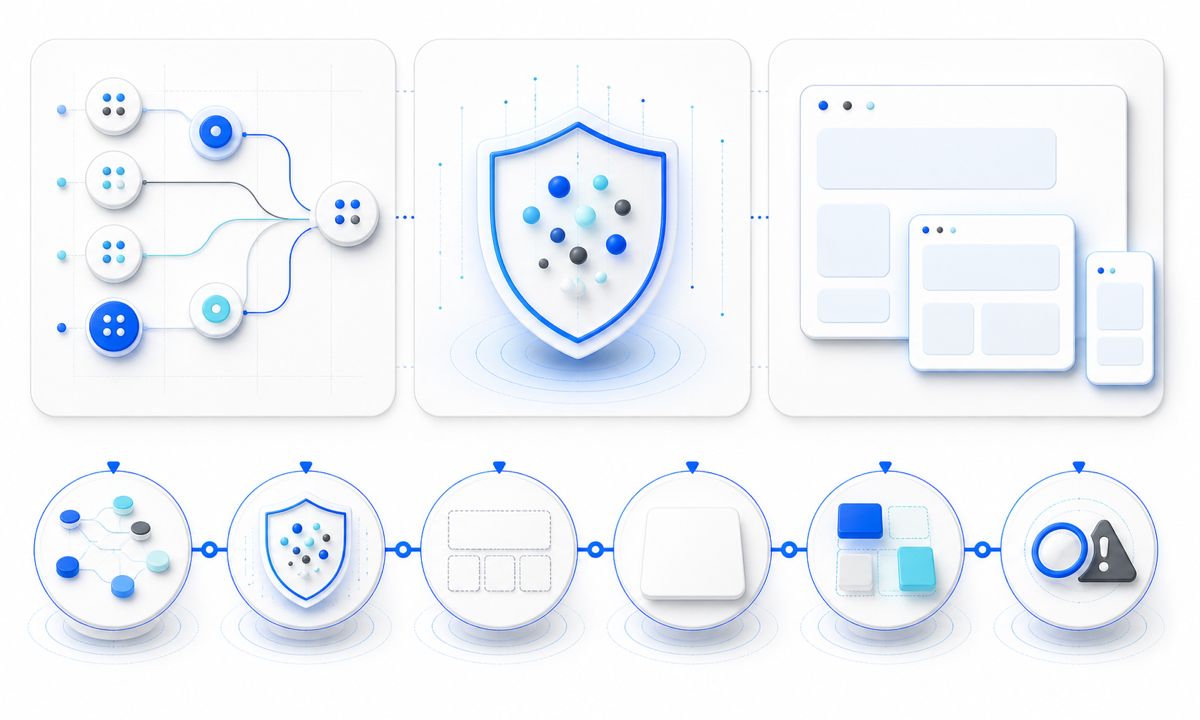
Use GPT Image 2 only for a restrained, text-free decorative plate with protected zones for the real tracking timeline. Render order number, carrier, tracking ID, scan event, location, timestamp, timezone, delivery window, delay, customs, pickup, proof of delivery, refresh state, support and customer actions as trusted components backed by current data. Avoid fake maps, routes, trucks, pins, progress checks, package photos, carrier marks and pseudo-text that could imply a status or promise the system has not verified.
Who this guide is for
Ecommerce product designers, logistics teams, marketplaces, subscription services, customer-support teams, and agencies building responsive shipment timelines, exception cards, pickup instructions and delivery-detail pages.
Recommended model
| Use case | Recommended model | Why |
|---|---|---|
| This workflow | GPT Image 2 for text-free tracking-card background exploration | It can explore polished hierarchy and visual tone while operational events, personal data, carrier facts and customer actions stay in deterministic, accessible interface components. |
AIBase is an independent creative platform. Model names are shown only to identify supported underlying technologies and workflow choices.
Prompt template
Create a text-free decorative background for an ecommerce order-tracking status card. Context [in transit / delayed / ready for pickup / delivered], but do not depict or imply the state. Ratio [desktop and mobile], palette [neutral], protected zones for live status, timeline, event details, map fallback, delivery estimate, exception message, support and actions. Use only abstract route rhythm and subtle parcel-inspired geometry. No package photo, truck, aircraft, map, address, location pin, checkmark, clock, calendar, carrier mark, status color, word, number, barcode, QR code, button or watermark.
Step-by-step workflow
- Map every backed state and transition: label created, accepted, in transit, customs, exception, out for delivery, pickup, delivered, returned, canceled, unknown, stale and unavailable.
- Classify order, address, recipient, tracking and proof-of-delivery data; define redaction, authentication, sharing, retention, refresh, stale-data and audit rules.
- Reserve responsive zones for live status, timeline, timestamps, timezone, locations, estimate range, exception, pickup details, proof, refresh, help and actions before writing the visual prompt.
- Generate separate text-free plates for neutral, attention and terminal surfaces without state symbols, maps, carrier imagery, pseudo-text, progress tracks or baked-in semantic color.
- Assemble signed-in data and actions with semantic HTML, accessible names, focus order, loading, stale, empty, error, offline and no-JavaScript fallbacks.
- Test carrier-event normalization, late or out-of-order scans, timezone, locale, redaction, shared links, screen readers, zoom, contrast, reduced motion, refresh and support escalation.
Example prompt variants
- Text-free mobile shipment-timeline plate with a quiet vertical rhythm and protected zones for live events, estimate, exception and help; no pins, checks, dates, locations, parcels or pseudo-text.
- Text-free desktop tracking-detail background with two calm panels for current status and event history, neutral palette, no route map, truck, carrier logo, progress bar or delivery promise.
- Text-free pickup-status card plate with reserved live instruction and action zones, abstract shelf-like geometry only; no store, locker, code, person, address, countdown or success symbol.
Quality checklist
- Every status, scan, location, timestamp, timezone, estimate, exception, pickup detail, proof and action comes from current authorized data and exposes freshness.
- Generated pixels contain no tracking ID, order data, address, recipient, carrier mark, route, map, status, delivery claim, date, number, barcode, QR code or pseudo-text.
- Loading, stale, unknown, delayed, delivered, returned, canceled, offline, redacted and support states remain distinguishable without relying on the art.
- Timeline, estimates, exceptions, controls, links, privacy, localization, keyboard flow, screen-reader labels and reduced-motion behavior are testable UI.
- State map, privacy review, prompt, output, design approval, event-mapping tests, accessibility evidence, publication and rollback remain traceable.
Mistakes to avoid
- Asking the model to draw a realistic tracking timeline, route map, dates and status labels that can look authoritative while being fictitious.
- Using a green check, doorstep parcel or completed route in a reusable background and accidentally implying delivery.
- Embedding customer, address, carrier, tracking, pickup or proof details in generated pixels instead of protected live UI.
- Designing only the happy path and missing stale scans, split shipments, customs, exceptions, returns, canceled labels, privacy and support escalation.
Related AIBase pages
Practical next step
Open the most relevant AIBase generator, run one narrow prompt first, and save the best result before adding more constraints. The fastest way to improve output quality is to compare one variable at a time: subject, camera, background, lighting, then final polish.