
GPT Image 2 Size Guide Background Prompts for Ecommerce Size Charts
Create clean GPT Image 2 background systems for ecommerce size guides while keeping measurements, labels, and fit disclaimers editable.

Quick answer
Let GPT Image 2 design the background, icon language, and crop-safe zones—not the numbers. Export a text-free master, then place real measurements, size labels, body-reference guidance, returns policy, and fit notes in editable HTML or a design template so corrections and localization remain easy.
Who this guide is for
Apparel, footwear, equipment, and home-goods teams building reusable size guides for product pages, help centers, mobile apps, and localized storefronts.
Recommended model
| Use case | Recommended model | Why |
|---|---|---|
| This workflow | GPT Image 2 for text-free background systems | It is useful for exploring structured graphic directions and visual metaphors, while verified measurements and policy copy should stay in an editable layer. |
AIBase is an independent creative platform. Model names are shown only to identify supported underlying technologies and workflow choices.
Prompt template
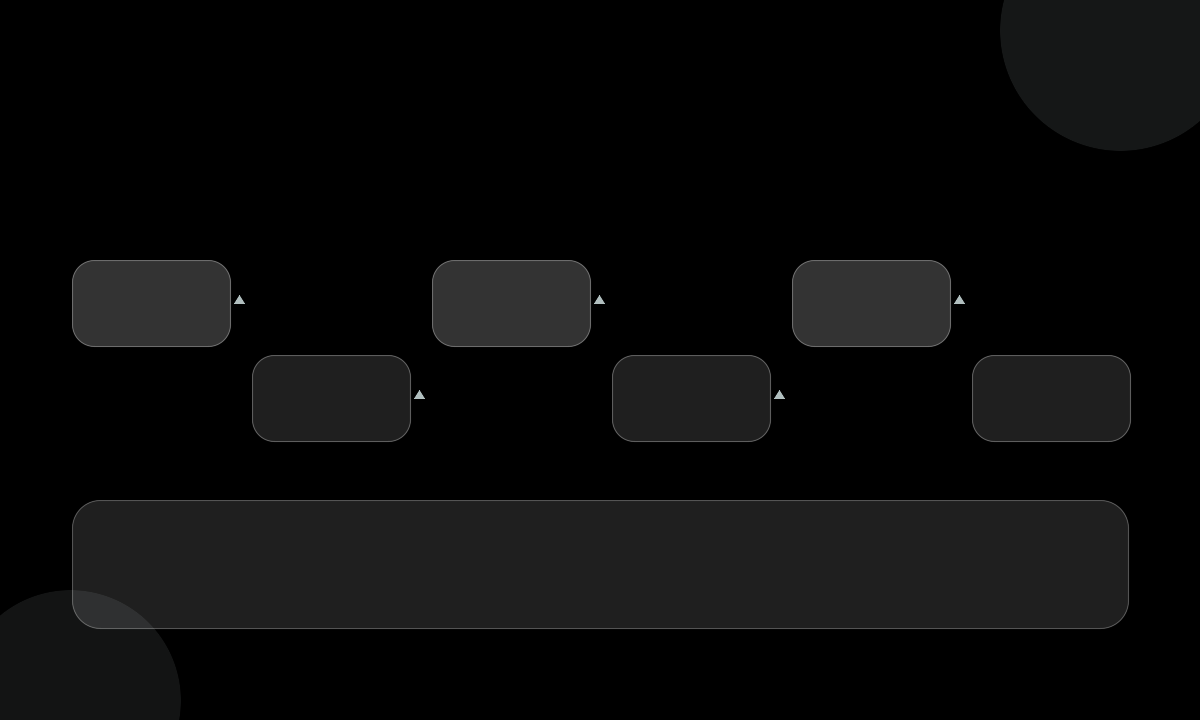
Create a [square or vertical] text-free background system for an ecommerce size guide. Style: [minimal editorial / soft geometric / technical grid]. Include [number] clear zones for measurement rows, one larger zone for a body-reference silhouette, and [position] for fit guidance. Palette: [brand colors]. Lighting and texture: [specific]. Keep all zones empty, aligned, and readable. No numbers, units, labels, words, logos, garment brand, body-shape judgment, claim, checkbox, watermark, or fake UI.
Step-by-step workflow
- Freeze the authoritative measurement table, units, regional conversions, tolerance notes, and returns guidance before design begins.
- Map the information hierarchy: category, measurement definitions, body reference, fit notes, and policy link.
- Generate a text-free background master with clearly separated zones and no fabricated interface.
- Test the master with the longest translated labels and the largest required unit strings.
- Composite real measurements, accessibility labels, help copy, and links in editable HTML or design software.
- Check contrast, screen-reader order, zoom behavior, print output, and mobile scroll before release.
- Version the guide with the product category and review date so stale measurements can be retired.
Example prompt variants
- Soft beige editorial background with four horizontal guide bands, one central silhouette zone, and a bottom policy strip; no text or numbers.
- Technical blue grid on white with subtle ruler ticks, six measurement rows, and a large right-side body-reference area; no labels or UI.
- Gentle geometric mobile background with stacked cards for chest, waist, hip, and length zones; all cards empty and high contrast.
Quality checklist
- Measurements, conversions, tolerances, fit model details, and policies come from the approved product record.
- No generated number, unit, label, checkbox, garment logo, or pseudo-interface is mistaken for real data.
- Zone spacing accommodates the longest localized label without overlap or truncation.
- Contrast, focus order, screen-reader structure, zoom, and mobile scrolling pass accessibility review.
- The guide is versioned with a review date and can be corrected without regenerating the whole page.
Mistakes to avoid
- Asking an image model to render size numbers that may be subtly wrong or impossible to edit.
- Using body imagery that shames body types or implies a guaranteed fit.
- Treating a generated guide as proof of accurate measurements, grading, or regional sizing.
- Embedding policy copy, returns terms, or customer-service links where they cannot be quickly corrected.
Related AIBase pages
- Generate size-guide backgrounds with GPT Image 2
- Plan ecommerce product photos
- Create category page banners
Practical next step
Open the most relevant AIBase generator, run one narrow prompt first, and save the best result before adding more constraints. The fastest way to improve output quality is to compare one variable at a time: subject, camera, background, lighting, then final polish.