
GPT Image 2 Subscription Cancellation Confirmation Card Background Prompts
Create calm text-free cancellation confirmation backgrounds while keeping access end dates, billing, refunds, data retention, reactivation, and support terms editable and exact.

Quick answer
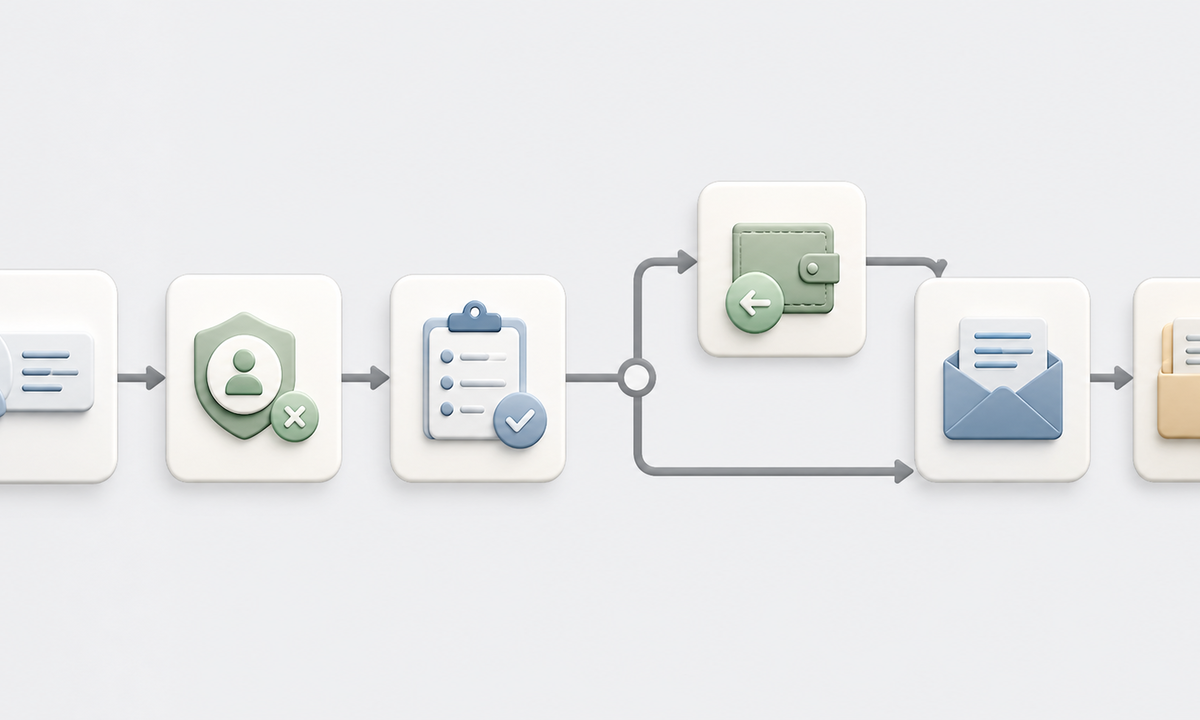
Use GPT Image 2 for the text-free background and hierarchy only. First determine whether the cancellation is requested, scheduled, immediately effective, failed, reversed, or tied to an app-store or reseller flow. Keep plan name, account identifier, access end date, final charge, refund eligibility, remaining credits, exports, data retention or deletion, reactivation rules, support, and confirmation reference in editable product UI or email HTML. The visual should feel complete and respectful without confetti, guilt, countdowns, loss imagery, false urgency, or a decorative symbol that implies a refund or data deletion that has not occurred.
Who this guide is for
Subscription SaaS, memberships, media services, ecommerce programs, lifecycle teams, billing operations, customer support, and product designers building honest offboarding confirmation states.
Recommended model
| Use case | Recommended model | Why |
|---|---|---|
| This workflow | GPT Image 2 for coordinated text-free cancellation card backgrounds | It can explore calm visual hierarchy and channel variants while volatile account, billing, entitlement, and data facts remain in accessible editable components. |
AIBase is an independent creative platform. Model names are shown only to identify supported underlying technologies and workflow choices.
Prompt template
Create a coordinated text-free [account card / email header / mobile confirmation / help-center] background for a subscription cancellation confirmation. Tone [calm, final, respectful], palette [specific], abstract motif [one open circle / completed path / gently separated layers]. Reserve protected zones for status, plan, effective date, access end, final billing, refund or credit state, export and data options, reactivation, support, and confirmation reference. No person, door, broken chain, trash, confetti, countdown, urgency badge, retention offer, refund symbol, deletion symbol, word, number, logo, fake UI, or watermark.
Step-by-step workflow
- Define every cancellation state by billing provider, channel, plan, market, renewal timing, trial, promotion, credit, refund, chargeback, and entitlement behavior.
- Map what remains available after cancellation: access window, downloads, exports, team ownership, stored projects, data retention, deletion request, invoice history, and support.
- Design content order for the longest locale and smallest screen, with a visible confirmation state, effective date, financial outcome, next actions, and reference.
- Generate only text-free background families with quiet completion motifs and protected content zones; reject loss, guilt, celebration, urgency, or unverified outcome symbols.
- Assemble live account fields, exact policy copy, links, disclosure, alt text, and support actions in editable UI and email components connected to billing truth.
- Test scheduled, immediate, failed, refunded, app-store, team-owner, already-cancelled, reactivated, stale-session, locale, dark-mode, email, accessibility, and audit-log paths.
Example prompt variants
- Wide warm-gray email background with three softly separated cobalt and sage layers and one open completion circle, protected center-left copy zone, no text, person, exit door, refund icon, or confetti.
- Compact account card background with one quiet line reaching a clear endpoint and a secondary options panel, no countdown, warning, discount badge, broken chain, number, or fake interface copy.
- Vertical mobile confirmation background with calm cream space above a muted blue arc, reserved billing and data-action zones, no deletion metaphor, lock, sad face, logo, or watermark.
Quality checklist
- Cancellation status, effective date, entitlement cutoff, charges, taxes, refunds, credits, exports, retention, deletion, reactivation, and support match current systems and policy.
- Generated pixels contain no readable terms, account facts, price, date, promise, refund, deletion, urgency, guilt, retention claim, or fake UI.
- Status, financial outcome, data choices, reference, links, support, disclosure, locale, and alt text remain editable, accessible, and measurable.
- The same design clearly distinguishes requested, scheduled, effective, failed, reversed, and provider-managed cancellation states.
- State model, policy source, prompts, masters, accessibility review, test accounts, sends, events, corrections, and retirement remain traceable.
Mistakes to avoid
- Treating a cancellation request as completed before billing and entitlement systems confirm the effective state.
- Embedding dates, refunds, retained credits, deletion promises, or reference numbers inside generated pixels.
- Using guilt, celebration, countdowns, misleading savings, obstructive offers, or ambiguous buttons in a confirmation flow.
- Testing only the standard web plan and missing trials, teams, app stores, reseller billing, failed payments, refunds, accessibility, and stale sessions.
Related AIBase pages
Practical next step
Open the most relevant AIBase generator, run one narrow prompt first, and save the best result before adding more constraints. The fastest way to improve output quality is to compare one variable at a time: subject, camera, background, lighting, then final polish.