
Nano Banana 2 Prompts to Remove Candle Wax From Glass Product Photos
Remove stray wax from approved glass-candle photos while preserving vessel geometry, label detail, wick state, reflections, transparency, and honest product condition.
Quick answer
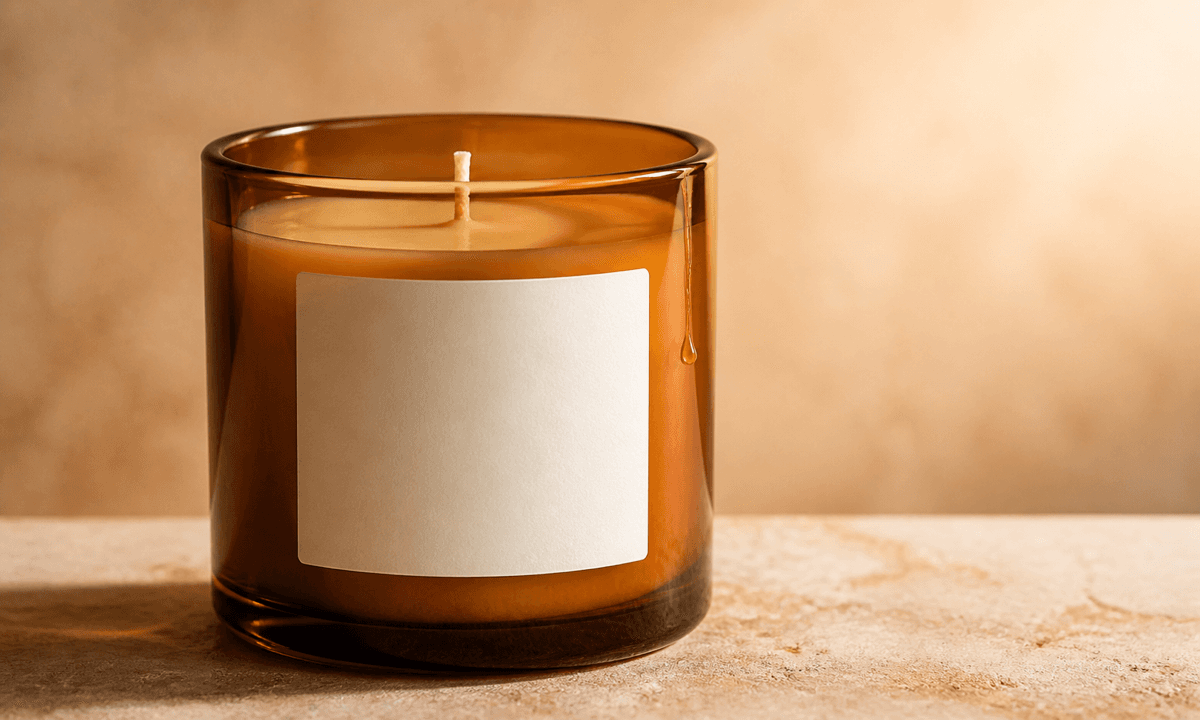
Use the highest-resolution authorized packshot and identify exactly which cooled drip, flake, or handling residue is accidental. Mask one small zone at a time and protect the jar silhouette, glass thickness, rim, base, transparency, reflections, label, wax fill line, wick count, flame state, surface and shadow. Do not erase intentional poured-wax character, damage, fill-level evidence, or any feature the buyer will receive.
Who this guide is for
Candle makers, home-fragrance brands, ecommerce retouchers, marketplaces, photographers, and agencies cleaning approved catalog imagery without redesigning the product.
Recommended model
| Use case | Recommended model | Why |
|---|---|---|
| This workflow | Nano Banana 2 image-to-image for localized wax-residue cleanup | A narrow source-led edit can remove accidental residue while the real packshot remains authoritative for transparent glass, wax state and packaging detail. |
AIBase is an independent creative platform. Model names are shown only to identify supported underlying technologies and workflow choices.
Prompt template
Use the uploaded authorized product photo as the exact source. Remove only [identified wax drip / loose wax flake / handling smear] from [precise exterior zone]. Preserve exact jar silhouette, glass thickness, rim, base, seams, transparency, refraction, reflections, label and print zones, wax color, fill line, surface texture, wick count and position, lid, props, contact shadow, camera, crop and light. No new glass, changed wax level, relit wick, cleaner interior, altered label, invented fragrance cue, text, logo or watermark.
Step-by-step workflow
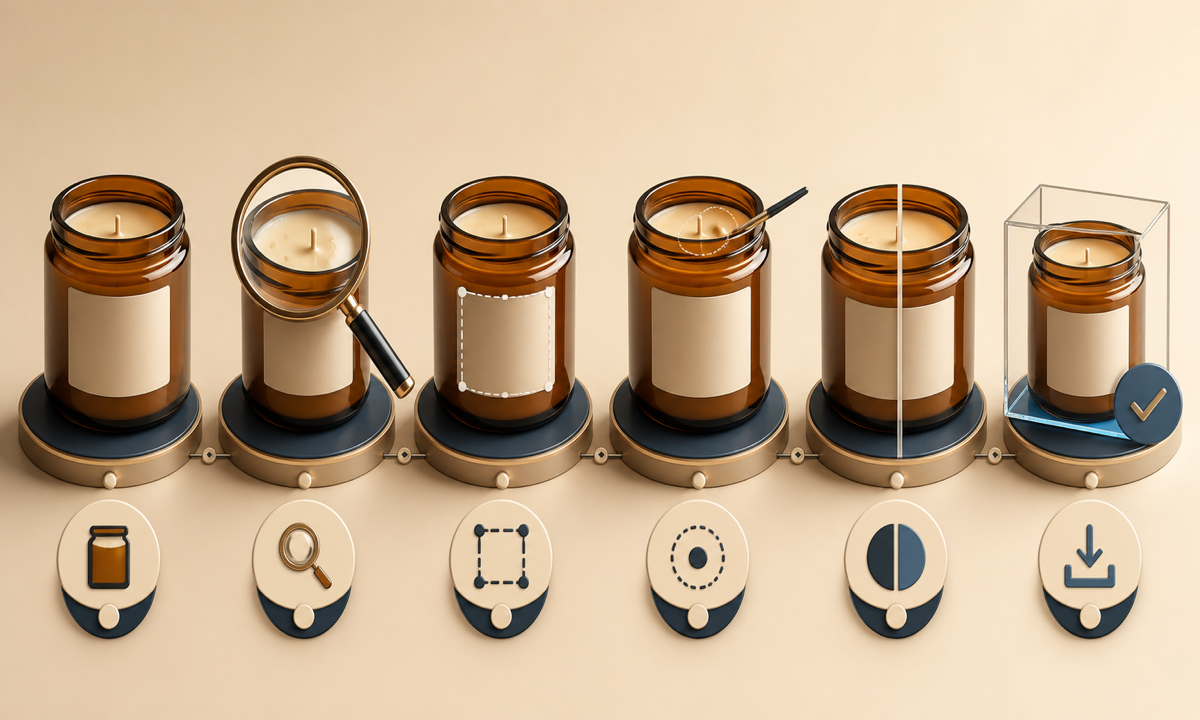
- Confirm image and product rights, SKU revision, vessel, wax, wick, label, lid, fill level, sale condition and retouch policy.
- Inspect at full resolution and distinguish accidental exterior wax from intentional pour texture, frosting, bubbles, glass seams, scratches and reflections.
- Archive the untouched source, mark one residue zone, and list every protected optical, packaging and product-state anchor.
- Generate separate passes for drips, flakes and smears; stop before an interior surface or hidden label area would need invention.
- Compare source and result at full frame and high zoom for bent glass, false transparency, shifted fill line, changed wick, softened label and floating shadows.
- Export a reversible master with mask, prompt, source comparison and merchandising approval before replacing catalog media.
Example prompt variants
- Remove only the cooled wax drip on the lower-right exterior of the amber jar; preserve glass edge, amber transmission, label corner, fill line, table reflection and shadow.
- Lift only three loose ivory wax flakes from the black lid beside the approved candle; preserve lid texture, emboss zone, jar rim, wick state and crop.
- Reduce only the narrow wax smear on the clear vessel base; retain real scratches, seam, refraction, internal wax edge, stone texture and softbox reflection.
Quality checklist
- SKU, jar, wax, wick, label, lid, fill level, condition, crop and color match the authorized source.
- Glass edges, thickness, transparency, refraction, reflections and contact shadows remain physically coherent.
- Only documented accidental residue changed; intentional texture, wear and sale-condition evidence remain visible.
- No fragrance, burn quality, clean-burning, fill-volume, material or condition claim is implied by the retouch.
- Source, mask, prompt, comparisons, reviewer, export and replacement decision remain traceable.
Mistakes to avoid
- Asking for perfectly clean glass and erasing seams, reflections or real product texture.
- Removing intentional wax frosting or pour character because it resembles residue.
- Cleaning the whole image and accidentally changing the label, fill line, wick or vessel shape.
- Publishing an edit that hides damage, underfill or a condition buyers should see.
Related AIBase pages
Practical next step
Open the most relevant AIBase generator, run one narrow prompt first, and save the best result before adding more constraints. The fastest way to improve output quality is to compare one variable at a time: subject, camera, background, lighting, then final polish.