
Nano Banana Pro Furniture Catalog Room Scene Prompts from Product References
Build furniture catalog room-scene drafts with Nano Banana Pro while protecting product geometry, materials, scale, perspective, and usable layout.
Quick answer
Use an authorized product reference as the source of truth, provide real dimensions and material notes in the prompt, and stage one believable room around the furniture. The output is a visualization draft until geometry, scale, upholstery color, joinery, and included components have been checked against the actual SKU.
Who this guide is for
Furniture brands, home-goods retailers, catalog teams, interior stylists, and creative agencies developing room-set directions before photography, 3D rendering, or final production.
Recommended model
| Use case | Recommended model | Why |
|---|---|---|
| This workflow | Nano Banana Pro image-to-image | The high-fidelity reference workflow is useful when material texture, product shape, room perspective, and a polished catalog mood all matter more than rapid broad exploration. |
AIBase is an independent creative platform. Model names are shown only to identify supported underlying technologies and workflow choices.
Prompt template
Use the uploaded authorized [furniture SKU] as the exact product reference. Preserve its silhouette, dimensions ratio, material, upholstery color, leg or hardware design, seams, cushions, and included components. Place it in a [room type and style] sized approximately [dimensions]. Camera: [height, lens feel, angle]. Lighting: [source]. Add only [limited props]. Keep realistic floor contact, perspective, and scale. Leave [copy/crop zone] if needed. Do not redesign the product, add matching pieces, change fabric, invent features, labels, or dimensions.
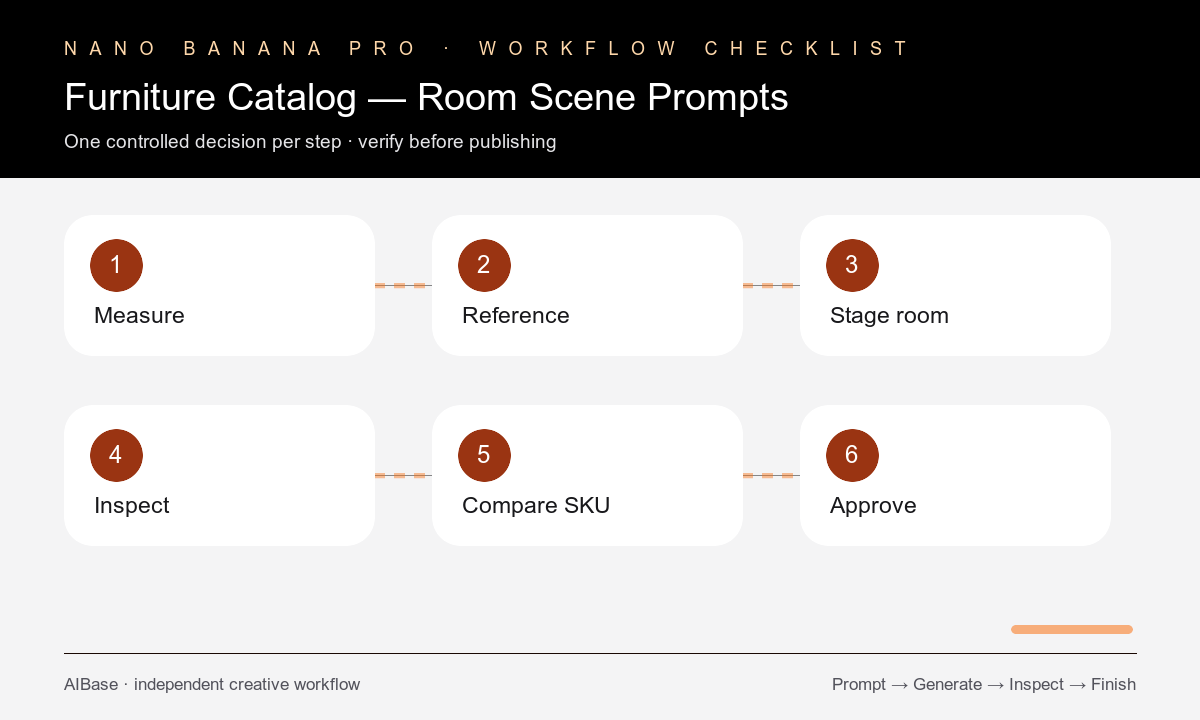
Step-by-step workflow
- Prepare clean product references from useful angles plus verified dimensions, materials, color swatches, included parts, and assembly configuration.
- Choose one catalog job such as hero room set, detail vignette, scale context, collection mood, or crop-safe banner.
- Define room size, camera height, viewpoint, light source, product placement, floor contact, and only the props needed to communicate use.
- Generate a neutral first scene before testing a second decor direction; keep the protected product constraints identical.
- Compare output geometry, scale, fabric color, grain, seams, hardware, shadows, and perspective against the authorized reference.
- Route approved direction to photography or 3D production, or clearly label it as a concept when it is not an exact product representation.
Example prompt variants
- Preserve the exact oak lounge chair reference; stage one chair in a quiet reading corner, limewash wall, wool rug, side window light, eye-level 50mm feel, no added ottoman or shape change.
- Keep the modular sofa configuration, fabric weave, seams, feet, and cushion count unchanged; place it in a bright apartment living room, realistic scale, wide catalog crop, minimal props.
- Use the dining table reference exactly, including top thickness, edge profile, legs, wood tone, and dimensions ratio; stage in a restrained dining room, overcast daylight, no chairs unless supplied.
Quality checklist
- Silhouette, dimensions ratio, materials, color, seams, hardware, components, and configuration match the authorized product reference.
- The product has believable scale, perspective, contact shadows, clearances, and floor contact within the stated room.
- Decor does not hide critical product details or imply accessories and matching pieces that are not included.
- Material grain, fabric weave, gloss, reflections, and light direction remain coherent across the scene.
- The asset is either verified against the SKU or clearly used as a concept rather than an exact catalog representation.
Mistakes to avoid
- Providing only a front view and asking the model to invent unseen sides, joinery, or hardware.
- Using vague words such as luxury or cozy without room dimensions, camera, material, or lighting constraints.
- Adding so much decor that geometry and included components cannot be reviewed.
- Publishing a beautiful room scene before product, legal, and merchandising teams verify what it represents.
Related AIBase pages
- Open Nano Banana Pro image-to-image
- Use the high-fidelity image workflow
- Review virtual staging prompts
- Compare reference-photo editing models
Practical next step
Open the most relevant AIBase generator, run one narrow prompt first, and save the best result before adding more constraints. The fastest way to improve output quality is to compare one variable at a time: subject, camera, background, lighting, then final polish.