
Nano Banana Pro Wireless Router Campaign Product Photo Prompts
Build reference-led wireless router campaign scenes while preserving exact hardware, ports, antennas, indicators, accessories, placement, and supportable connectivity claims.
Quick answer
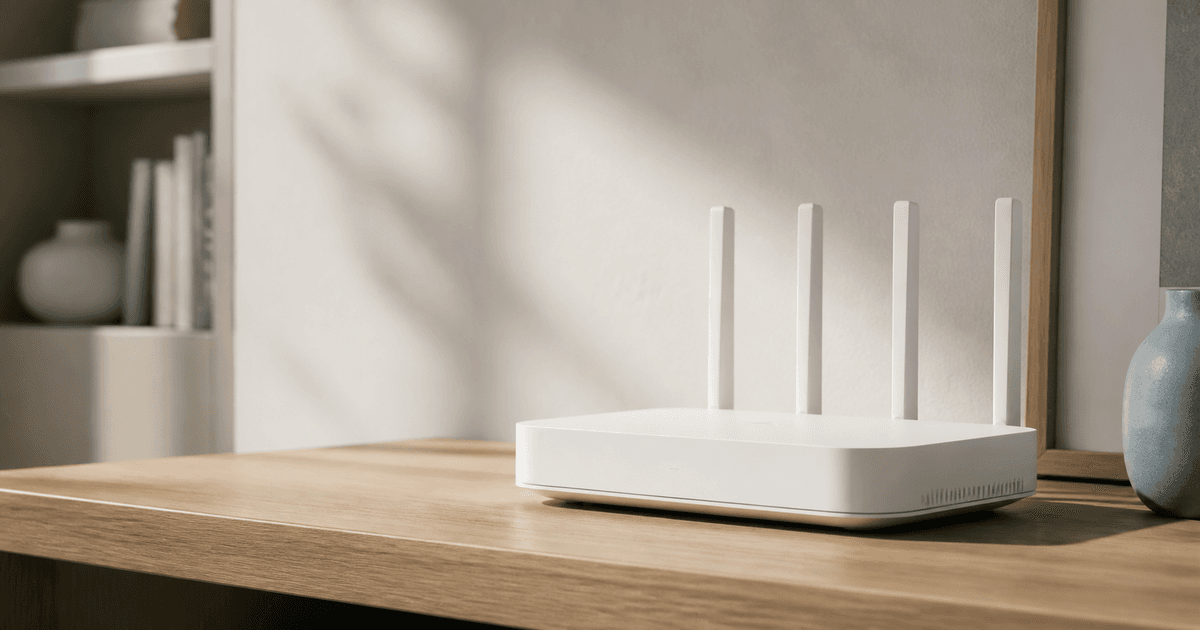
Use approved front, rear, side, top, port, antenna, power, package, and installed references for one exact router or mesh-node SKU. Generate the surrounding room and composition while locking enclosure proportions, vents, feet, antennas, buttons, port count and type, cable state, indicator location and verified state, finish, label zones, and included accessories. Add speed, coverage, band, standard, device-count, security, compatibility, setup, subscription, and ISP qualifications later from the current claim sheet; a polished room scene is not evidence of network performance.
Who this guide is for
Networking brands, electronics retailers, ecommerce studios, launch agencies, broadband providers, and marketplace teams producing router or mesh Wi-Fi campaign images.
Recommended model
| Use case | Recommended model | Why |
|---|---|---|
| This workflow | Nano Banana Pro image-to-image for reference-led router scene families | Multiple product references help hold precise industrial details across lifestyle crops, but claims and interface states still require separate verified sources. |
AIBase is an independent creative platform. Model names are shown only to identify supported underlying technologies and workflow choices.
Prompt template
Use the uploaded approved [exact router or mesh node SKU and revision] references as the product source. Create a [hero / shelf / home-office / detail] campaign photo in [ratio]. Preserve enclosure dimensions and silhouette, panel seams, vents, feet, antenna count, angle and joints, button positions, exact port count and type zones, power connector, cable state, indicator location and approved color or off state, surface finish, markings zones, wear condition, included accessories, camera perspective, and believable support. Scene [specific verified-safe environment], light [specific], protected copy zone [specific]. No new port, antenna, screen, logo, cable, coverage visualization, signal wave, phone UI, person, speed, metric, award, compatibility badge, word, or watermark.
Step-by-step workflow
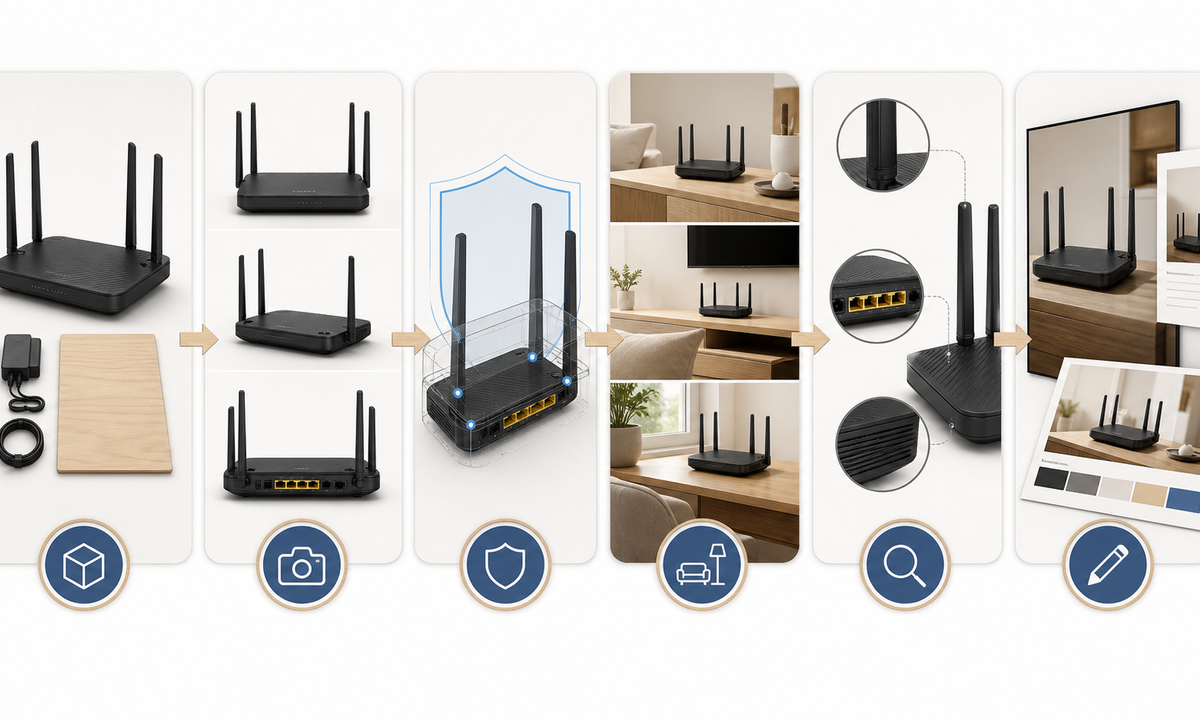
- Freeze SKU, hardware revision, region, enclosure, antennas, radios, ports, power, cables, accessories, indicator meanings, installation limits, app requirements, subscription, warranty, and approved claims.
- Capture matched front, rear, side, top, underside, port, antenna, indicator, cable, package, and installed references with a scale and condition log.
- Build a protected-detail map for silhouette, vents, seams, feet, antennas, buttons, ports, labels, indicators, cables, support surface, reflections, and copy zones.
- Generate one scene family at a time, beginning with the product small in frame and adding only room, light, camera, and composition changes.
- Inspect product geometry at full resolution, then test crops for marketplace, paid social, retail banner, mobile, and localization-safe copy placement.
- Composite verified copy, standards, speed qualifiers, coverage methodology, compatibility, plan or subscription terms, app captures, disclosure, price, and CTA in editable layers.
Example prompt variants
- Reference-led home-office hero: exact approved white mesh node on a timber shelf, soft morning side light, generous left copy space, preserve every vent, seam, port zone, indicator off state and accessory; no signal waves.
- Rear-port detail of the approved black router on a neutral studio riser, shallow three-quarter view, preserve four documented antennas, port count, power jack, buttons, cable-free state and matte finish.
- Two-node living-room campaign scene using only approved matching units at plausible visible placements, locked hardware and scale, warm neutral interior, no coverage map, device screen, speed or connectivity claim.
Quality checklist
- SKU, revision, region, hardware, antennas, ports, power, accessories, indicator state, condition, app requirement, subscription, warranty, and claims match approved records.
- Enclosure geometry, seams, vents, feet, antenna joints, buttons, port zones, labels, cables, finish, reflections, scale, perspective, and support remain coherent.
- No invented port, antenna, screen, app UI, signal wave, connected device, coverage, speed, compatibility, security, ease, award, or popularity cue appears.
- Copy, standards, qualifiers, test methodology, availability, price, plan terms, disclosure, localization, accessibility, and CTA remain editable and current.
- References, product map, prompts, outputs, hardware review, claim review, approvals, publication, correction, and withdrawal remain traceable.
Mistakes to avoid
- Letting the model add plausible Ethernet ports, antennas, buttons, indicator colors, or accessories from a different router revision.
- Using stylized signal waves or a large home scene to imply measured coverage, speed, reliability, or device capacity.
- Placing a router inside a closed cabinet, beside water, or in another setup that conflicts with documented ventilation and installation guidance.
- Burning standards, speeds, prices, compatibility, plan terms, or security claims into generated pixels before regional review.
Related AIBase pages
- Open Nano Banana Pro
- Create smart thermostat campaign scenes
- Create portable speaker campaign photos
Practical next step
Open the most relevant AIBase generator, run one narrow prompt first, and save the best result before adding more constraints. The fastest way to improve output quality is to compare one variable at a time: subject, camera, background, lighting, then final polish.