
Seedance 2 Florist Bouquet Wrap Process Video Prompts from Real Photos
Animate one real bouquet-wrapping step at a time while protecting flower identity, stem alignment, paper folds, ribbon, and hands.
Quick answer
Animate one authorized photo through one wrapping action, such as folding paper or drawing twine tight. Repeat the exact flowers, stems, hands, ribbon, paper pattern, camera, and light as invariants. Do not ask Seedance 2 to add new blooms, swap species, invent prices, or fabricate an entire workshop.
Who this guide is for
Florists, flower studios, wedding vendors, gift shops, and social teams turning real process photos into short educational or behind-the-scenes clips.
Recommended model
| Use case | Recommended model | Why |
|---|---|---|
| This workflow | Seedance 2 | Its image-to-video workflow is useful for bounded source-led motion when the prompt protects the photographed product and limits the action. |
AIBase is an independent creative platform. Model names are shown only to identify supported underlying technologies and workflow choices.
Prompt template
Use the uploaded authorized bouquet-wrapping photo as the exact source. Animate only [one action: paper fold / ribbon tightening / twine wrap / stem adjustment] over [4-6 seconds]. Preserve exact flower types, petal colors, bloom positions, stem alignment, foliage, hand positions, sleeves, paper pattern and folds, ribbon width, table, vase or tools, camera, crop, focus, and light. Motion should stay subtle, physically possible, and return to a stable final frame. No new flowers, species, hands, tools, price tags, delivery promise, text, logo, or watermark.
Step-by-step workflow
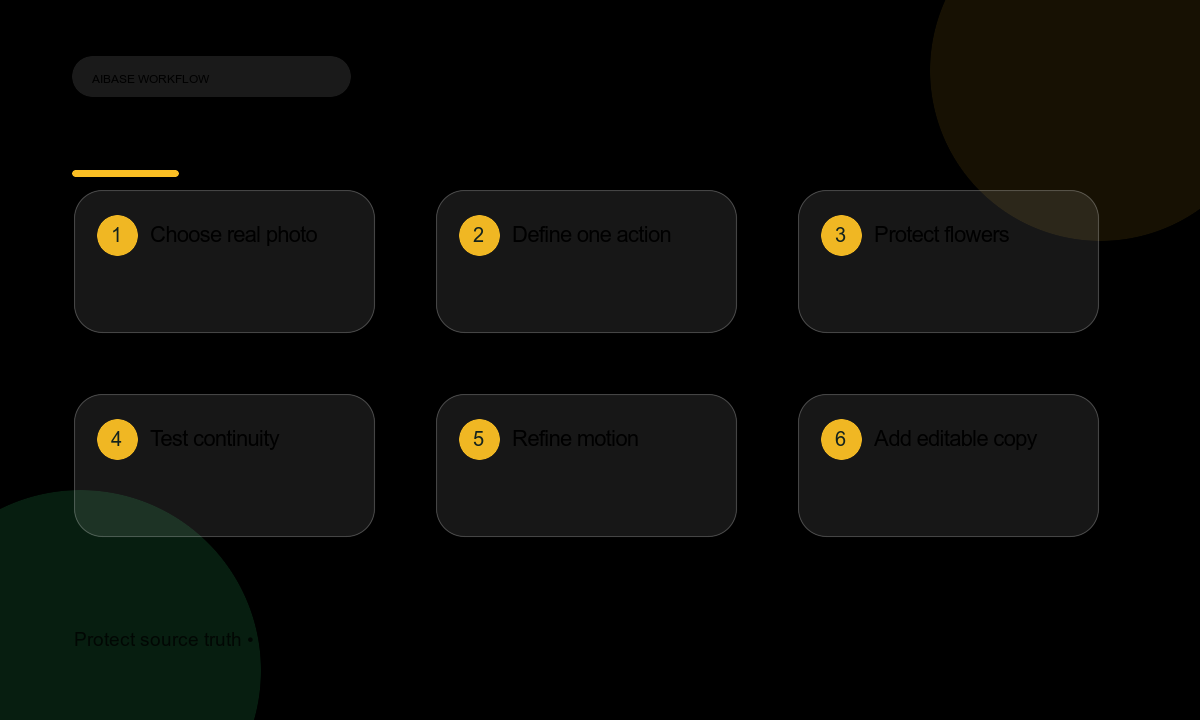
- Select a sharp authorized photo where the desired action is already partially visible and the bouquet is clearly identifiable.
- Write the craft truth: flower names, substitutions allowed by the listing, wrap materials, ribbon, and any allergy or delivery caveats.
- Choose one action and mark the body parts, petals, stems, paper edges, and ribbon that must not drift.
- Generate a short test, compare first and last frames with the source, and inspect petal count and hand continuity.
- Refine only one variable at a time: action speed, camera stability, paper flexibility, or final framing.
- Edit real captions, flower names, price, delivery terms, and shop links outside the generated clip.
- Archive source, prompt, output, rights, and reviewer notes before publishing.
Example prompt variants
- Four-second close-up: the existing kraft paper folds once over the approved stems; flowers, hands, ribbon, table, and camera remain unchanged.
- Five-second detail: the real linen twine circles the wrapped bouquet twice and settles; no new flower, tag, hand, or text.
- Six-second overhead clip: one stem is nudged into alignment while the paper and ribbon stay stable; no species or color change.
Quality checklist
- Flower species, petal color, bloom count, foliage, and stem arrangement remain consistent with the source.
- Hands, sleeves, tools, paper folds, and ribbon stay continuous and physically plausible.
- Only the named action moves; camera and lighting do not wander.
- Price, substitutions, delivery area, allergy notes, and care instructions remain editable and truthful.
- The final frame is stable enough for captions and shop links.
Mistakes to avoid
- Requesting a full wrapping sequence from a single finished bouquet photo.
- Allowing the model to invent flower varieties, colors, buds, or unavailable stock.
- Animating hands in ways that pass through paper, stems, or ribbon.
- Baking price, delivery promises, event availability, or care claims into the video.
Related AIBase pages
Practical next step
Open the most relevant AIBase generator, run one narrow prompt first, and save the best result before adding more constraints. The fastest way to improve output quality is to compare one variable at a time: subject, camera, background, lighting, then final polish.