
Seedream 5.0 Lite Data Export Ready Notice Banner Background Prompts
Create text-free data-export notice backgrounds while keeping file scope, readiness, expiry, size, format, privacy, authentication, and download actions accurate and editable.

Quick answer
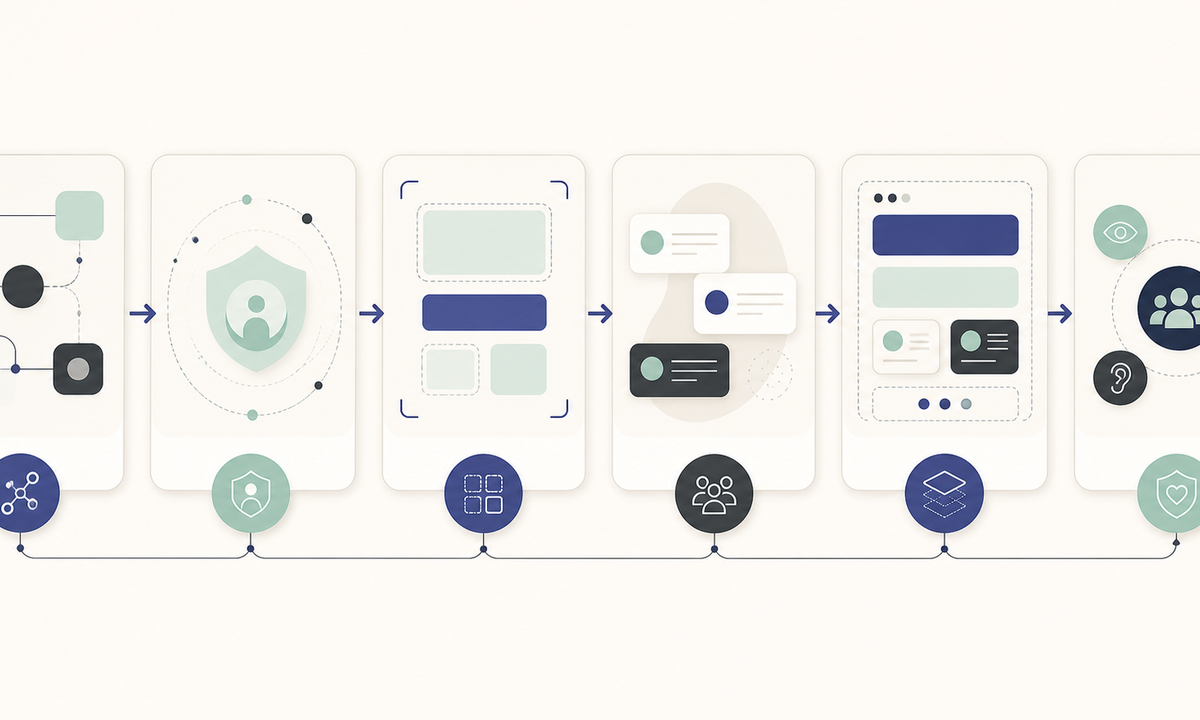
Use Seedream 5.0 Lite for a coordinated set of text-free background plates, not the export message itself. Keep request scope, archive contents, format, file size, checksum if used, ready time, expiry, authentication requirement, download destination, privacy warning, deletion policy, retry state, and support link in trusted editable UI. Avoid generated folders, cloud icons, progress bars, checks, file names, or download buttons that could imply the archive is complete, safe, current, or available.
Who this guide is for
Product, privacy, trust, support, and lifecycle teams designing web, mobile, email, and help-center notices for user-requested account or workspace data exports.
Recommended model
| Use case | Recommended model | Why |
|---|---|---|
| This workflow | Seedream 5.0 Lite for fast text-free notice background families | It suits coordinated layout exploration across ratios while every export fact, privacy instruction, and action stays in the product’s governed content layer. |
AIBase is an independent creative platform. Model names are shown only to identify supported underlying technologies and workflow choices.
Prompt template
Create a text-free [web banner / mobile card / email header] background for a data-export notification system. State family [processing / ready / expired / failed], visual direction [restrained modular layers suggesting preparation without file iconography], palette [specific], reserved editable zones for title, request scope, format, size, ready or failure time, expiry, authentication note, privacy warning, primary action, retry or support and disclosure. No folder, archive box, cloud, arrow, checkmark, progress bar, lock, document, filename, account data, person, device screenshot, button, status word, letter, number, logo, pseudo-text or watermark.
Step-by-step workflow
- Map requested, queued, processing, ready, partially ready, failed, expired, downloaded, regenerated, revoked, and deleted states to authoritative export jobs and retention rules.
- Define safe display rules for scope, workspace, date range, format, size, checksum, timestamps, expiry, authentication, audit events, privacy, device, and location context.
- Design one responsive hierarchy with protected zones for state, details, time limit, action, privacy warning, support, and disclosure before generating backgrounds.
- Generate a small text-free family with state-appropriate color and geometry, rejecting any visual that simulates a real file, download, completion, encryption, or deletion outcome.
- Assemble real state, values, buttons, links, error messages, focus behavior, and semantic status announcements in product components rather than pixels.
- Test stale links, expired archives, revoked sessions, partial exports, retries, repeated requests, time zones, localization, screen readers, low vision, mobile email crops, privacy, and audit trails.
Example prompt variants
- Wide ready-state banner background with layered translucent panels settling into a calm stable stack, indigo and pale mint accents, open center-left copy area, no file, arrow, check, word or number.
- Mobile processing-state card plate with gently offset neutral blocks and a protected status area, no progress bar, clock, cloud, archive, pseudo-text or completion cue.
- Email expiry-reminder header background with a fading edge rhythm and strong central contrast, amber and slate palette, no countdown, warning icon, file, action label or data.
Quality checklist
- Export state, scope, format, size, timestamps, expiry, authentication, privacy, retention, download destination, retry, and support come from authoritative current systems.
- Generated pixels contain no file, personal data, workspace identity, filename, timestamp, status text, progress, button, icon, logo, or security claim.
- Ready, processing, failure, and expiry remain semantically distinct in editable UI and do not rely only on decorative color.
- Actions, URLs, focus order, contrast, live-region behavior, localization, masking, and mobile crops are accessible and secure.
- State model, prompt, assets, content source, privacy and security review, tests, approval, expiry, rollback, and deletion remain traceable.
Mistakes to avoid
- Generating a realistic archive file, filename, size, or checkmark and treating it as evidence of backend completion.
- Embedding a download button or URL in the image where it cannot inherit authentication, expiry, focus, or phishing controls.
- Using the same success-oriented plate for processing, partial, failed, expired, revoked, and deleted states.
- Leaving privacy, shared-device, expiry, or reauthentication guidance out of the visible editable notice.
Related AIBase pages
Practical next step
Open the most relevant AIBase generator, run one narrow prompt first, and save the best result before adding more constraints. The fastest way to improve output quality is to compare one variable at a time: subject, camera, background, lighting, then final polish.