
Seedream 5.0 Lite Event Feedback Banner Background Prompts
Generate coordinated text-free event feedback banners with protected survey, incentive, privacy, accessibility, deadline, and multi-format layout zones.

Quick answer
Use Seedream 5.0 Lite to create a text-free family for email, web, and social, with calm visual cues for reflection rather than generated rating scales or fake attendee quotes. Protect zones for the real survey title, time estimate, optional incentive terms, deadline, privacy summary, accessibility help, CTA, and alternate contact route. Add every operational detail later as editable content.
Who this guide is for
Conference teams, workshops, webinars, community events, trade shows, education programs, venues, and agencies collecting useful attendee feedback after an event.
Recommended model
| Use case | Recommended model | Why |
|---|---|---|
| This workflow | Seedream 5.0 Lite for coordinated text-free feedback banner families | It is useful for producing economical format variations while survey questions, incentive rules, dates, privacy notices, and links remain verifiable and editable. |
AIBase is an independent creative platform. Model names are shown only to identify supported underlying technologies and workflow choices.
Prompt template
Create a coordinated set of text-free post-event feedback banner backgrounds for [event type and approved visual mood]: email 3:1, web 16:9, social 4:5, and mobile 9:16. Use abstract [stage light / conversation / note card / directional line] motifs without depicting identifiable attendees. Reserve clean zones for survey title, purpose, completion time, optional incentive terms, deadline, privacy summary, accessibility help, CTA, and alternative response route. Consistent palette and hierarchy, high contrast, safe crop edges. No words, letters, numbers, stars, rating scale, checkbox, QR pattern, testimonial, attendee face, sponsor logo, prize image, countdown, watermark, or claim.
Step-by-step workflow
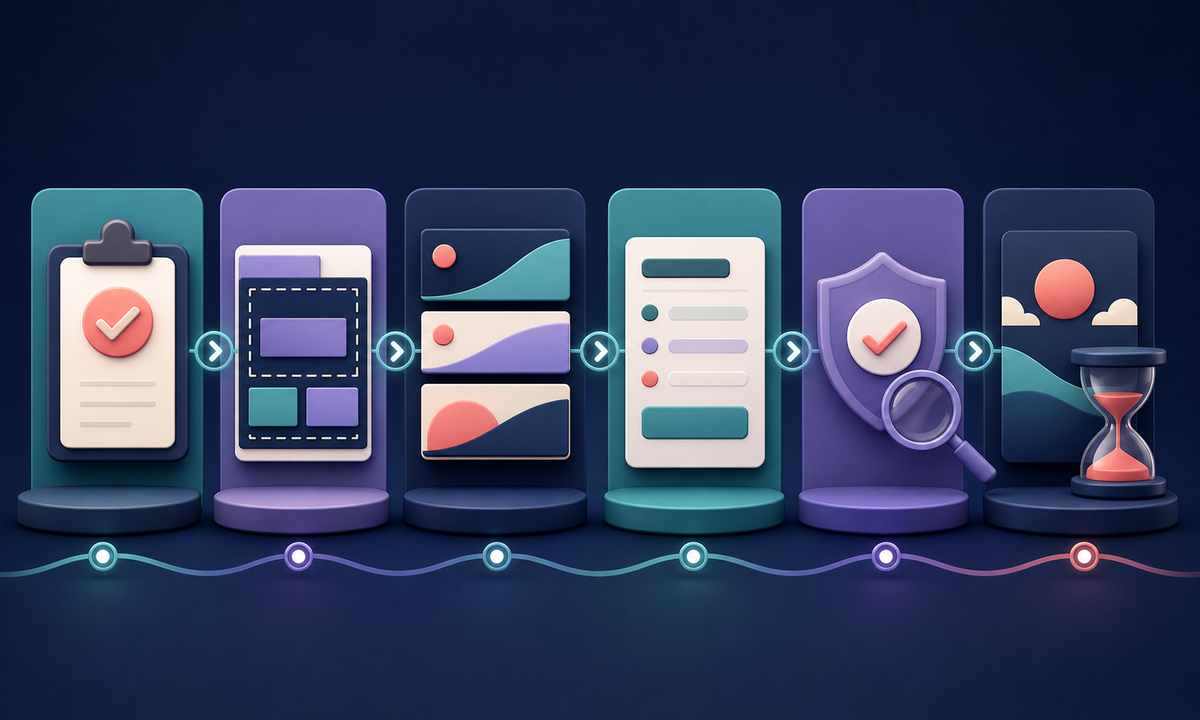
- Freeze survey purpose, audience, questions, estimated time, anonymity or confidentiality language, data owner, retention, optional incentive, eligibility, deadline, locale, and support route.
- Choose the minimum channel set and map protected copy, CTA, legal, privacy, incentive, accessibility, unsubscribe, and crop-safe zones for each ratio.
- Generate a text-free family from one approved motif and reject faces, star ratings, forms, quotes, prize imagery, sponsor marks, or urgency cues.
- Select one composition per format, then assemble the real survey copy, date, time estimate, terms, privacy link, accessibility help, and CTA in editable templates.
- Test every link and state: invited, completed, expired, ineligible, duplicate, anonymous, identified, incentive unavailable, language changed, and support requested.
- Review response bias, accessibility, mobile crop, locale expansion, deliverability, analytics consent, retention, correction, and campaign shutdown before launch.
Example prompt variants
- Post-conference email banner: deep navy to teal abstract stage-light arcs, quiet empty title zone left, small time-and-privacy reserve below, CTA zone right, no people, stars, text, or sponsor marks.
- Workshop feedback social story: warm paper-cut circles and directional lines suggesting reflection, large central copy reserve, lower incentive-terms and CTA zones, no form controls or prize image.
- Webinar feedback web hero: restrained indigo gradient with subtle conversation-wave motif, wide title and survey-purpose zone, compact accessibility and alternate-contact reserve, no microphone, face, quote, or rating scale.
Quality checklist
- Survey purpose, audience, time estimate, deadline, anonymity, data use, retention, incentive, eligibility, support, and locale match approved operations.
- Every format preserves readable zones for title, purpose, time, terms, privacy, accessibility, CTA, alternate route, and crop safety.
- The background contains no generated rating, quote, form, response, person, sponsor, prize, deadline, or participation claim.
- Editable copy, links, states, keyboard flow, contrast, zoom, screen-reader labels, mobile crop, and language expansion are tested.
- Survey version, prompt, selected assets, approvals, link destinations, publication, expiry, retention, and shutdown remain traceable.
Mistakes to avoid
- Generating stars or rating controls into the image and then layering a real accessible survey on top.
- Claiming a survey is anonymous when tracking, incentive fulfillment, or CRM linkage can identify respondents.
- Using event photos without checking attendee consent, badge exposure, screens, minors, or sponsor usage rights.
- Promising an incentive without visible eligibility, quantity, market, deadline, fulfillment, tax, and privacy terms.
Related AIBase pages
- Open Seedream 5.0 Lite
- Create customer survey invitation banners
- Create conference social backgrounds
Practical next step
Open the most relevant AIBase generator, run one narrow prompt first, and save the best result before adding more constraints. The fastest way to improve output quality is to compare one variable at a time: subject, camera, background, lighting, then final polish.