
Seedream 5.0 Lite Instagram Story Poll Background Prompts with Sticker-Safe Zones
Generate coordinated 9:16 story backgrounds that leave room for poll stickers, question boxes, profile labels, and reply gestures.
Quick answer
Generate a text-free 9:16 background with explicit zones for the poll question, two answer buttons, profile label, progress bar, and reply field. Use Seedream 5.0 Lite to make a fast coordinated family for multiple story days, then place real poll copy and stickers in the app so answers, links, and disclosures remain accurate.
Who this guide is for
Social media managers, community teams, newsletter creators, educators, and product marketers who run interactive story sequences and need consistent high-contrast backgrounds.
Recommended model
| Use case | Recommended model | Why |
|---|---|---|
| This workflow | Seedream 5.0 Lite | It is a practical choice for fast ratio-specific background families when the prompt defines sticker zones and contrast constraints clearly. |
AIBase is an independent creative platform. Model names are shown only to identify supported underlying technologies and workflow choices.
Prompt template
Create a text-free 9:16 Instagram Story background for [topic and audience]. Visual direction: [palette, texture, mood]. Reserve a clear center question zone, two separate answer-button zones, upper profile zone, bottom reply zone, and top/bottom platform margins. Keep one calm visual motif in [empty side / top corner]. Ensure high contrast for [white / dark] sticker text. No words, letters, numbers, poll options, emoji, UI, arrows, faces, platform icons, claims, or watermark.
Step-by-step workflow
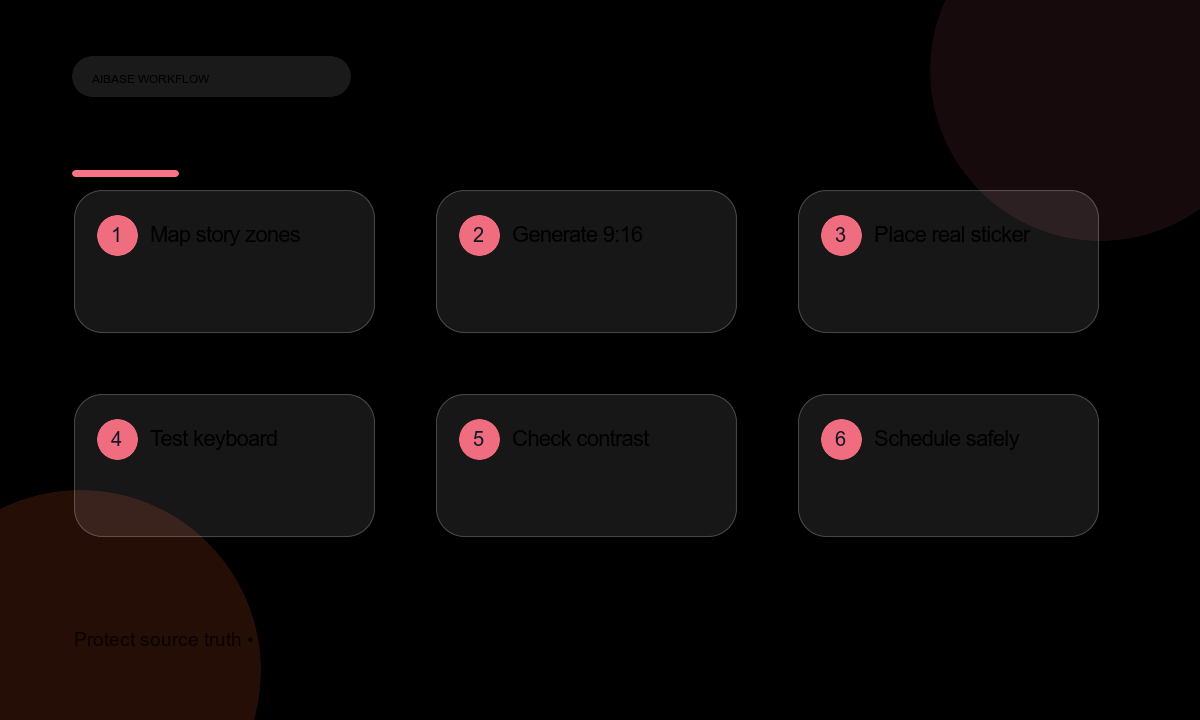
- Sketch the story sequence and list the actual poll question, answer options, link, disclosure, and fallback copy.
- Map UI safe zones in a 9:16 template, including profile, progress, close button, keyboard area, and swipe-up or link region.
- Generate a background family with one visual system and controlled color variations for each story day.
- Place real stickers, options, links, disclosures, captions, and alt text in the platform or design layer.
- Preview on multiple devices, in dark and light modes, with a keyboard open and with the poll state changed.
- Measure legibility and tap targets, then export or schedule without baking interactive elements into pixels.
- Track responses and prepare a correction story if options, links, or timing change.
Example prompt variants
- Soft daylight gradient with faint paper grain, center question zone and two clear lower button zones; no text or icons.
- Deep navy studio backdrop with one quiet corner light and a broad central polling area suitable for white sticker text.
- Warm terracotta clay texture with upper profile space, center question zone, and lower keyboard-safe margin; no words or UI.
Quality checklist
- Poll question and both answers remain readable and tappable on small screens.
- Sticker zones avoid profile, progress, close, reply, link, and keyboard areas.
- Background contrast supports accessibility and does not fight selected platform fonts.
- Interactive options, links, dates, and disclosures remain editable rather than baked into the image.
- The sequence feels coordinated without repeating the same visual exactly.
Mistakes to avoid
- Rendering poll text into the image and making it impossible to update or translate.
- Placing buttons where the profile row, progress bar, keyboard, or reply field covers them.
- Generating platform UI icons that look official but behave incorrectly.
- Using decorative contrast that makes white or black sticker text unreadable.
Related AIBase pages
Practical next step
Open the most relevant AIBase generator, run one narrow prompt first, and save the best result before adding more constraints. The fastest way to improve output quality is to compare one variable at a time: subject, camera, background, lighting, then final polish.