
Seedream 5.0 Lite Product Waitlist Background Prompts for Social Launches
Generate coordinated text-free waitlist backgrounds for landing pages and social ratios while keeping product facts, dates, access rules, scarcity, and signup terms editable.

Quick answer
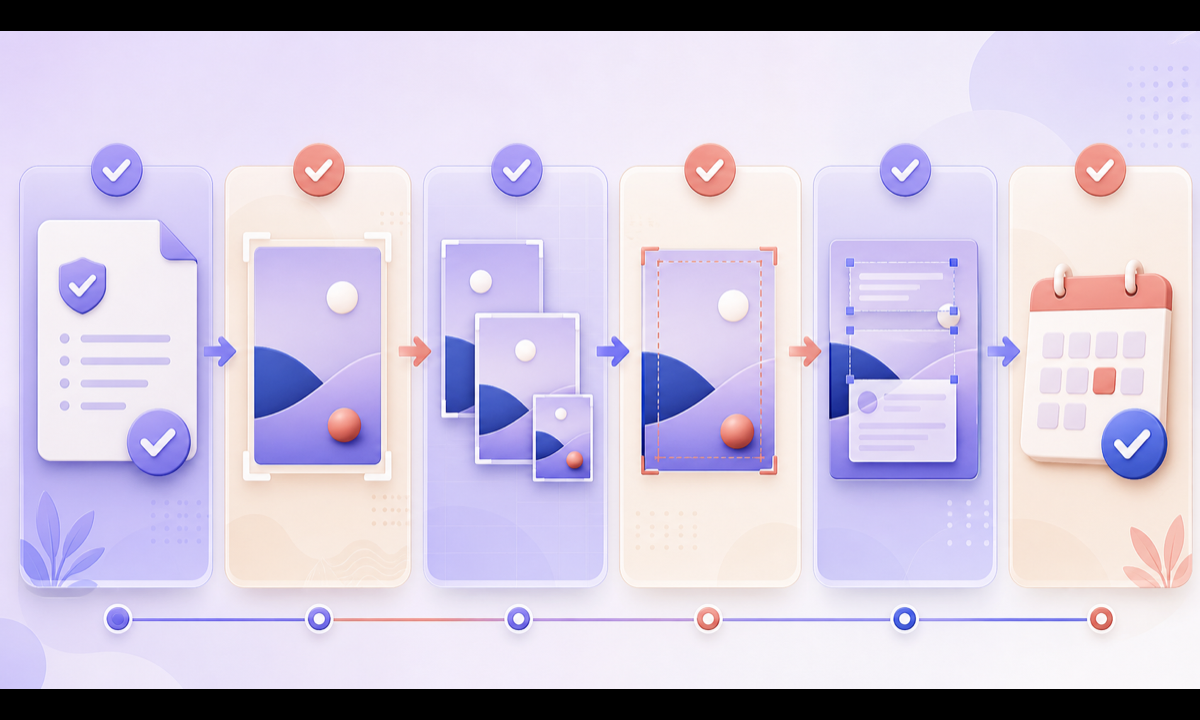
Define what joining the waitlist actually means: product status, audience, regions, expected communications, early-access rules, privacy, incentive, dates, supply limits, and unsubscribe path. Ask Seedream 5.0 Lite for a text-free background family with safe zones across landing-page, square, portrait, story, and email crops. Add every product image, launch statement, scarcity cue, date, benefit, signup field, consent notice, and CTA in editable layers backed by the current launch brief.
Who this guide is for
Startup teams, ecommerce brands, product marketers, growth designers, and agencies preparing coming-soon pages, beta lists, early-access campaigns, and social signup reminders.
Recommended model
| Use case | Recommended model | Why |
|---|---|---|
| This workflow | Seedream 5.0 Lite for fast waitlist background ratio families | Rapid visual exploration suits launch-system backgrounds when availability, access, product details, scarcity, and signup terms remain outside generated pixels. |
AIBase is an independent creative platform. Model names are shown only to identify supported underlying technologies and workflow choices.
Prompt template
Create a coordinated text-free [ratio] background for a [product category] waitlist campaign. Visual system: [palette, materials, geometry, mood], with an abstract sense of anticipation and one protected product or copy zone. Keep the focal motif crop-safe for [landing hero / 1:1 / 4:5 / 9:16 / email]. No identifiable product, person, interface, queue, counter, date, timer, access badge, invitation, gift, discount, stock, review, testimonial, metric, word, letter, number, logo, QR code, pseudo-text, or watermark.
Step-by-step workflow
- Freeze product status, approved visuals, audience, regions, waitlist meaning, communications, incentive, access rules, dates, scarcity evidence, privacy, consent, and unsubscribe flow.
- Map safe zones and content hierarchy for the longest locale across landing hero, email, square, portrait, and story placements.
- Generate text-free concepts with one palette and motif, avoiding visual cues that imply guaranteed access, rank, inventory, discounts, or a finished product.
- Select one direction and regenerate a coordinated ratio family rather than cropping a single master beyond its useful composition.
- Assemble approved product assets, launch copy, dates, terms, privacy notice, signup fields, disclosure, alt text, and CTA in editable components.
- Test form completion, consent, confirmation, localization, accessibility, links, analytics, date changes, capacity updates, and campaign retirement.
Example prompt variants
- Wide warm-white waitlist hero with layered translucent lavender cards and a softly veiled empty product pedestal, quiet left copy zone, no product, invitation, queue, date or word.
- Vertical early-access story background with cobalt arcs moving toward a coral threshold, protected center and bottom zones, no timer, lock, key, badge, counter, person or text.
- Square beta-signup background with modular paper panels and one soft glow behind an abstract device-shaped void, no interface, app, feature, testimonial, metric or logo.
Quality checklist
- Product status, audience, regions, communications, access rules, incentive, dates, scarcity, privacy, consent, and unsubscribe information are current.
- Generated pixels contain no fake product, interface, feature, invitation, rank, queue, inventory, deadline, benefit, metric, review, or text.
- The visual family remains coherent and usable across landing, email, square, portrait, story, mobile, and localization contexts.
- Product imagery, copy, forms, terms, privacy notice, disclosure, alt text, and CTA are editable and accessible.
- Brief, prompts, approvals, forms, links, analytics, publication, updates, expiry, and deletion remain traceable.
Mistakes to avoid
- Using a countdown, queue number, invitation badge, closed lock, or limited-stock cue without a real operational rule behind it.
- Generating a polished product or interface that does not yet exist and presenting it as a launch preview.
- Cropping one background into every ratio without testing safe zones, localization, fields, and platform overlays.
- Collecting signups without clear consent, communication expectations, privacy information, confirmation, or unsubscribe controls.
Related AIBase pages
- Open Seedream 5.0 Lite
- Create crowdfunding update backgrounds
- Build product launch campaign creative
Practical next step
Open the most relevant AIBase generator, run one narrow prompt first, and save the best result before adding more constraints. The fastest way to improve output quality is to compare one variable at a time: subject, camera, background, lighting, then final polish.