
Seedream 5.0 Lite Podcast Clip Background Prompts for Social Cutdowns
Build fast, text-free visual frames for podcast clip cutdowns while keeping speaker identity, quotes, captions, sponsors, and episode facts verified.
Quick answer
Use Seedream 5.0 Lite to test text-free background families and protected zones for a real clip, captions, guest name, episode title, sponsor disclosure, and CTA. Keep actual speech, people, quotes, dates, and sponsor details in sourced, editable layers.
Who this guide is for
Podcast teams, editors, creators, and social managers adapting real episodes into vertical, square, and horizontal clips.
Recommended model
| Use case | Recommended model | Why |
|---|---|---|
| This workflow | Seedream 5.0 Lite for fast ratio-specific background families | Rapid visual iteration helps test safe layouts while the real recording, captions, and episode data remain controlled assets. |
AIBase is an independent creative platform. Model names are shown only to identify supported underlying technologies and workflow choices.
Prompt template
Create a text-free [9:16 / 1:1 / 16:9] podcast clip background. Reserve a large central video window, high-contrast caption zone, guest and episode zone, sponsor disclosure zone, and CTA zone. Visual system: [palette, materials, geometry]. No microphone, face, person, show title, episode number, sponsor, quote, waveform, word, logo, watermark, or pseudo-text.
Step-by-step workflow
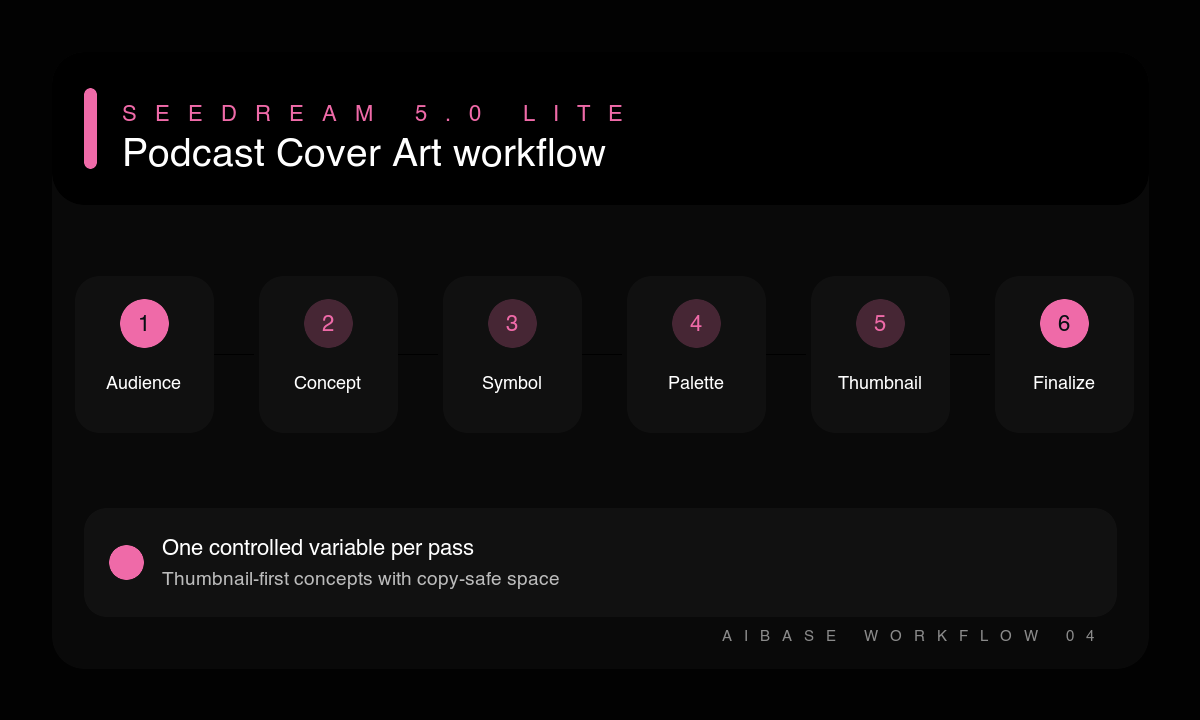
- Freeze the source recording, consent, guest name, episode title, quote, sponsor status, captions, links, and platform rules.
- Map readable video, caption, speaker, disclosure, and CTA zones for each ratio.
- Generate text-free background systems with one visual direction at a time.
- Insert the real clip, reviewed captions, exact title, guest, sponsor disclosure, and CTA in editable software.
- Review quote fidelity, caption timing, accessibility, music rights, crops, tracking, and destination.
- Save editable masters and retire assets when episode facts or sponsorship change.
Example prompt variants
- Vertical dark-indigo podcast clip frame with large central video window and lower caption zone, no microphone, person, title, word, waveform, or logo.
- Square warm-paper conversation frame with quiet guest and CTA zones, no face, sponsor, quote, number, or text.
- Wide restrained light-band background with protected captions and episode detail zones, no studio, person, logo, word, or watermark.
Quality checklist
- The recording, guest, quote, title, captions, sponsor disclosure, and CTA are verified editable content.
- Generated pixels contain no fake speaker, studio, waveform, quote, logo, or sponsor.
- Captions remain readable and timed correctly at final size.
- Consent, audio rights, accessibility, links, tracking, and platform rules are reviewed.
- Sources, prompts, approvals, and retirement date are retained.
Mistakes to avoid
- Publishing a generated quote card as if it were a transcript.
- Using a fictional face as the guest image.
- Letting decorative waveform graphics imply exact audio data.
- Forgetting sponsor disclosures or caption accessibility.
Related AIBase pages
Practical next step
Open the most relevant AIBase generator, run one narrow prompt first, and save the best result before adding more constraints. The fastest way to improve output quality is to compare one variable at a time: subject, camera, background, lighting, then final polish.