
Seedream 5.0 Lite Crowdfunding Update Background Prompts
Create fast text-free backgrounds for honest crowdfunding updates, milestone posts, manufacturing notes, shipping notices, and backer FAQs.
Quick answer
Use Seedream 5.0 Lite to explore text-free visual treatments for one verified update category at a time: prototype progress, manufacturing, shipping, milestone, schedule change, or FAQ. Keep funding totals, dates, quantities, partner names, certifications, production status, risks, and promises out of generated pixels. Add those facts from the current campaign record in editable layers, publish with a visible update date, and replace scheduled assets immediately when reality changes.
Who this guide is for
Crowdfunding creators, launch agencies, hardware startups, tabletop publishers, and community teams producing frequent backer updates without turning unverified progress into promotional evidence.
Recommended model
| Use case | Recommended model | Why |
|---|---|---|
| This workflow | Seedream 5.0 Lite for rapid text-free crowdfunding background variants | Frequent campaign updates benefit from fast ratio and mood exploration, while their dates, totals, schedules, partners, and delivery facts must remain controlled outside the generated image. |
AIBase is an independent creative platform. Model names are shown only to identify supported underlying technologies and workflow choices.
Prompt template
Create a text-free crowdfunding update background for [prototype progress / manufacturing / shipping / milestone / schedule change / FAQ]. Visual language: [approved palette, materials, shapes]. Show only [authorized product silhouette, real component type, abstract progress motif, or neutral package form]. Reserve clear zones for editable date, verified headline, status, evidence caption, risk note, next checkpoint, and support link. No generated words, numbers, charts, funding totals, calendars, factories, workers, partners, certifications, shipping carriers, delivery promises, testimonials, logos, or watermark.
Step-by-step workflow
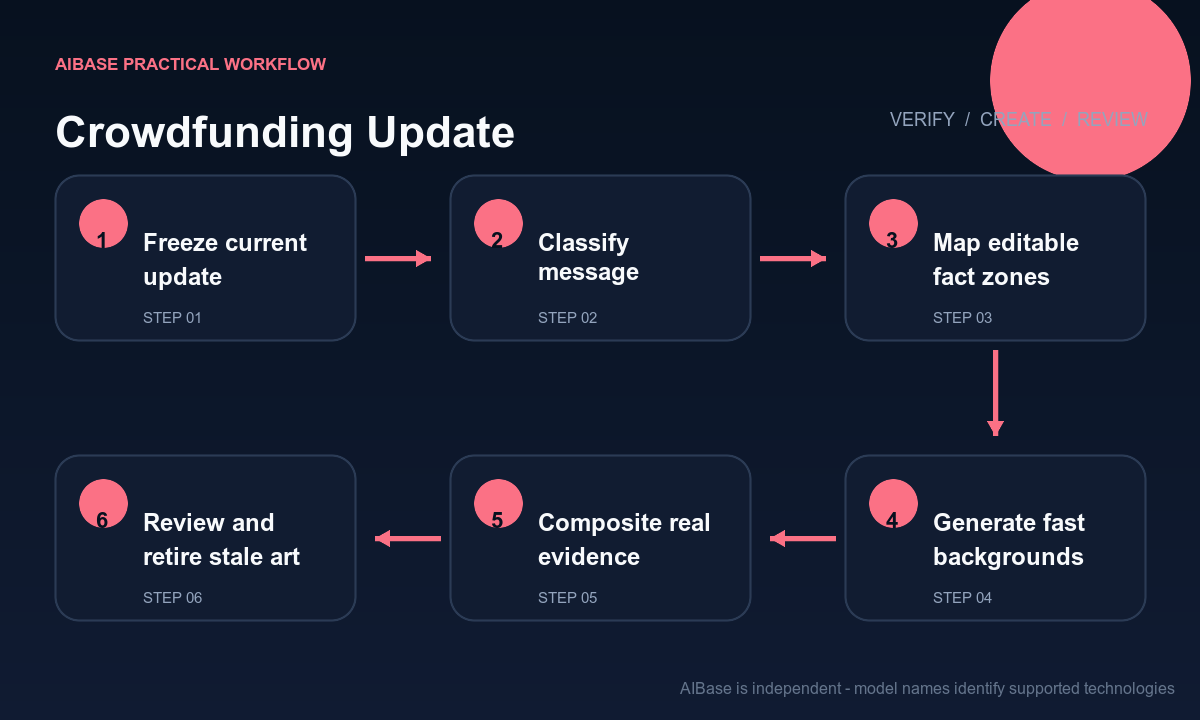
- Freeze the update record with publication date, owner, evidence source, product version, completed work, work in progress, risk, changed assumption, next checkpoint, support route, and approved wording.
- Classify the message before designing it: celebration, explanation, schedule change, evidence post, survey, shipping notice, or FAQ each needs a different hierarchy and tone.
- Map headline, date, status, evidence caption, risk note, next step, disclosure, and support zones, then generate only the text-free background and permitted generic objects.
- Use Seedream 5.0 Lite to test three genuinely different structures, choose one, and adapt it to campaign page, email, community post, story, and square feed ratios.
- Composite exact facts, approved product photos, real charts, partner marks, dates, quantities, disclosures, links, and accessibility labels from controlled files rather than regenerating them.
- Run founder, operations, legal, support, and accessibility review; publish with a version date, monitor questions, correct errors visibly, and retire stale scheduled graphics.
Example prompt variants
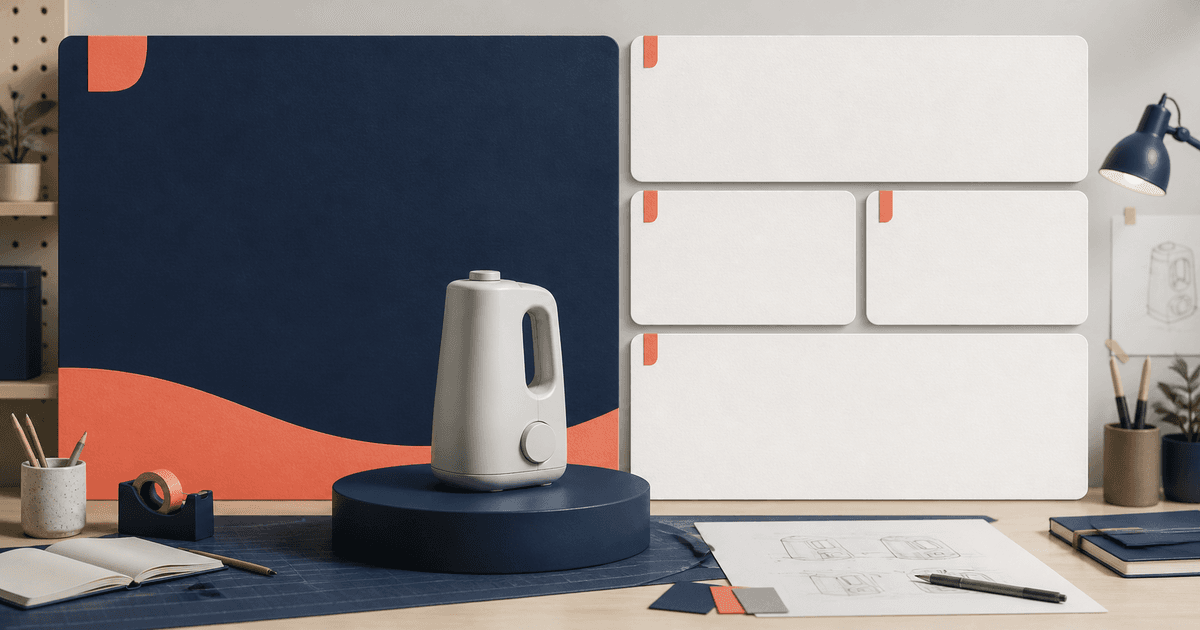
- Text-free manufacturing update background with blank modular cards, one authorized component silhouette and restrained navy-coral system, quiet date and evidence zones, no factory, worker, number, chart, partner, certification, word, or promise.
- Square shipping FAQ background using neutral package shapes, route-like dotted geometry and a large empty center for verified copy, no carrier logo, map, date, quantity, tracking code, delivery claim, person, or text.
- Portrait milestone update background with one approved product silhouette on a low plinth and abstract rising blocks that do not encode a total, generous headline and next-checkpoint zones, no confetti, funding number, testimonial, logo, or watermark.
Quality checklist
- Date, product version, status, evidence, quantities, schedule, risks, partners, certifications, shipping details, commitments, next checkpoint, and support link match the current record.
- Generated pixels contain no fake total, percentage, timeline, chart, calendar, factory, worker, partner, carrier, certificate, testimonial, product feature, word, number, or logo.
- The visual tone distinguishes a celebration from a delay or risk update and does not use success imagery to soften material bad news.
- Editable facts remain legible across campaign page, email, feed, story, dark mode, localization, and accessibility settings.
- Evidence, approvals, prompts, backgrounds, editable masters, publication time, corrections, support questions, and archived versions remain traceable.
Mistakes to avoid
- Generating fake milestone charts, factory scenes, shipping maps, tracking labels, partner logos, or production photos to make an update look more advanced.
- Using celebratory confetti, crowds, sold-out cues, or rising graphs for a delay, risk, refund, or scope-change message.
- Burning dates, totals, percentages, quantities, delivery windows, certifications, or partner names into pixels that will become stale.
- Publishing a polished background without a visible update date, evidence caption, next checkpoint, correction path, and human support route.
Related AIBase pages
- Open Seedream 5.0 Lite
- Create Kickstarter hero images
- Create quote card backgrounds
- Build product launch campaign creative
Practical next step
Open the most relevant AIBase generator, run one narrow prompt first, and save the best result before adding more constraints. The fastest way to improve output quality is to compare one variable at a time: subject, camera, background, lighting, then final polish.