
Veo 3.1 Fast Dental Clinic Social Reel Prompts without Medical Claims
Draft short dental clinic reels around spaces, staff-neutral moments, appointment preparation, and editable facts without inventing patients, procedures, outcomes, or credentials.
Quick answer
Use Veo 3.1 Fast for generic, nonclinical visual layers such as a calm reception detail, unopened welcome kit, clean wayfinding space, scheduling metaphor, or exterior light change. Do not generate identifiable patients, treatment, diagnostic screens, radiographs, before-and-after teeth, pain relief, sedation, emergency response, clinical outcomes, reviews, prices, insurance acceptance, clinician likenesses, credentials, or real-facility claims. Film actual staff, equipment, accessibility features, and procedures when truth matters, with consent and professional review, then add current factual copy as editable overlays.
Who this guide is for
Dental practices, orthodontic offices, pediatric dental teams, oral-health educators, and agencies planning short awareness or appointment-preparation concepts. Because dental decisions can affect health, all clinical guidance, urgency language, treatment descriptions, risks, benefits, and eligibility require review by qualified professionals in the relevant jurisdiction.
Recommended model
| Use case | Recommended model | Why |
|---|---|---|
| This workflow | Veo 3.1 Fast for short nonclinical background hooks and layout tests | Rapid video concepting can help test pacing and copy zones, but it must stay separated from clinical representation, patient identity, professional credentials, facility truth, and medical advice. |
AIBase is an independent creative platform. Model names are shown only to identify supported underlying technologies and workflow choices.
Prompt template
Create a [4-6]-second vertical text-free visual layer for a dental clinic social post about [nonclinical purpose: booking reminder/what to bring/office welcome/general prevention campaign]. Show only [generic nonclinical scene or objects]. Camera [one move], light [direction], clean upper and lower overlay zones, stable end hold. This is illustrative footage, not a real patient, clinician, office, procedure, diagnosis, result, review, or medical advice. No mouth close-up, teeth transformation, instrument entering a mouth, radiograph, chart, prescription, pain cue, child identity, clinician likeness, credential, price, insurance mark, appointment availability, logo, text, sound, or watermark.
Step-by-step workflow
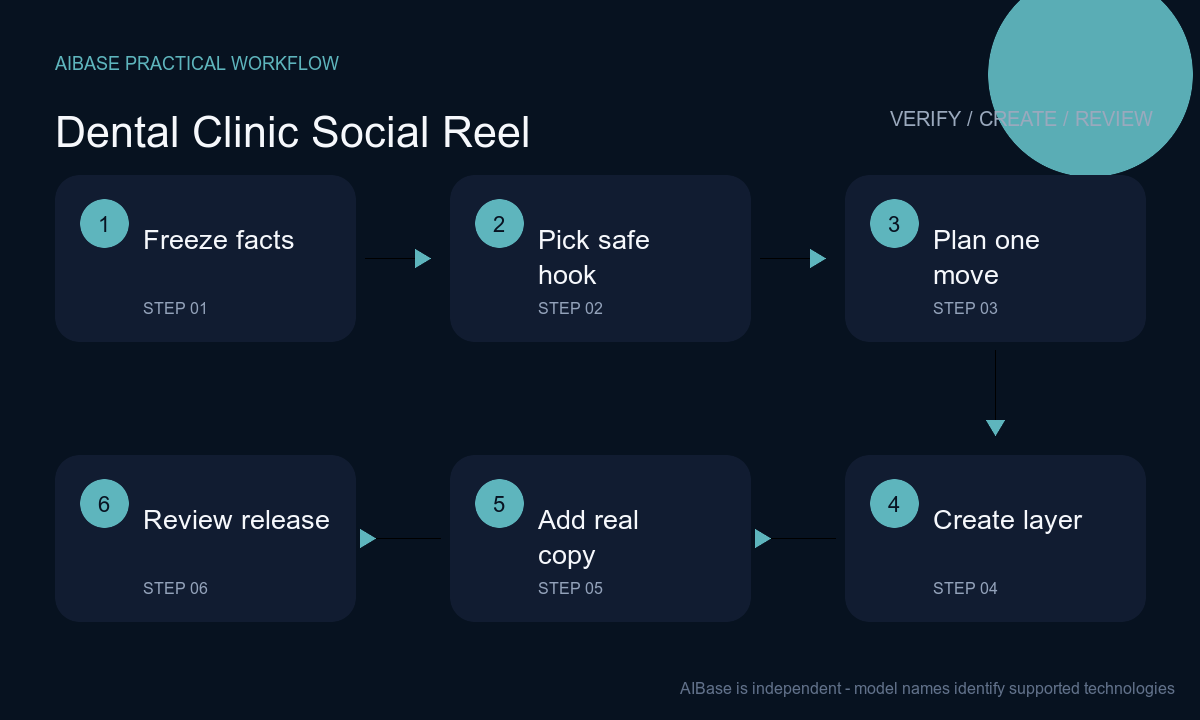
- Freeze the post purpose, audience, jurisdiction, current clinic facts, services, clinician roster and credentials, contact route, hours, accessibility, languages, insurance wording, emergency limitations, privacy requirements, and medical reviewer.
- Choose a nonclinical hook that does not imply care quality or outcome: abstract calendar tiles, a generic reception still life, a sealed care pouch, neutral exterior light, or simple preparation objects without brands and personal data.
- Storyboard one visual action and one camera move with clear zones for the approved headline, context, disclosure, captions, and CTA. Keep generated people out unless they are clearly fictional and unnecessary to the clinical claim.
- Generate the decorative layer. Use real consented footage for clinicians, the actual practice, equipment, accessibility features, demonstrations, patient stories, and any setting viewers could reasonably interpret as the clinic.
- Composite professionally reviewed guidance, real clinician name and credentials, service availability, booking route, hours, accessibility, insurance language, geographic limits, emergency notice, privacy-safe captions, and disclosure from controlled sources.
- Have clinical, privacy, legal, accessibility, and operations owners review the complete reel and destination. Recheck schedules and services before publishing, monitor comments for personal health disclosures, and route individual questions to private qualified care.
Example prompt variants
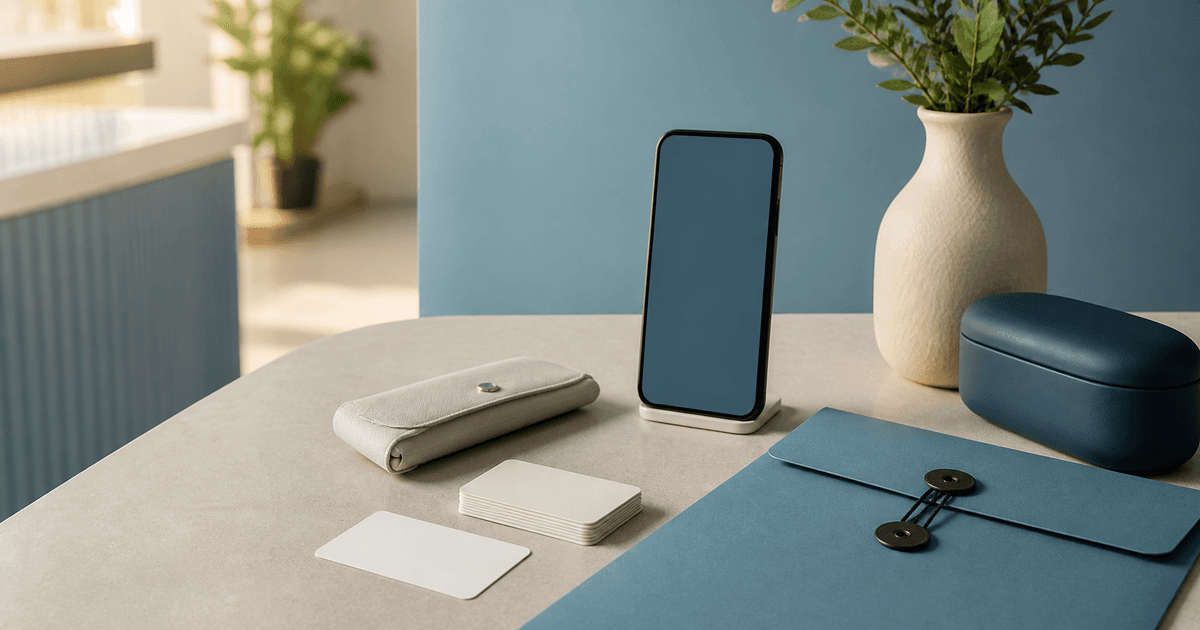
- Five-second vertical abstract booking reminder: three blank paper appointment cards align beside an unbranded phone-shaped object, slow overhead push, calm blue and cream desk, open top headline and bottom CTA zones, no date, time, availability, patient data, insurance card, logo, hand, mouth, treatment, text or sound.
- Four-second vertical office-welcome background: soft daylight moves across an uncluttered generic reception side table with one plant and sealed blank welcome folder, locked camera, no person, real clinic claim, diploma, credential, device, medication, form text, review, award, logo or identifiable location.
- Six-second vertical preparation visual: unbranded water bottle, blank medication-list card and glasses case arranged neatly on a neutral surface, one slow lateral slide, illustrative only, no medical instruction, pills, patient, diagnosis, procedure, age cue, appointment detail, word, number or watermark.
Quality checklist
- Clinical statements, service descriptions, clinician credentials, risks, benefits, eligibility, urgency, prevention advice, insurance wording, and contact route are current and reviewed by qualified owners.
- Generated footage contains no identifiable patient, clinician likeness, procedure, instrument use, mouth transformation, radiograph, chart, diagnosis, prescription, pain behavior, result, review, or clinic-specific representation.
- Real clinic spaces, staff, patients, devices, forms, screens, stories, and audio have documented consent, rights, privacy handling, secure storage, and approved publication scope.
- Headline, disclosure, captions, audio, alt description, emergency limitation, booking CTA, hours, languages, accessibility, location, and destination remain readable, accurate, editable, and localized.
- Brief, evidence, medical review, privacy approval, prompts, generated layers, real footage rights, editable master, exports, publication, corrections, and retirement are traceable.
Mistakes to avoid
- Generating a smiling patient, clinician, treatment room, procedure or before-and-after mouth and letting viewers infer real care, consent, facility quality, comfort, safety, or guaranteed results.
- Publishing generic prevention or symptom advice without qualified review, local context, age considerations, risk limits, emergency guidance, and a route to individualized professional care.
- Burning clinician credentials, prices, insurance, services, hours, availability, phone numbers, awards, reviews, treatment results, or urgent claims into generated pixels.
- Inviting health details in public comments or direct messages without a privacy-safe moderation, escalation, record-handling, emergency, and qualified-response process.
Related AIBase pages
Practical next step
Open the most relevant AIBase generator, run one narrow prompt first, and save the best result before adding more constraints. The fastest way to improve output quality is to compare one variable at a time: subject, camera, background, lighting, then final polish.