
AIBase 电商产品广告视频模型选择:按任务匹配模型
根据输入、格式、迭代和成片需求,在 Seedance、Veo 3.1、Wan 2.7 与 HappyHorse 中选择电商广告视频模型。
Quick answer
There is no single best model for every ecommerce ad. Pick from the job: use a faster route for hook exploration, a model and aspect ratio that match the placement for social variants, an image-to-video route when product identity comes from a still, and a higher-quality route only after the shot is proven.
Who this guide is for
Ecommerce founders, growth teams, and agencies planning product demo hooks, lifestyle motion, vertical social ads, landing-page loops, or polished hero clips across AIBase-supported video models.
Recommended model
| Use case | Recommended model | Why |
|---|---|---|
| This workflow | Veo 3.1 Fast for drafts; Seedance 2.0 for planned motion; Wan 2.7 for flexible vertical tests; HappyHorse for still-led alternatives; Veo 3.1 Pro for selected finals | This task-based split follows the current AIBase route descriptions and supported input or format options. It avoids treating model choice as a universal quality ranking. |
AIBase is an independent creative platform. Model names are shown only to identify supported underlying technologies and workflow choices.
Prompt template
Ecommerce [demo/lifestyle/vertical/hero] video for [product] and [audience]. Input: [text brief or exact reference image]. Show one proof: [visible feature or use]. Subject action: [one action]. Camera: [one movement]. Format: [aspect ratio and placement]. End frame: [product and copy space]. Preserve [product details]. No invented labels, unsupported claims, extra products, sudden cuts, or on-screen text.
Step-by-step workflow
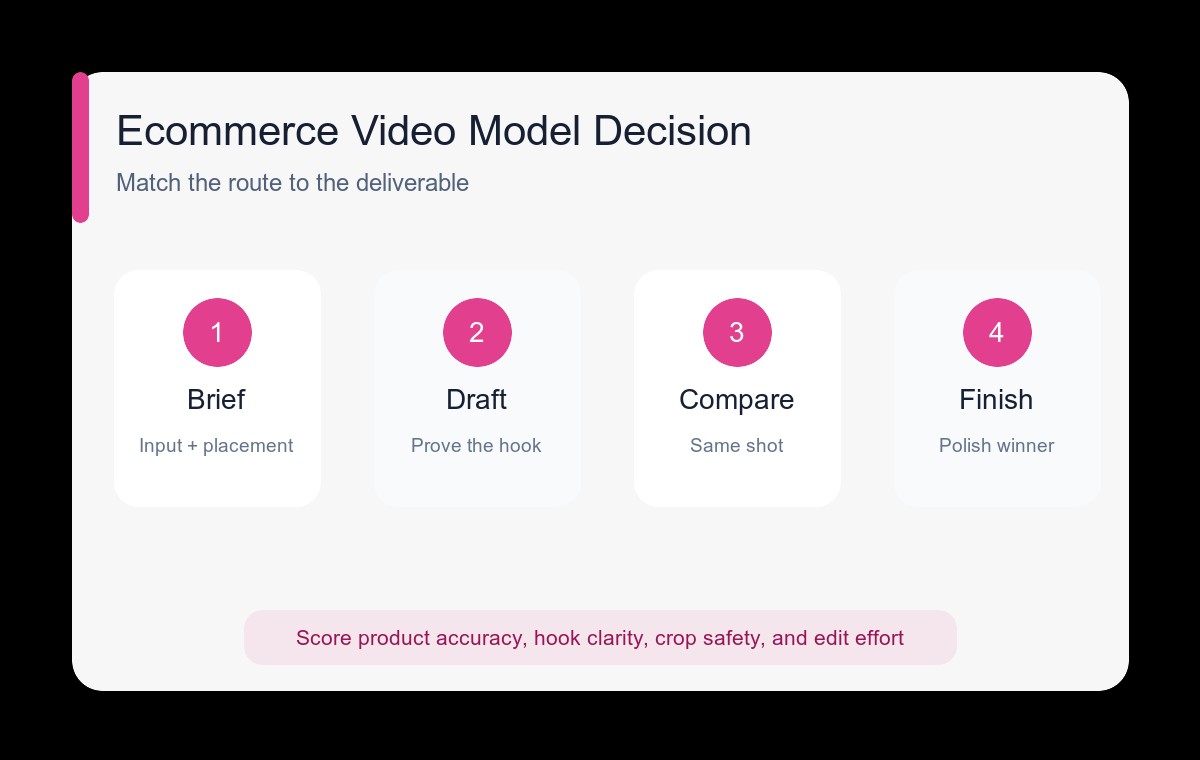
- Classify the deliverable by placement, aspect ratio, input type, duration, and whether exact product identity matters.
- Generate cheap-to-review concept drafts before spending effort on a polished route.
- Use the same source image and prompt structure when comparing two models so the result is interpretable.
- Score each clip on product accuracy, hook clarity, motion stability, crop safety, and editing effort.
- Select one winning shot concept, then regenerate or refine only that concept for the final placement.
- Add verified product copy, price, logo, captions, music, and legal information in post-production.
Example prompt variants
- Draft hook: vertical travel-bottle demo for commuters, cap closes and bottle tips without leaking, fixed product identity, clean end frame with upper copy space.
- Lifestyle motion: wide kitchen scene for a compact blender, one smoothie action, slow side track, morning light, product remains visible throughout.
- Hero loop: premium watch on dark stone, one controlled light sweep and subtle push-in, no moving parts, end close to opening composition.
- Social proof concept: square storage organizer, one continuous before-to-after arrangement, overhead camera, no cut, clean final layout.
Quality checklist
- The model choice matches the required input and output placement.
- The clip demonstrates one product truth without relying on generated copy.
- Product shape, controls, labels, and scale remain credible.
- The final crop leaves safe space for approved text and interface overlays.
- Comparison scores use the same brief rather than subjective mood alone.
Mistakes to avoid
- Calling one model best without defining the deliverable.
- Comparing different prompts, references, formats, and durations at the same time.
- Using a polished generation route before the hook and shot design are proven.
- Publishing generated prices, testimonials, certifications, or product claims without verification.
Related AIBase pages
- Draft quickly with Veo 3.1 Fast
- Build controlled shots with Seedance 2.0
- Create vertical variants with Wan 2.7
- Finish selected shots with Veo 3.1 Pro
Practical next step
Open the most relevant AIBase generator, run one narrow prompt first, and save the best result before adding more constraints. The fastest way to improve output quality is to compare one variable at a time: subject, camera, background, lighting, then final polish.