
Seedream 5.0 Lite Maintenance Notice Banner Background Prompts
Generate fast text-free maintenance notice backgrounds while keeping affected services, time windows, user impact, workarounds, updates, and status links editable.

Quick answer
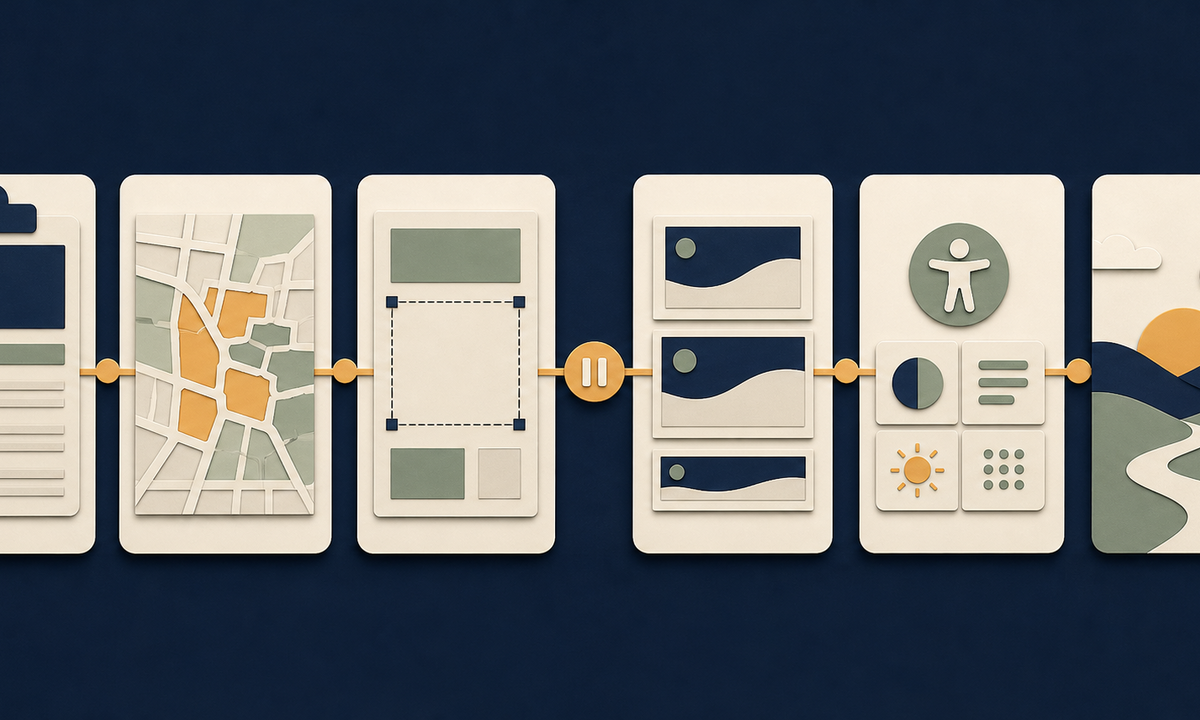
Use Seedream 5.0 Lite to explore a coordinated text-free background family after operations freezes the maintenance type, affected services and regions, start and end window with timezone, expected impact, user actions, workarounds, update cadence, owner, status link, and cancellation plan. Reserve accessible copy zones for those live facts. Prefer a quiet pause-and-resume motif over tools, warning triangles, broken servers, countdowns, fake dashboards, or people repairing infrastructure. The artwork must not imply the work has started, finished, fixed a problem, protected data, or met a time estimate.
Who this guide is for
SaaS operations, infrastructure teams, ecommerce platforms, apps, support organizations, product marketing, and agencies creating in-product, email, status-page, help-center, and social maintenance notices.
Recommended model
| Use case | Recommended model | Why |
|---|---|---|
| This workflow | Seedream 5.0 Lite for rapid text-free notice background variations | Fast visual iteration is useful for testing tone, hierarchy, and channel ratios while operational facts and changing timestamps stay outside generated pixels. |
AIBase is an independent creative platform. Model names are shown only to identify supported underlying technologies and workflow choices.
Prompt template
Create a coordinated text-free [in-app banner / email header / status module / social notice] background for planned maintenance. Tone [calm, precise, non-alarming], palette [specific], abstract motif [one line pausing and resuming / separated layers reconnecting]. Reserve protected zones for status, affected service, time window and timezone, expected impact, workaround, next update, status link, support, and disclosure. No server rack, engineer, wrench, gear, warning triangle, broken cable, shield, lock, outage map, countdown, clock, date, word, number, logo, fake UI, or watermark.
Step-by-step workflow
- Freeze a timestamped maintenance brief: planned or emergency status, systems, dependencies, regions, customers, start, window, timezone, impact, workaround, updates, owner, and rollback.
- Map pre-notice, upcoming, started, extended, partially restored, completed, cancelled, and post-review states plus the channels and audiences each requires.
- Design protected copy zones from the longest locale and smallest viewport, including status, exact time, impact, user action, next update, and live status link.
- Generate several text-free directions and ratio variants; reject imagery that invents cause, infrastructure, security, repair progress, completion, or urgency.
- Assemble current operational fields, localized copy, links, alt text, disclosure, and accessibility in editable components connected to the incident or change record.
- Test timezone, daylight-saving, region, account state, screen size, dark mode, email, stale cache, extension, cancellation, completion, link failure, correction, and retirement.
Example prompt variants
- Wide midnight-blue banner background with one warm-amber line pausing at a small gap and continuing around a large ivory copy zone, no text, clock, tool, server, warning, or logo.
- Compact account-notice background with layered cream and slate planes temporarily separated then aligned, protected impact and status-link zones, no fake UI, gear, date, or number.
- Vertical social maintenance background with quiet cobalt arcs around an empty center and one sage endpoint, no outage map, engineer, shield, countdown, reassurance claim, or watermark.
Quality checklist
- Maintenance status, scope, services, regions, window, timezone, impact, workaround, updates, owner, status link, cancellation, and rollback match the live change record.
- Generated pixels contain no invented cause, infrastructure, security state, progress, completion, time, date, promise, word, number, or fake interface.
- All facts, links, support, disclosure, translations, alt text, and CTAs remain editable, accessible, and replaceable without regenerating artwork.
- The visual family clearly supports upcoming, active, extended, complete, and cancelled states without relying on color alone.
- Brief, prompts, masters, operational approvals, sends, state changes, accessibility checks, corrections, expiry, and retirement remain traceable.
Mistakes to avoid
- Generating a maintenance banner before affected services, timezones, expected impact, update ownership, and rollback are approved.
- Using a broken server, wrench, engineer, shield, or repair scene as fabricated evidence about cause, security, or work underway.
- Embedding time windows, completion messages, or status claims in pixels that cannot update when the maintenance changes.
- Forgetting extension, cancellation, partial restoration, timezone, localization, low-vision, stale-cache, and link-failure states.
Related AIBase pages
- Open Seedream 5.0 Lite
- Create service status page backgrounds
- Create help center category card backgrounds
Practical next step
Open the most relevant AIBase generator, run one narrow prompt first, and save the best result before adding more constraints. The fastest way to improve output quality is to compare one variable at a time: subject, camera, background, lighting, then final polish.