
Seedream 5.0 Lite Service Status Page Background Prompts
Generate restrained text-free status page backgrounds while keeping component health, incidents, maintenance windows, timelines, regions, and subscriber updates editable and data-driven.

Quick answer
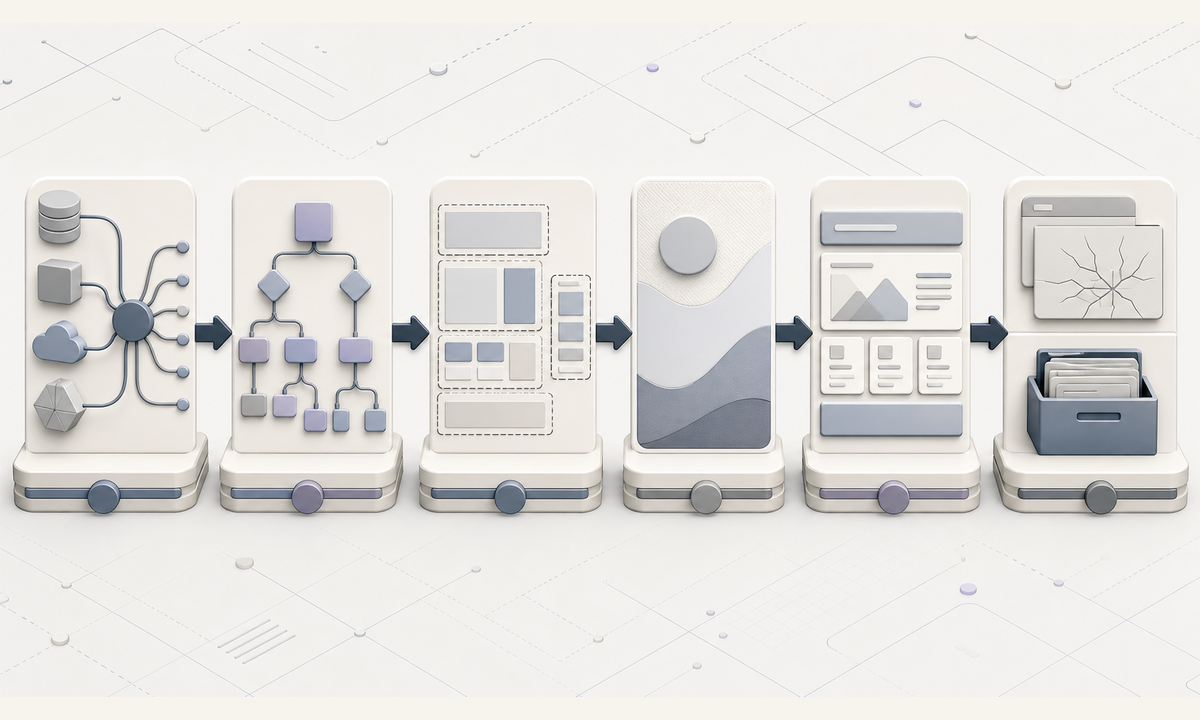
Use Seedream 5.0 Lite for a neutral text-free visual layer, never for the status interface or incident evidence. Define the live data source, components, regions, severity vocabulary, timestamps, maintenance windows, history, subscriber controls, accessibility behavior, and fallback state first. Reserve generous zones for the overall status, component list, incident timeline, scheduled maintenance, and subscription CTA. Keep colors, icons, words, uptime, dates, and operational claims in real UI components.
Who this guide is for
SaaS teams, developer platforms, hosting providers, marketplaces, API products, IT operations, and support organizations building a public or customer-facing service status experience.
Recommended model
| Use case | Recommended model | Why |
|---|---|---|
| This workflow | Seedream 5.0 Lite for fast text-free status-page background exploration | Rapid visual variations can establish a calm, low-distraction page family while live incident data and semantic status signals remain in accessible application components. |
AIBase is an independent creative platform. Model names are shown only to identify supported underlying technologies and workflow choices.
Prompt template
Create a text-free [wide hero / section / maintenance banner] background for a service status page. Visual system [calm technical / neutral editorial], palette [low-contrast brand-safe neutrals], abstract motif [stable parallel paths / quiet modular layers / evenly spaced nodes without status meaning]. Reserve clear zones for overall status, component grid, active incident timeline, scheduled maintenance, history, and subscribe CTA. No dashboard, component name, status dot, green, amber or red semantic signal, alert icon, chart, uptime percentage, date, timestamp, incident, maintenance tool, server, cloud logo, word, letter, number, fake UI, or watermark.
Step-by-step workflow
- Define the canonical status data source, components, dependencies, regions, severity terms, timestamps, maintenance states, history period, subscriber channels, and update owners.
- Map healthy, degraded, partial outage, major outage, maintenance, investigation, monitoring, resolved, stale-data, and status-provider-failure states.
- Lay out semantic component, incident, timeline, maintenance, history, subscribe, and accessibility zones for desktop and mobile before generating art.
- Generate low-distraction text-free backgrounds without colored status signals, server imagery, dashboards, charts, or operational metaphors that imply health.
- Assemble live status data, semantic icons, labels, timestamps, updates, links, subscription controls, alt behavior, and plain-language fallbacks in real UI components.
- Test keyboard and screen-reader flow, color independence, refresh latency, stale data, provider failure, localization, timezone display, subscriptions, incident updates, resolution, and archival links.
Example prompt variants
- Wide pale graphite hero with five thin parallel lines remaining evenly spaced across a quiet field, centered overall-status zone, no colored dot, break, pulse, server, chart, or text.
- Neutral cream component-section background with soft modular panels and protected card grid, no interface, icon, label, number, traffic-light color, or connection claim.
- Dark maintenance banner background with one muted blue plane sliding behind a clear copy zone, no tools, clock, calendar, warning triangle, date, outage cue, or word.
Quality checklist
- Components, dependencies, regions, severity vocabulary, timestamps, maintenance windows, incident history, and owners match the live operational system.
- Generated art contains no semantic status color, icon, component, infrastructure, incident evidence, chart, uptime, date, metric, or readable text.
- Overall status, components, incidents, timeline, maintenance, history, subscriptions, timestamps, and links are real accessible UI elements.
- Every state works without relying on color alone and has a useful stale-data or provider-failure fallback.
- Data mapping, prompts, masters, accessibility review, incident review, deployment, updates, archives, corrections, and retirement remain traceable.
Mistakes to avoid
- Generating a polished status dashboard or server topology and letting fictional components, metrics, or health states appear authoritative.
- Using green background art to imply all systems operational or red imagery to imply an outage independently of live data.
- Embedding uptime, incident times, maintenance dates, component names, or promises into static pixels.
- Testing only the healthy desktop state and missing mobile, keyboard, screen-reader, stale-data, provider-failure, maintenance, and incident-update paths.
Related AIBase pages
- Open Seedream 5.0 Lite
- Create knowledge base article backgrounds
- Create SaaS onboarding illustration backgrounds
Practical next step
Open the most relevant AIBase generator, run one narrow prompt first, and save the best result before adding more constraints. The fastest way to improve output quality is to compare one variable at a time: subject, camera, background, lighting, then final polish.