
Veo 3.1 Pro Trail Restoration Brand Film Prompts With Evidence Boundaries
Plan cinematic trail-restoration films while keeping real sites, crews, permits, methods, ecology, access, funding, measurements, and outcomes evidence-led.
Quick answer
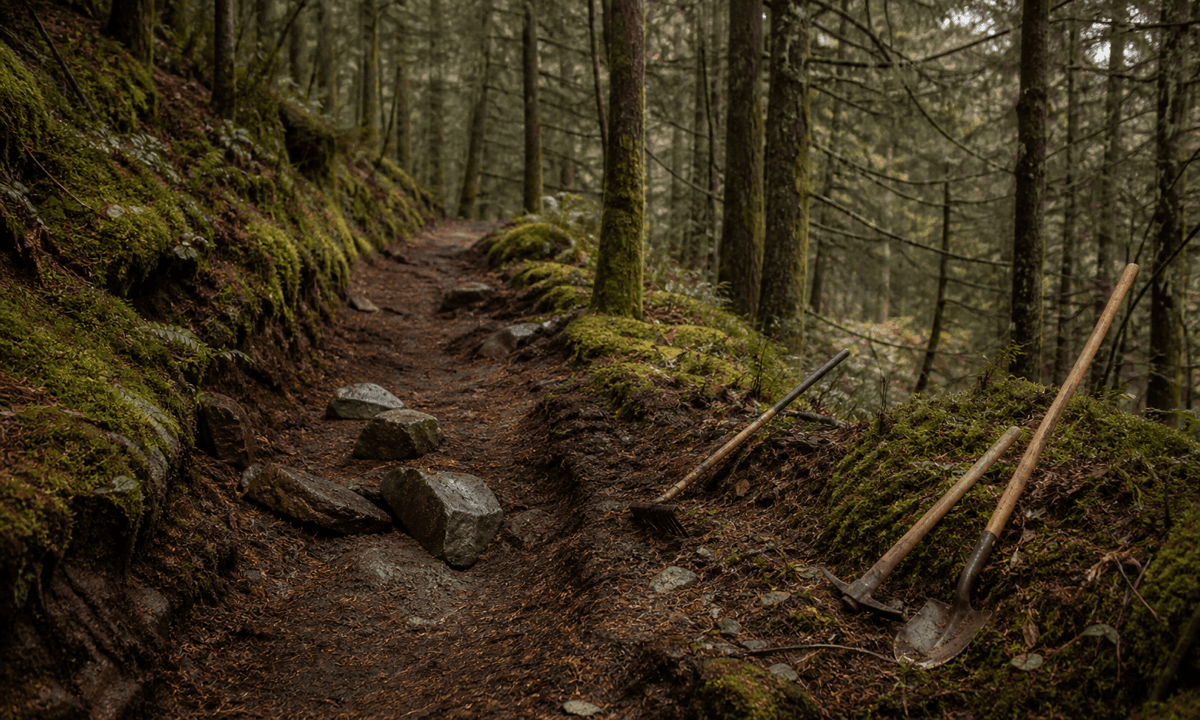
Let authorized real footage prove the trail, damage, crews, tools, work, access conditions and completed sections. Use Veo 3.1 Pro only for clearly illustrative atmospheric transitions such as abstract soil layers, water movement, contour light or a quiet dawn texture. Never generate a plausible before-and-after trail, volunteer crew, wildlife return, erosion fix or accessibility improvement and present it as evidence.
Who this guide is for
Trail associations, parks, land trusts, conservation nonprofits, outdoor brands, volunteer programs and agencies producing fundraising, stewardship or partnership films.
Recommended model
| Use case | Recommended model | Why |
|---|---|---|
| This workflow | Veo 3.1 Pro for cinematic abstract plates inside a documentary-led edit | Cinematic generation can support chapter transitions and tone while site-specific work, ecology, safety, access and impact remain grounded in dated records and footage. |
AIBase is an independent creative platform. Model names are shown only to identify supported underlying technologies and workflow choices.
Prompt template
Create one [4-7 second] clearly illustrative text-free cinematic plate for a trail-restoration brand film. Story job [erosion chapter transition / water-management beat / community stewardship bridge / end-card atmosphere]. Abstract subject [layered earth colors without a real site / one water ripple crossing an unmarked contour / warm points tracing a non-geographic path]. Motion [one], camera [one], stable handles. No real trail, bridge, drainage structure, crew, volunteer, tool, vehicle, park, landmark, map, wildlife, before-after, accessibility feature, metric, donor, word, number, logo, voice or watermark.
Step-by-step workflow
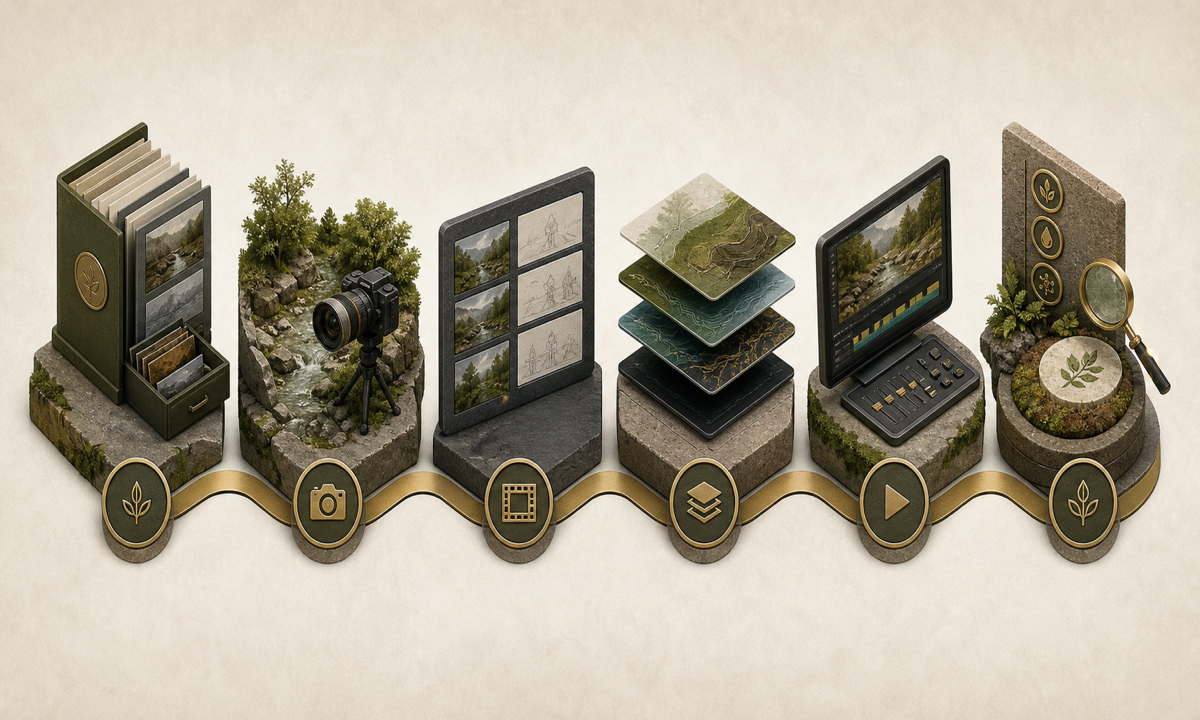
- Build a dated evidence ledger for site, land manager, permits, Indigenous and community context, damage, design, methods, materials, crews, safety, ecology, access, funding, measurements and maintenance.
- Capture authorized real before, during and after footage, tools, drainage, tread, structures, closures, access routes and consented participants; log dates and locations.
- Separate documentary evidence from illustrative atmosphere in the storyboard and label every generated plate before production.
- Generate only abstract earth, water or light transitions with one motion and no site, structure, person, wildlife, map or outcome representation.
- Assemble verified footage, interviews, captions, audio description, source notes, safety and closure context, access information, funding disclosure and CTA.
- Review engineering, ecology, land rights, volunteer consent, accessibility, claims evidence, music, disclosure, expiry, correction and withdrawal with responsible owners.
Example prompt variants
- Six-second erosion-chapter transition: layered rust and umber particles settle into three abstract bands, slow push, no trail, slope, tool, metric or text.
- Four-second drainage beat: one clean ripple crosses a dark unmarked contour and dissipates, locked camera, no culvert, stream, site, rainfall claim or logo.
- Five-second stewardship end plate: warm points follow a non-geographic curved line then hold around an empty title zone, no map, route, volunteer, donor or word.
Quality checklist
- Site, land authority, permits, context, damage, design, materials, crews, safety, ecology, access, funding, measurements and maintenance match approved evidence.
- Before, during and after footage is authentic, licensed, correctly dated and not rearranged to imply false causality or completion.
- Generated plates remain abstract and do not depict a fake site, crew, structure, wildlife, accessibility feature or outcome.
- Safety, closures, land and community context, captions, audio description, access, funding, disclosure and music receive appropriate review.
- Evidence ledger, footage log, releases, prompts, generated labels, approvals, expiry, corrections and withdrawal remain traceable.
Mistakes to avoid
- Generating dramatic before-and-after trails or structures and presenting them as project results.
- Inventing volunteers, equipment, wildlife, funding partners, permits or accessible routes.
- Using abstract green or water imagery as proof of erosion control, habitat recovery or climate impact.
- Letting cinematic mood replace facts about closures, safety, land authority, maintenance and measured outcomes.
Related AIBase pages
Practical next step
Open the most relevant AIBase generator, run one narrow prompt first, and save the best result before adding more constraints. The fastest way to improve output quality is to compare one variable at a time: subject, camera, background, lighting, then final polish.