
GPT Image 2 Email Change Confirmation Card Background Prompts
Create calm, text-free email-change confirmation card backgrounds while keeping account state, security details, addresses, timestamps, and recovery actions verified and editable.

Quick answer
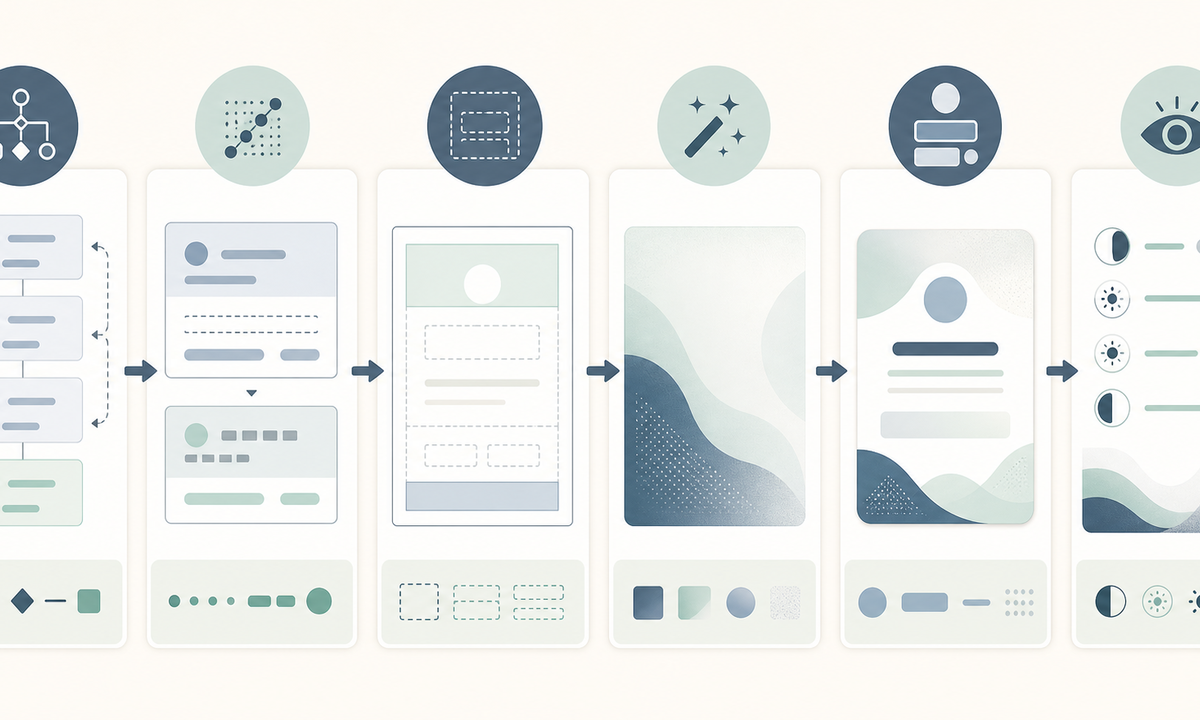
Generate only the decorative, text-free background plate. Keep the old and new masked addresses, request time, effective state, device or location details, security explanation, ‘not you’ recovery path, support destination, and legal or privacy copy in trusted editable UI. Use neutral geometry and a quiet protected center; avoid checks, locks, shields, inbox screenshots, urgency cues, or generated interface text that could falsely signal security or completion.
Who this guide is for
Product designers, lifecycle teams, security communications teams, SaaS operators, and agencies building responsive in-app, email, or help-center confirmation cards for a verified account-email change flow.
Recommended model
| Use case | Recommended model | Why |
|---|---|---|
| This workflow | GPT Image 2 for text-free transactional background exploration | It can produce restrained layout atmosphere while the product keeps identity, security state, timestamps, recovery actions, and accessible copy in controlled components. |
AIBase is an independent creative platform. Model names are shown only to identify supported underlying technologies and workflow choices.
Prompt template
Create a text-free [desktop card / mobile card / email hero] background for an account email-change confirmation state. Mood [calm, factual, security-aware without celebration], palette [specific], motif [subtle layered paths / neutral envelope-free geometry], reserved editable zones for title, masked previous address, masked new address, effective time, device or location context, 'not you' recovery action, support link and disclosure. No email address, person, inbox, envelope, checkmark, shield, lock, key, warning triangle, countdown, success badge, device screenshot, word, letter, number, logo, pseudo-text or watermark.
Step-by-step workflow
- Map requested, verification-pending, completed, rejected, expired, reversed, locked, and support-escalated states to authoritative backend events and owners.
- Define what may be displayed for old and new addresses, time, device, location, session, privacy, and fraud controls; mask personal data before any design or generation step.
- Lay out responsive copy-safe zones for state, details, recovery action, support, and disclosure before generating decorative backgrounds.
- Generate text-free plates in a small visual family, rejecting any asset that implies completion, identity verification, device trust, or account safety through iconography.
- Assemble the verified state and data in real components with semantic headings, readable contrast, keyboard focus, localized date handling, and non-color status cues.
- Test event timing, stale-link behavior, reversal, unauthorized-change recovery, phishing resistance, email-client crops, dark mode, localization, accessibility, and audit logging.
Example prompt variants
- Wide neutral account-change card background with two subtle parallel paths joining a quiet center panel, slate and soft blue palette, no envelope, check, lock, text or device.
- Mobile email-change notice plate with calm stacked translucent rectangles and a protected lower recovery-action zone, high contrast, no urgency symbol, address, word or number.
- Security email header background using one restrained directional light shift and generous central copy space, no success cue, shield, inbox, person, logo or pseudo-text.
Quality checklist
- Displayed state, masked addresses, effective time, device or location details, recovery path, support, and policy copy come from trusted current data.
- Generated pixels contain no personal data, address, status word, timestamp, code, button, icon, logo, device evidence, or security claim.
- Visual treatment distinguishes information from warning and recovery states without relying on color alone.
- Copy, actions, focus order, contrast, localization, screen-reader labels, and phishing-resistant destinations remain controlled and accessible.
- State mapping, prompt, asset, component version, security review, tests, approval, rollback, and retention remain traceable.
Mistakes to avoid
- Embedding an address, timestamp, verification code, button label, or recovery URL in generated pixels.
- Using a green check or lock to imply the account is secure when only one data field changed.
- Omitting the unauthorized-change recovery path or making it visually secondary to decorative art.
- Reusing the completed-state background for pending, failed, expired, or reversed states without clear semantic UI differences.
Related AIBase pages
Practical next step
Open the most relevant AIBase generator, run one narrow prompt first, and save the best result before adding more constraints. The fastest way to improve output quality is to compare one variable at a time: subject, camera, background, lighting, then final polish.