
GPT Image 2 Open Graph Image Background Prompts for Consistent Article Cards
Build a repeatable 1200×630 Open Graph background system with safe title, author, brand, and domain zones while keeping every factual label editable.
Quick answer
Generate the background, not the finished card. Ask GPT Image 2 for a 1200×630 text-free composition with a protected headline zone, secondary line zone, author/avatar zone, and brand strip. Composite the real title, author, date, logo, and URL in editable design layers so previews stay accurate when facts change.
Who this guide is for
Content teams, developers, newsletter publishers, and product marketers who need consistent article previews across blogs, docs, changelogs, and landing pages.
Recommended model
| Use case | Recommended model | Why |
|---|---|---|
| This workflow | GPT Image 2 | It is useful for structured abstract layouts and clean negative space, provided all words and facts remain outside the generated pixels. |
AIBase is an independent creative platform. Model names are shown only to identify supported underlying technologies and workflow choices.
Prompt template
Create a 1200×630 text-free Open Graph background for [article topic family]. Visual system: [two or three colors, material, mood]. Composition: calm [left / center / right] headline zone of [width], smaller subtitle zone below it, circular avatar-safe area at [position], and bottom brand strip. Add one relevant abstract motif: [layered cards / data mesh / paper arcs / soft gradient] with clear contrast for white text. No words, letters, numbers, logos, UI, readable interface, people, charts with values, claims, or watermark.
Step-by-step workflow
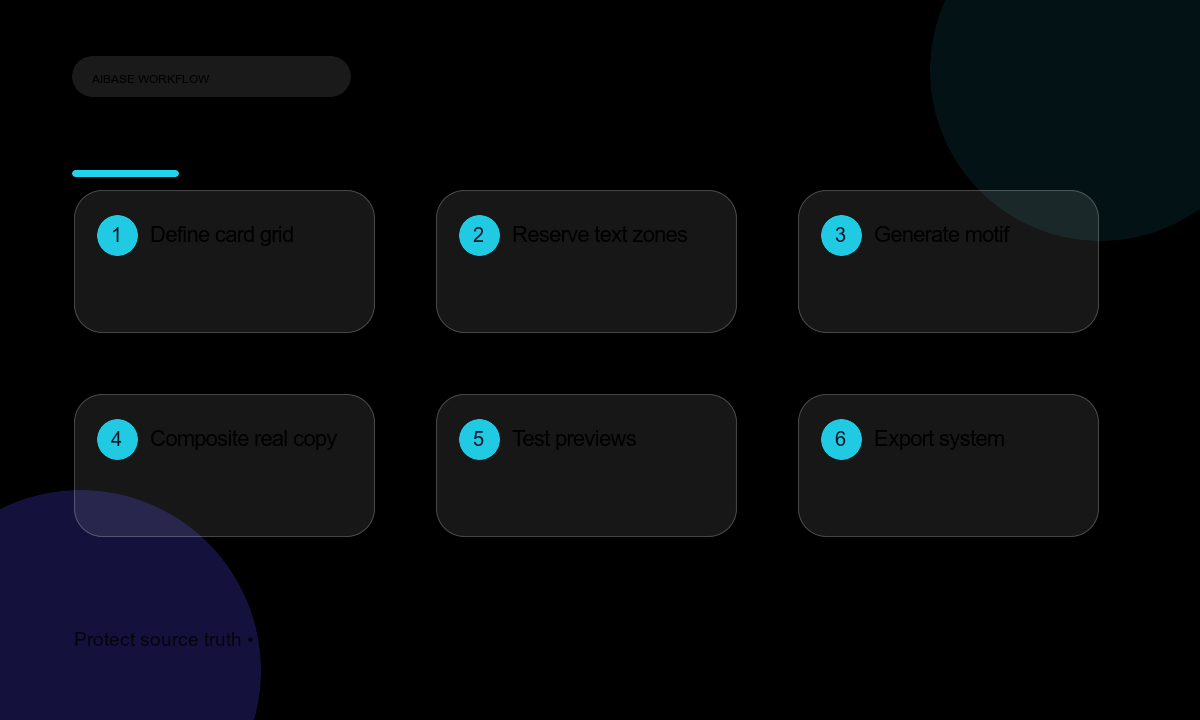
- Inventory the real title lengths, author treatment, logo, domain, locale, and preview destinations.
- Define one grid: headline safe area, secondary line, avatar, brand strip, corner radius, and maximum text length.
- Generate a small background family with one motif and two or three controlled color directions.
- Check every candidate at 1200×630, 500×263, Slack compact, mobile browser, and dark-mode contexts.
- Composite real title, series label, author, date, domain, and logo in editable design layers.
- Export consistent filenames and metadata, then add a fallback alt description for accessibility.
- Document the grid and prompt so future articles can use the same system without guessing.
Example prompt variants
- Developer tutorial background: layered indigo paper cards, soft top-right light, large empty left title zone and bottom domain strip; no code, UI text, or watermark.
- Research explainer background: calm teal data mesh flowing from right to left with a clear white-text center zone and lower author space; no chart values or labels.
- Product update background: warm coral geometric arcs, quiet center headline zone, circular avatar space at lower left; no release number, logo, or feature words.
Quality checklist
- The real headline remains readable at full size and in compact social previews.
- Avatar, logo, domain, series, date, and locale do not collide with the motif or each other.
- No generated text, fake UI, fabricated statistic, brand mark, or unreadable letterform appears.
- The system works across light, dark, mobile, and desktop contexts.
- Each exported card uses accurate article metadata and a descriptive alt attribute.
Mistakes to avoid
- Asking the image model to render the article title and then shipping typos or outdated facts.
- Designing only at full size and discovering unreadable text in a tiny feed preview.
- Using busy abstract detail across every safe zone.
- Changing the visual system for every article until the publication no longer looks recognizable.
Related AIBase pages
Practical next step
Open the most relevant AIBase generator, run one narrow prompt first, and save the best result before adding more constraints. The fastest way to improve output quality is to compare one variable at a time: subject, camera, background, lighting, then final polish.