
GPT Image 2 Press Kit Background Prompts for Copy-Safe Media Assets
Create text-free press-kit background systems with clear zones for approved announcements, executive portraits, dates, quotes, and links.
Quick answer
Use GPT Image 2 for a text-free visual frame, not the press release itself. Define protected zones for headline, date, quote, portrait, logo, disclosure, and CTA, then place every announcement fact in editable, approved layers.
Who this guide is for
Communications teams, founders, agencies, and PR coordinators making press-kit covers, announcement cards, speaker sheets, and social cutdowns.
Recommended model
| Use case | Recommended model | Why |
|---|---|---|
| This workflow | GPT Image 2 for text-free editorial background concepts | It can explore a polished visual direction while all names, claims, quotes, dates, and brand assets stay controlled and verifiable. |
AIBase is an independent creative platform. Model names are shown only to identify supported underlying technologies and workflow choices.
Prompt template
Create a text-free [ratio] media-kit background for [topic]. Reserve clear quiet zones for headline, date, quote, approved portrait, logo, disclosure, and CTA. Visual direction: [palette, material, geometry, light]. No person, company, product, word, number, quote, chart, badge, publication masthead, watermark, or pseudo-text.
Step-by-step workflow
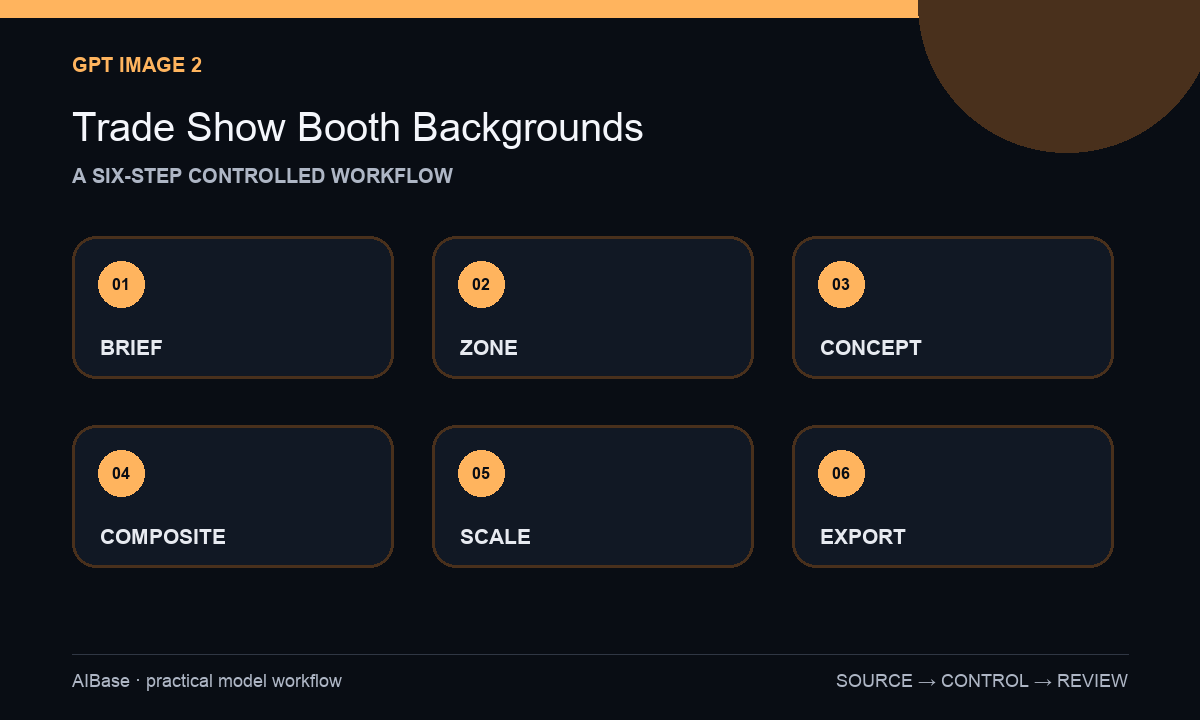
- Freeze the approved announcement, embargo, names, titles, quotes, logos, links, and regional disclosures.
- Map minimum readable zones for headline, evidence, portrait, legal content, and CTA at each ratio.
- Generate text-free backgrounds one composition at a time.
- Place approved portraits, brand files, exact copy, and accessible captions in editable software.
- Review quote accuracy, accessibility, rights, tracking, publication requirements, and expiration.
- Archive the editable master and retire it when facts or embargo status change.
Example prompt variants
- Wide midnight-blue editorial background with translucent paper layers and quiet left headline zone, no person, word, number, logo, chart, or badge.
- Square warm-neutral media card background with protected portrait and quote areas, no face, company, award, text, or publication UI.
- Vertical announcement background with soft light bands and blank upper headline zone, no date, logo, quote, word, or watermark.
Quality checklist
- Names, titles, dates, quotes, claims, and links are verified editable layers.
- Generated pixels contain no fake portrait, publication, metric, logo, quote, or award.
- Copy hierarchy and contrast remain readable at final size.
- Portrait and asset rights, disclosures, captions, tracking, and destinations are reviewed.
- Source brief, approvals, editable master, and expiry date are retained.
Mistakes to avoid
- Generating a completed press release card and publishing invented text.
- Treating decorative charts or badges as evidence.
- Using an unapproved generated portrait for an executive or spokesperson.
- Forgetting embargo, date, quote, or link updates after publication.
Related AIBase pages
Practical next step
Open the most relevant AIBase generator, run one narrow prompt first, and save the best result before adding more constraints. The fastest way to improve output quality is to compare one variable at a time: subject, camera, background, lighting, then final polish.