
GPT Image 2 Recipe Card Background Prompts for Food Creators
Create text-free recipe card backgrounds with practical ingredient framing, readable copy zones, ratio variants, and an editable typography workflow.
Quick answer
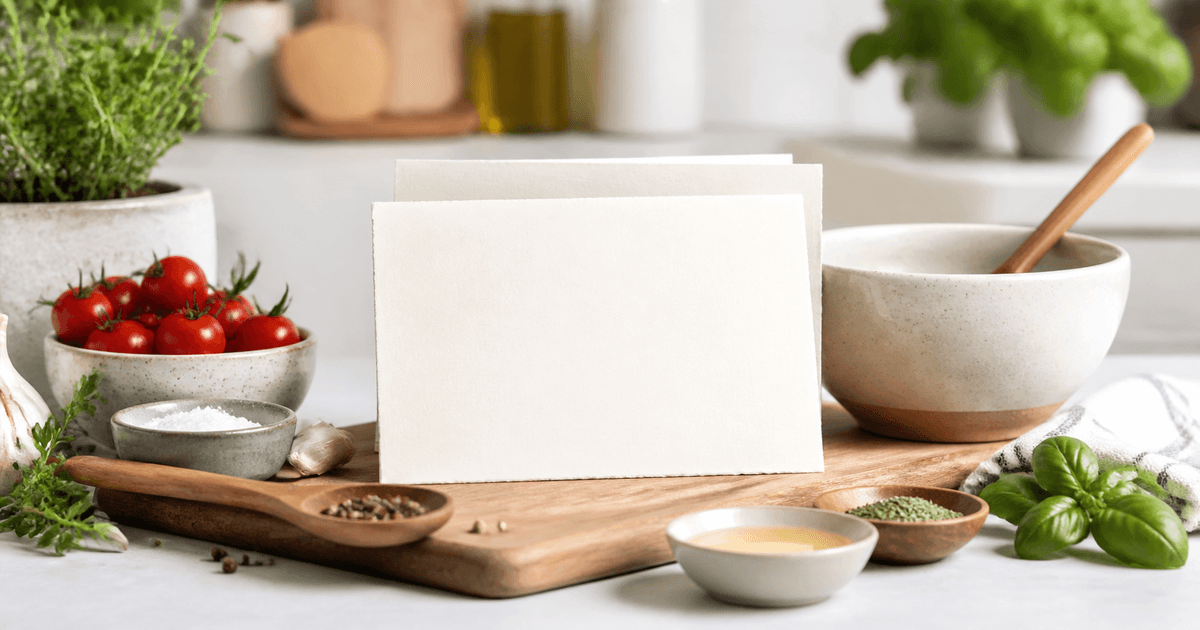
Use GPT Image 2 to create the photographic or illustrated background, not the final factual recipe card. Reserve stable zones for the recipe name, yield, time, ingredients, quantities, allergens, steps, nutrition or attribution, then add those verified details as editable typography. Prompt for only the food and props that actually belong to the approved recipe, test the background under real copy at phone size, and create separate ratios from the same visual brief instead of cropping one crowded master into every channel.
Who this guide is for
Food bloggers, cookbook teams, culinary educators, meal-prep creators, and social editors producing saveable recipe cards for blogs, email, Pinterest, Instagram, or downloadable guides.
Recommended model
| Use case | Recommended model | Why |
|---|---|---|
| This workflow | GPT Image 2 for the selected text-free recipe card background | It is useful for composing a polished food-oriented background and intentional negative space, while exact recipe facts and typography remain safer and easier to update in the design layer. |
AIBase is an independent creative platform. Model names are shown only to identify supported underlying technologies and workflow choices.
Prompt template
Create a text-free [portrait / square / landscape] recipe card background for an approved [dish]. Show only [verified hero serving and optional ingredient props] in [specific visual style]. Reserve [top / center / lower] zones for editable recipe title, yield, time, ingredient list, steps, allergen note, attribution, and CTA. Keep the copy zones quiet, evenly lit, and high contrast. No generated words, letters, numbers, units, icons with factual meaning, brand packaging, nutrition claims, utensils that imply a different preparation method, watermark, or invented ingredient.
Step-by-step workflow
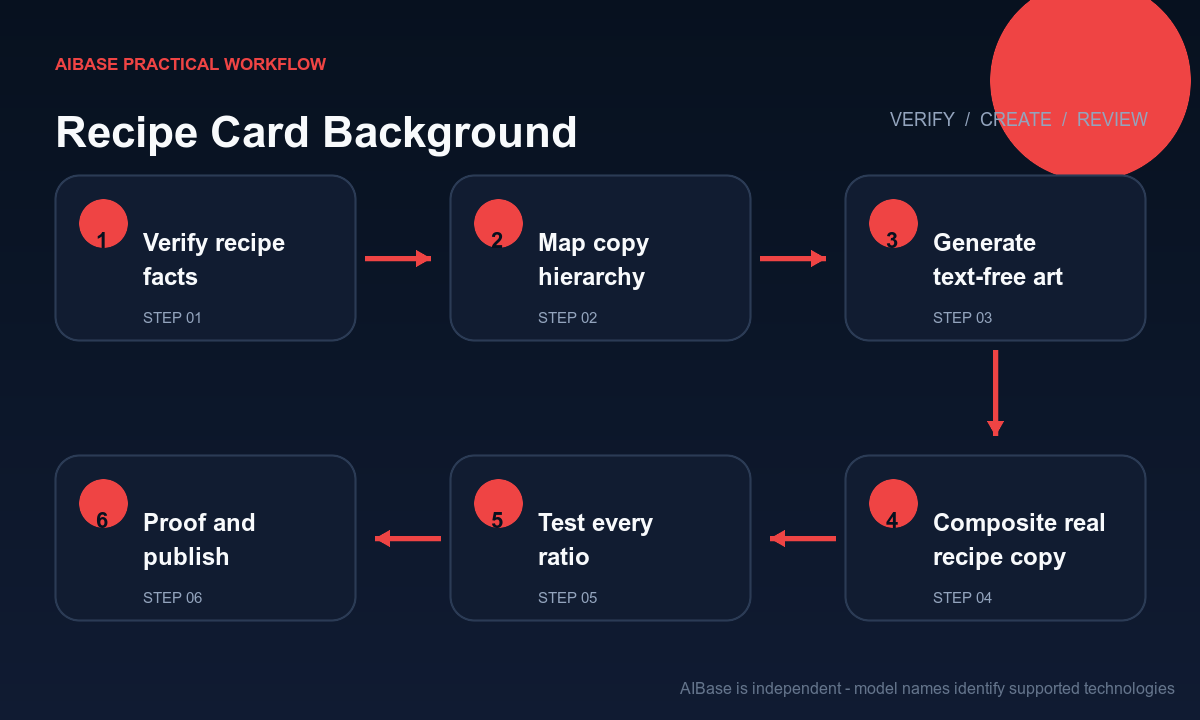
- Freeze the tested recipe, exact title, yield, preparation and cook times, ingredient names and quantities, substitutions, allergen note, steps, nutrition source, attribution, and destination before visual production.
- Choose one card job and hierarchy, such as a saveable one-page overview or a cover that links to the full recipe; do not force the full method into a decorative thumbnail.
- Map quiet zones for title, metadata, ingredients, steps, attribution, disclosure, and CTA, then generate only a text-free background using verified food and prop details.
- Composite the approved recipe text, symbols, brand marks, disclosure, and accessibility labels in editable layers with real fonts, consistent units, and sufficient contrast.
- Create channel-specific variants from the same composition rules, adjusting prop scale and negative space for portrait, square, landscape, print, and dark-mode contexts.
- Proof every quantity, unit, temperature, allergen, time, line break, contrast, crop, destination, and download; have a recipe owner approve before publication or scheduling.
Example prompt variants
- Portrait text-free recipe card background for tomato basil pasta, finished bowl low in frame, verified tomatoes and basil as restrained edge props, warm white paper surface, quiet upper two-thirds, no words, units, packaging, or extra ingredients.
- Square illustrated baking recipe background, one verified lemon loaf slice and three small ingredient motifs around an empty cream center, flat editorial gouache, no text, measurement marks, logo, invented garnish, or nutrition cue.
- Landscape email recipe header for roasted vegetable soup, bowl on right with soft steam, linen and spoon as existing props, dark olive negative space on left, no letters, numbers, branded container, or unsupported health symbolism.
Quality checklist
- Recipe name, yield, times, ingredients, quantities, units, temperatures, allergens, steps, substitutions, nutrition source, attribution, and destination match the approved record.
- Generated pixels contain no words, letters, numbers, unit marks, fake handwriting, package claims, logos, unsupported ingredients, or misleading preparation cues.
- Real copy remains readable at target size without covering the hero serving, important ingredient details, or crop-safe margins.
- Portrait, square, landscape, print, and email variants feel like one system while preserving their own hierarchy and spacing.
- Brief, recipe version, prompt, output, editable source, approvals, accessibility review, publication date, correction route, and archive remain traceable.
Mistakes to avoid
- Asking the model to render the complete recipe card, then publishing incorrect quantities, units, spellings, temperatures, or allergens embedded in pixels.
- Decorating with attractive ingredients that are not in the recipe or with utensils that imply a preparation step the method does not use.
- Using one dense square background for every ratio, leaving no safe space for mobile copy, email crops, or downloadable-page margins.
- Treating generated nutrition, health symbolism, serving size, cooking time, or food appearance as verified evidence instead of checking the recipe record.
Related AIBase pages
- Open GPT Image 2
- Create blog featured image backgrounds
- Create Instagram carousel backgrounds
- Build social ad prompt templates
Practical next step
Open the most relevant AIBase generator, run one narrow prompt first, and save the best result before adding more constraints. The fastest way to improve output quality is to compare one variable at a time: subject, camera, background, lighting, then final polish.