
HappyHorse Wedding Photo Animation Prompts
Animate a wedding photo with HappyHorse using consent, identity anchors, subtle shared motion, stable hands and clothing, restrained camera movement, and a respectful ending.
Quick answer
Start with a clean, authorized photo and ask for one subtle shared moment: breathing, a blink, a small smile, gentle fabric movement, or a slight head turn. Protect both identities, gaze, pose, joined hands, rings, clothing, flowers, background, and source lighting, then reject any clip that changes expression, anatomy, or relationship context.
Who this guide is for
Couples, families, photographers, and event teams creating private keepsakes, anniversary posts, invitation concepts, or gentle archival motion with consent and sensitivity.
Recommended model
| Use case | Recommended model | Why |
|---|---|---|
| This workflow | HappyHorse in image-to-video mode | The reference-led workflow can anchor the supplied wedding image while a narrow motion prompt adds a restrained moment without redesigning the scene. |
AIBase is an independent creative platform. Model names are shown only to identify supported underlying technologies and workflow choices.
Prompt template
Use the uploaded authorized wedding photo as the exact identity and composition reference. Keep both faces, ages, skin tones, hairstyles, expressions, gaze, body proportions, pose, joined hands, finger count, rings, clothing, bouquet, background people, architecture, crop, and source lighting unchanged. Animate only [one subtle shared motion]. Add [one gentle environmental motion] only if it does not distract. Camera [locked or one very slow push]. End close to the original pose with calm expressions. No kiss unless present and requested with consent, no speech, lip-sync, dramatic expression, body reshaping, hand separation, ring change, clothing change, new person, background event, cut, text, watermark, or implied real audio.
Step-by-step workflow
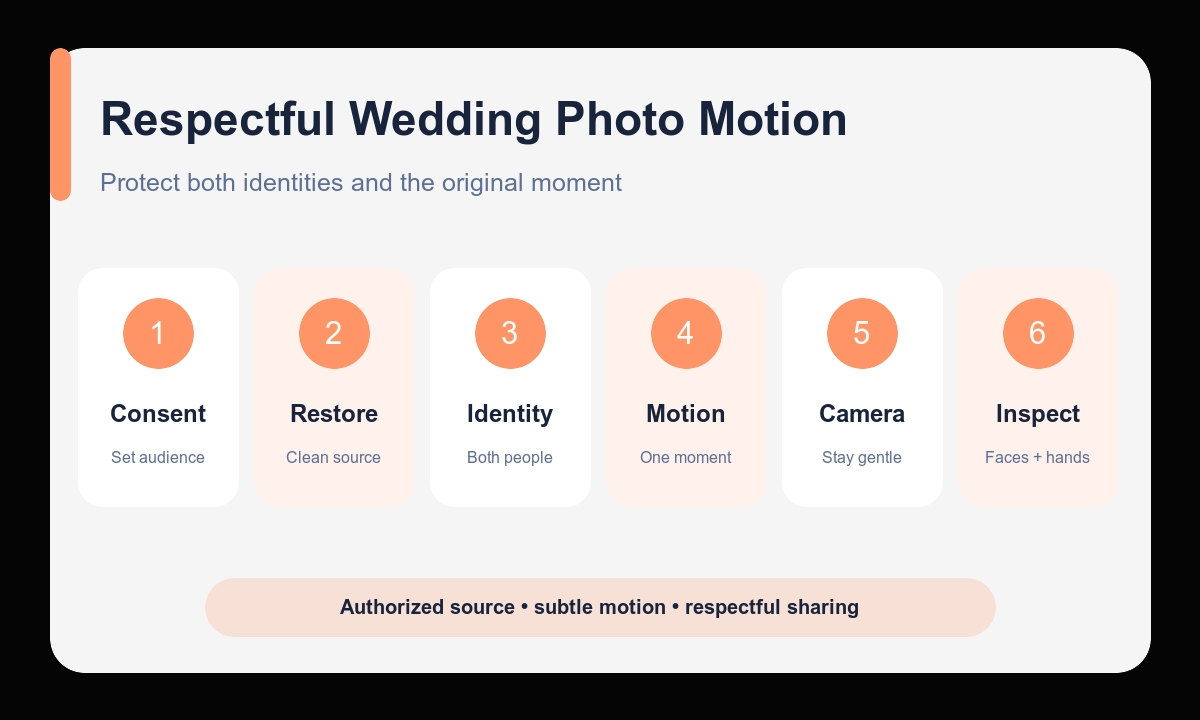
- Confirm permission from the people shown and decide whether the output is private, commemorative, or public.
- Restore dust, severe compression, or crop damage separately before adding motion.
- Write identity anchors for each person plus hands, rings, clothing, bouquet, pose, and background.
- Choose one shared facial or body motion and at most one subtle environmental motion.
- Keep the camera locked or use a very slow push, then define an ending close to the source pose.
- Review every face, hand, ring, garment edge, background person, and emotional cue before sharing.
Example prompt variants
- Keep both exact identities, expressions, joined hands, rings, suit, dress, bouquet, garden arch, and afternoon light; animate one natural blink and gentle breathing from both people; a light breeze moves only the veil edge; locked camera.
- Keep the exact seated couple, faces, gaze, hand placement, clothing, table flowers, guests, and candlelight; animate a small shared smile and subtle shoulder breathing; very slow push-in, end on the original expressions.
- Keep the exact first-dance pose, faces, hands, rings, clothing folds, ballroom lights, and background guests; animate one restrained sway without changing foot placement; fabric follows naturally; camera remains fixed.
Quality checklist
- Both identities, ages, expressions, gaze, and relationship context remain faithful to the source.
- Hands, rings, clothing, bouquet, pose, and background people stay stable.
- Motion is subtle, synchronized, anatomically plausible, and emotionally respectful.
- The camera and lighting preserve the original photograph rather than restage it.
- Consent, audience, disclosure, and the preferences of the people shown have been considered.
Mistakes to avoid
- Adding speech, a kiss, dramatic emotion, or new interaction that was not requested with consent.
- Animating multiple faces, hands, fabric, guests, lights, and camera aggressively at once.
- Missing ring changes, fused hands, drifting faces, altered ages, or clothing mutations.
- Sharing a sensitive family or archival animation publicly without permission or context.
Related AIBase pages
- Animate a wedding photo with HappyHorse
- Read the HappyHorse image-to-video guide
- Use face-stable portrait animation prompts
Practical next step
Open the most relevant AIBase generator, run one narrow prompt first, and save the best result before adding more constraints. The fastest way to improve output quality is to compare one variable at a time: subject, camera, background, lighting, then final polish.