
Nano Banana 2 Image to Image Prompts: 7 Patterns That Preserve the Reference
A practical guide to writing Nano Banana 2 image-to-image prompts that keep identity, layout, product details, and style under control.
Quick answer
For Nano Banana 2 image-to-image work, the best prompts separate what must stay unchanged from what should change. Treat the reference image as source material, then name the exact edits, style boundaries, and quality checks.
Who this guide is for
Creators who already have a reference image and need controlled variations: outfit swaps, background changes, product scene changes, character consistency tests, or social media variants.
Recommended model
| Use case | Recommended model | Why |
|---|---|---|
| This workflow | Nano Banana 2 | It supports both text-to-image and image-to-image workflows, so it is a good first model when the reference image matters more than starting from a blank prompt. |
AIBase is an independent creative platform. Model names are shown only to identify supported underlying technologies and workflow choices.
Prompt template
Use the uploaded reference image as the source. Keep [identity/product shape/layout] unchanged. Change only [target edit]. Match [style or lighting]. Avoid changing [protected details]. Output a clean [aspect ratio/use case] image with realistic texture and no extra text.
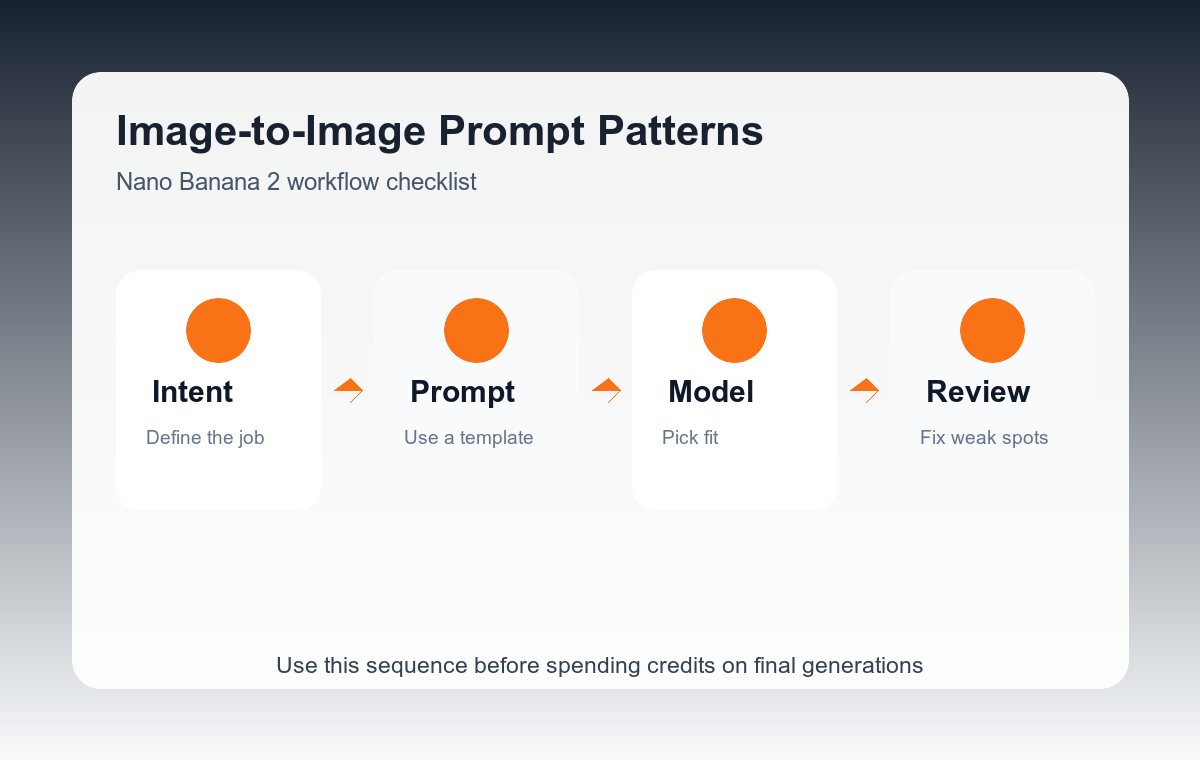
Step-by-step workflow
- Upload the clearest reference image you have. Avoid screenshots with UI, watermarks, or heavy compression.
- Write the protected details first: face, product silhouette, logo placement, room layout, or color family.
- Describe the exact change in one sentence. If you need multiple edits, rank them in priority order.
- Add style and lighting constraints after the edit request, not before it.
- Generate a draft, then reuse the strongest result as the next reference only when the identity and layout are still correct.
Example prompt variants
- Keep the same person and pose, change the background to a clean studio wall, softbox lighting, natural skin texture, no face change.
- Keep the exact product shape and label placement, place it on a marble bathroom counter, morning light, premium ecommerce photo.
- Keep the room layout and furniture positions, change the sofa fabric to deep navy velvet, realistic interior design photograph.
Quality checklist
- The subject identity or product silhouette is still recognizable.
- Only the requested area changed.
- Edges, hands, labels, and reflections do not show obvious artifacts.
- The result still fits the intended crop or ad placement.
Mistakes to avoid
- Asking for a broad restyle before saying what must remain unchanged.
- Uploading a low-quality reference and expecting precise small details.
- Combining identity preservation, background replacement, and typography generation in one first pass.
Related AIBase pages
Practical next step
Open the most relevant AIBase generator, run one narrow prompt first, and save the best result before adding more constraints. The fastest way to improve output quality is to compare one variable at a time: subject, camera, background, lighting, then final polish.