
Nano Banana 2 Prompts to Change Apparel Backgrounds Without Damaging Embroidery
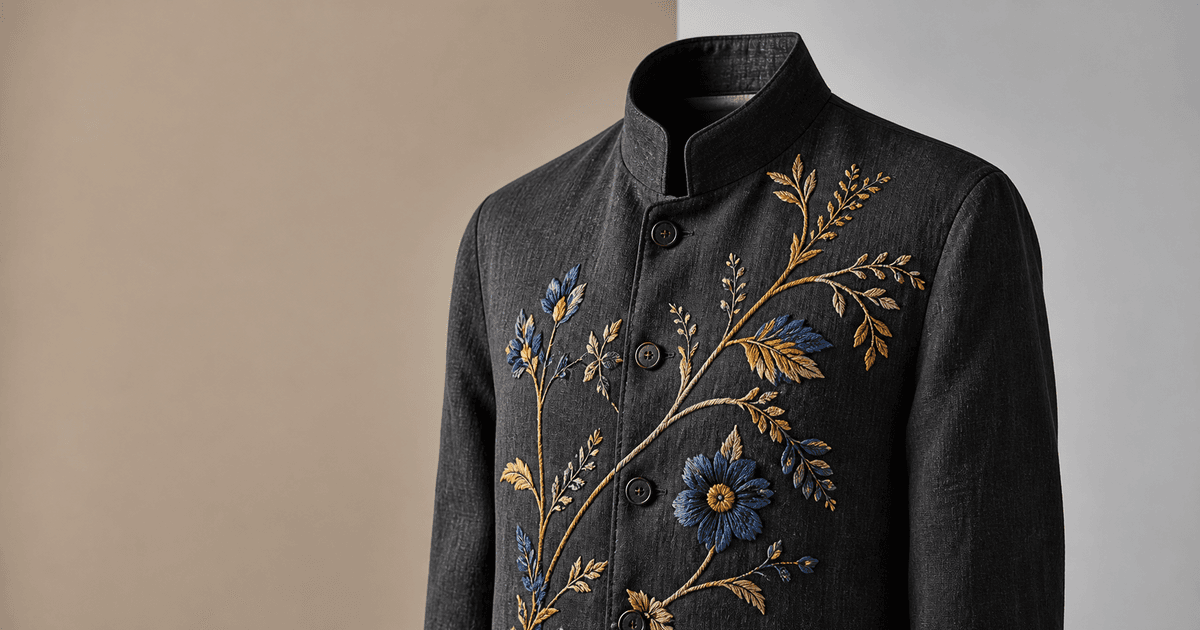
Replace an apparel photo background while preserving exact embroidery, thread texture, garment edges, color, construction, and honest product condition.
Quick answer
Use the highest-resolution authorized apparel photo plus a sharp detail reference of the exact embroidery. Mask only outside the garment and ask Nano Banana 2 to replace the background while locking every stitched edge, thread direction, thread color, relief, small gap, backing visibility, seam, fabric texture, silhouette, and shadow contact. Review the boundary at 100 percent and compare it with the physical sample. If the new background changes perceived thread color or hides truthful wear, revise the light rather than repainting the embroidery.
Who this guide is for
Apparel brands, embroidery studios, marketplace sellers, resale teams, catalog retouchers, and agencies adapting one approved garment image for storefront, marketplace, email, and social ratios.
Recommended model
| Use case | Recommended model | Why |
|---|---|---|
| This workflow | Nano Banana 2 image-to-image for a tightly masked background change | A localized source-led edit can preserve the uploaded garment while changing only the surrounding surface and backdrop. |
AIBase is an independent creative platform. Model names are shown only to identify supported underlying technologies and workflow choices.
Prompt template
Edit the uploaded authorized apparel photo. Replace only the masked background with [specific surface and backdrop]. Preserve the exact garment silhouette, edge fibers, embroidery motif, stitch paths, stitch density, thread direction, thread colors, sheen, raised relief, intentional gaps, backing visibility, fabric weave or knit, seams, folds, wrinkles, pilling, wear, labels, hardware, color, exposure, contact shadow, crop, camera, and every unmasked pixel. Match the new background perspective and light to the existing garment without relighting or redrawing it. No embroidery repair, thread cleanup, motif completion, smoothing, recoloring, reshaping, new word, logo change, prop overlap, hand, mannequin change, or watermark.
Step-by-step workflow
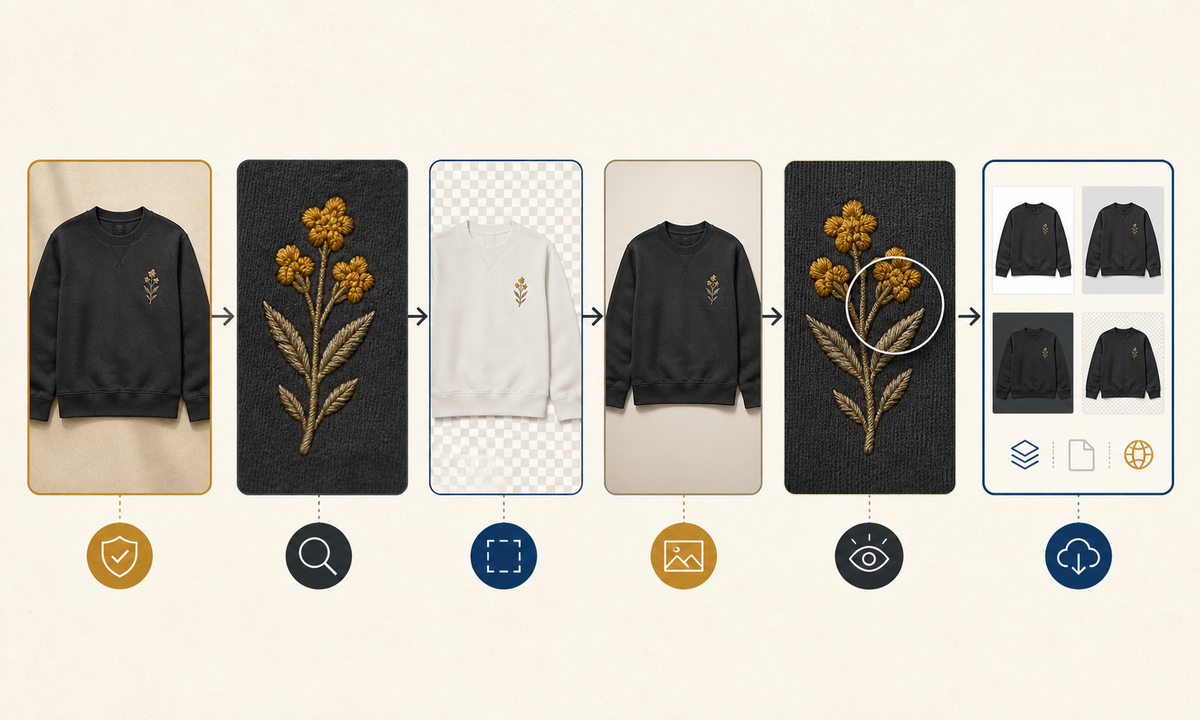
- Confirm rights, exact SKU, colorway, size sample, embroidery revision, material, truthful condition, and required channel ratios.
- Capture a full garment master and a color-managed macro reference showing stitch paths, relief, thread sheen, gaps, edge fibers, and any intentional irregularity.
- Trace a narrow outside-only mask around the garment and protect open embroidery gaps, fringe, lace, transparent areas, hair, straps, and contact shadows separately.
- Generate one neutral background first with the camera and garment locked, then derive channel crops from that approved master instead of regenerating the product.
- Compare source, detail reference, and result at full frame and 100 percent for motif geometry, thread count impression, edge halos, color shift, texture smoothing, and false repairs.
- Retain the source, mask, prompt, output, color review, merchandising approval, and exports linked to the SKU.
Example prompt variants
- Flat-lay embroidered linen blouse on a warm pale-stone surface, preserve every blue floral stitch, open gap, linen slub, sleeve edge, wrinkle and soft lower-left contact shadow.
- Black sweatshirt cutout on a neutral gray seamless background, preserve dense chest lettering embroidery as source pixels, exact raised thread sheen, ribbing, lint, silhouette and crop; no text regeneration.
- Hand-embroidered resale jacket on a muted paper backdrop, preserve irregular stitches, fading, missing thread, repairs, patina, seams and disclosed wear; change only the outside background.
Quality checklist
- SKU, colorway, sample condition, motif, stitch paths, thread colors, relief, gaps, backing, fabric, construction, labels, and hardware match approved references.
- Garment edges, open spaces, fringe, lace, transparent regions, folds, contact shadow, camera, and crop remain source-faithful without halos.
- No intentional irregularity, fading, pull, missing thread, repair, pilling, wrinkle, or wear has been hidden or beautified.
- The new surface, perspective, light, and color contrast look coherent without changing perceived garment or thread color.
- Source, detail reference, mask, prompt, comparisons, approvals, master, and channel exports remain traceable.
Mistakes to avoid
- Using a broad replace-background prompt that redraws small stitches, lace gaps, fringe, straps, or garment edges.
- Treating hand-made irregularity, fading, missing thread, repairs, or resale wear as defects to complete or clean.
- Letting the new background cast a colored light that materially changes the apparent garment or embroidery color.
- Regenerating each crop separately and allowing the motif, thread relief, folds, or condition to vary across channels.
Related AIBase pages
- Open Nano Banana 2 image editing
- Change a background while keeping the subject
- Remove loose apparel threads carefully
Practical next step
Open the most relevant AIBase generator, run one narrow prompt first, and save the best result before adding more constraints. The fastest way to improve output quality is to compare one variable at a time: subject, camera, background, lighting, then final polish.