
Veo 3.1 Fast vs Pro Video Generation: Which One Should You Pick?
Compare Veo 3.1 Fast and Veo 3.1 Pro for prompt testing, polished clips, ad concepts, and iteration speed.
Quick answer
Use Veo 3.1 Fast when you are still testing the idea, and Veo 3.1 Pro when the prompt direction is already clear and the output needs more polish.
Who this guide is for
Users deciding whether a prompt is worth refining, or teams planning social video, product demos, and campaign concept clips.
Recommended model
| Use case | Recommended model | Why |
|---|---|---|
| This workflow | Veo 3.1 Fast for exploration, Veo 3.1 Pro for final candidate generation | AIBase exposes both options, so the practical choice is not which is universally better, but where you are in the creative process. |
AIBase is an independent creative platform. Model names are shown only to identify supported underlying technologies and workflow choices.
Prompt template
Create a [duration] video of [subject/action] for [use case]. Scene: [setting]. Camera: [movement]. Mood: [emotion]. Use Fast for prompt exploration or Pro for final detail. Keep [critical details] stable.
Step-by-step workflow
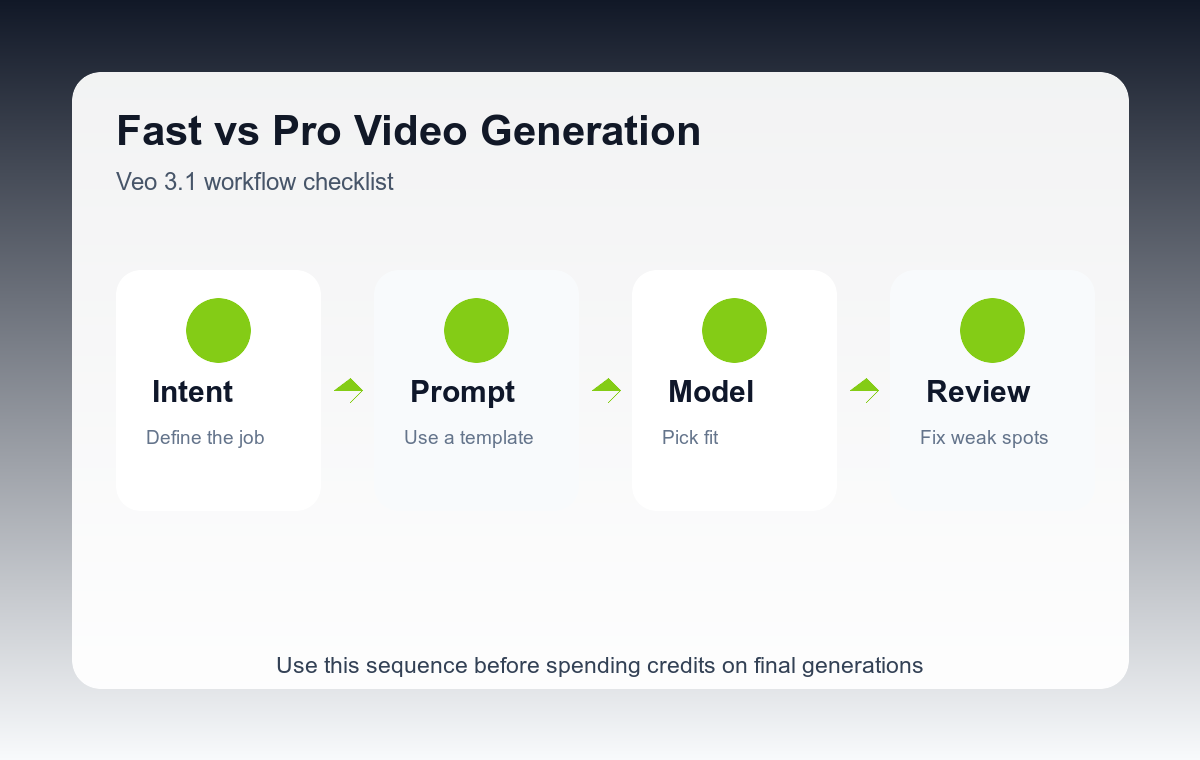
- Use Fast to test the basic action, framing, and pacing.
- Keep notes on which prompt elements changed the output most.
- Remove weak details before moving to Pro instead of adding more adjectives.
- Use Pro for the two or three best prompt directions.
- Compare final candidates by motion clarity, subject stability, and usefulness for the campaign.
Example prompt variants
- A compact electric bike gliding through a quiet city street at sunrise, smooth side tracking shot, practical commuter mood.
- A skincare product standing on wet stone while mist moves behind it, slow push-in camera, premium spa atmosphere.
- A creator desk setup transitioning from messy to organized, subtle time-lapse motion, warm afternoon light.
Quality checklist
- Fast outputs answer whether the idea works.
- Pro outputs improve detail without changing the core concept.
- Camera motion is readable and not overcomplicated.
- The chosen clip serves one clear marketing or creative job.
Mistakes to avoid
- Starting with Pro before knowing whether the prompt direction works.
- Changing too many prompt variables between Fast and Pro tests.
- Judging only visual polish and ignoring story clarity.
Related AIBase pages
Practical next step
Open the most relevant AIBase generator, run one narrow prompt first, and save the best result before adding more constraints. The fastest way to improve output quality is to compare one variable at a time: subject, camera, background, lighting, then final polish.