
Wan 2.7 Carabiner Gate Opening Product Video Prompts
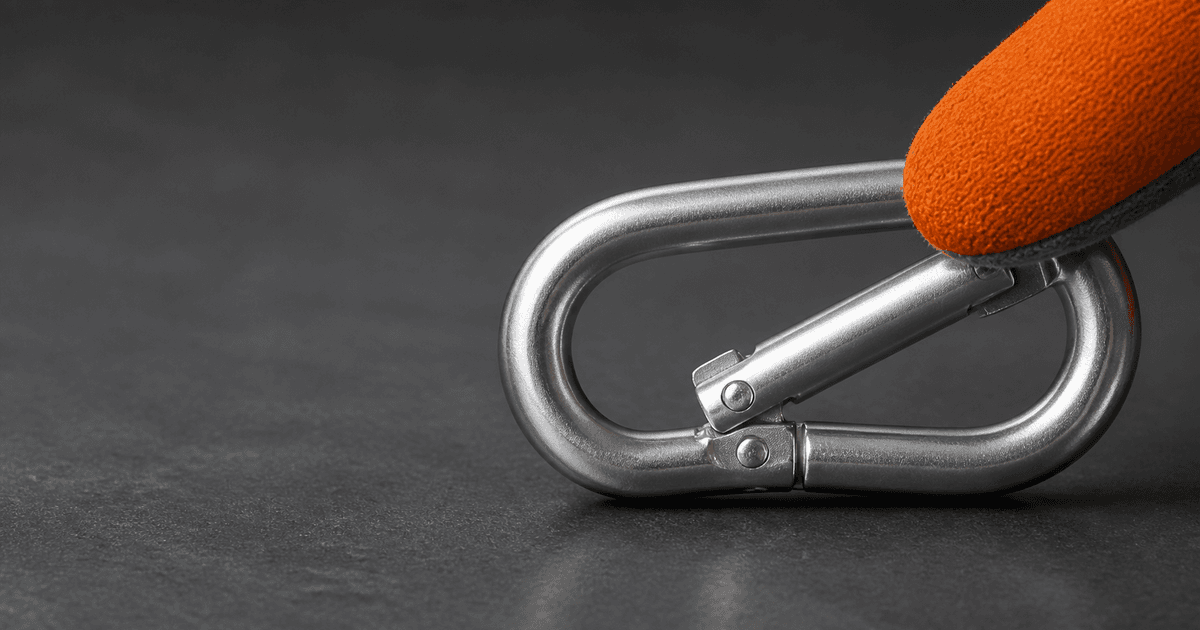
Animate one verified carabiner gate opening or closing action while preserving body, nose, hinge, spring, sleeve state, hand contact, unloaded setup, and safety truth.
Quick answer
Use an authorized sharp image of the exact carabiner revision in a safe unloaded tabletop demonstration. Confirm body profile, spine, gate type, hinge pin, nose or keylock shape, spring direction, sleeve and lock state, markings zones, hand position, pivot, travel, and endpoint from manufacturer references or real capture. Ask Wan 2.7 for one small gate opening or closing movement only, then hold. Never show climbing, fall arrest, belaying, rigging, load, rope clipping, strength, certification, auto-locking, safe closure, or correct use as a generated outcome.
Who this guide is for
Outdoor brands, hardware sellers, industrial suppliers, product educators, and marketplace teams creating restrained mechanism inserts for exact accessory SKUs in non-load-bearing demonstrations.
Recommended model
| Use case | Recommended model | Why |
|---|---|---|
| This workflow | Wan 2.7 image-to-video for one low-amplitude verified gate movement | A close source image and narrowly mapped hinge action can anchor product motion while real demonstrations remain required for life-safety use, locking behavior, load, and certification claims. |
AIBase is an independent creative platform. Model names are shown only to identify supported underlying technologies and workflow choices.
Prompt template
Animate the uploaded authorized [exact carabiner SKU and revision] image as the exact first frame in a safe unloaded tabletop setup. Preserve body profile and cross-section visible in source, spine, basket, gate type, gate thickness, hinge barrel and pin, spring, nose or keylock geometry, sleeve shape and current lock state, fasteners, markings as protected shapes, finish, scratches, hand count, fingers, grip, support, surface, camera, crop, light, reflections and shadows. Motion only: the existing gate rotates inward through the documented [angle] around the hinge over [3-4 seconds], then holds; sleeve remains [verified fixed state]. No rope, sling, harness, anchor, load, climbing, belaying, rigging, fall, snap-back, auto-lock cycle, extra gate, repaired wear, word, logo change, strength, certification, safety proof, sound or watermark.
Step-by-step workflow
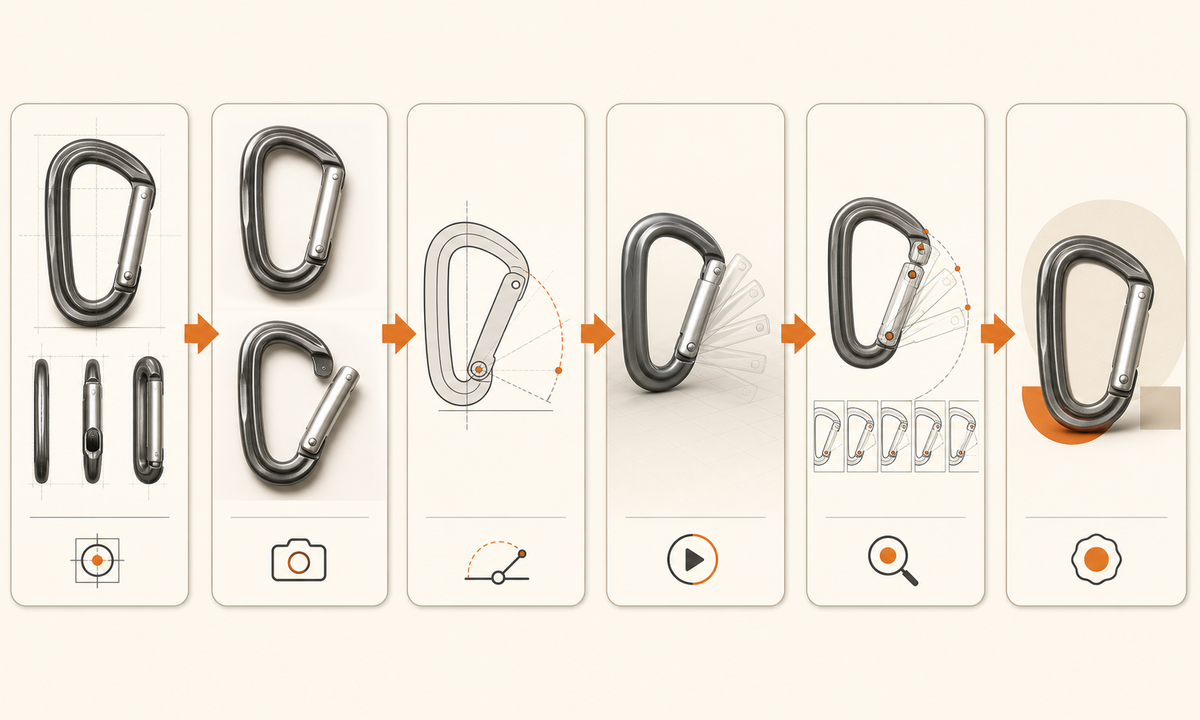
- Freeze exact SKU, revision, intended category, gate and nose type, sleeve and lock sequence, hinge, spring direction, travel, return behavior, markings, ratings, inspection criteria, warnings, prohibited uses, and rights.
- Capture unloaded open, closed, locked, unlocked, spine, nose, hinge, sleeve, marking, wear, and hand-contact views on a stable surface; retain real video for any instructional use.
- Draw a motion map for one gate pivot with start angle, direction, endpoint, sleeve state, finger contact, support, and all fixed product surfaces.
- Generate a low-speed inward gate movement without rope or load; do not combine sleeve operation, gate opening, clipping, release, spring return, locking, inspection, or use.
- Inspect every frame for body deformation, floating hinge, changing nose, gate length, sleeve drift, extra fingers, impossible overlap, snap-back, contact, reflections, and endpoint coherence.
- Add verified product name, category, ratings, standards, inspection, warnings, compatible use, disclosure, captions, support, and CTA separately from generated pixels.
Example prompt variants
- Three-second macro: the approved non-locking accessory carabiner gate rotates inward through its documented short arc under one visible thumb and holds, preserve hinge, nose, body, finish, hand, tabletop and locked camera; no rope or load.
- Four-second close product detail: the exact screw-lock carabiner remains unlocked while only the gate opens slightly and stops; preserve sleeve position, threads, nose, markings zones and unloaded support.
- Five-second no-operation alternative: the approved carabiner remains closed and motionless while one narrow studio highlight travels across the body, no gate, sleeve, hand, camera, use or safety implication.
Quality checklist
- SKU, revision, body, gate, hinge, nose, spring, sleeve, lock state, markings zones, wear, motion direction, travel, endpoint, and unloaded setup match sources.
- Body and gate geometry, hinge contact, hand anatomy, support, reflections, shadows, and endpoint remain coherent through every frame.
- No rope, sling, harness, anchor, load, climb, belay, rigging, fall, spring-return proof, auto-lock, inspection pass, strength, standard, or safety outcome appears.
- The clip is labeled illustrative and does not replace manufacturer instructions, real demonstration, inspection, training, certification, or life-safety evidence.
- Truth sheet, references, motion map, prompt, output, frame review, safety and product approval, disclosure, listing state, and export remain traceable.
Mistakes to avoid
- Animating a loaded or in-use climbing setup and creating unsafe hand, rope, gate, or anchor behavior.
- Confusing straight, bent, wire, keylock, hook-nose, screw-lock, twist-lock, or auto-lock geometry and sequence.
- Combining sleeve rotation, gate opening, rope clipping, spring return, lock confirmation, and load in one generated clip.
- Using smooth synthetic movement as proof of spring condition, lock engagement, strength, certification, ease, durability, or safe use.
Related AIBase pages
Practical next step
Open the most relevant AIBase generator, run one narrow prompt first, and save the best result before adding more constraints. The fastest way to improve output quality is to compare one variable at a time: subject, camera, background, lighting, then final polish.